
Tutorial

From Open University to Beacon: Where to Find Your Content

  • July 17, 2026
  • 6 replies
  • 110 views

Natalia Rozhikhina
Acumatica Moderator
Forum|alt.badge.img

In this article, we'll show you where to find the materials that were previously available in Open University and how to access them in Beacon.

Training Guides

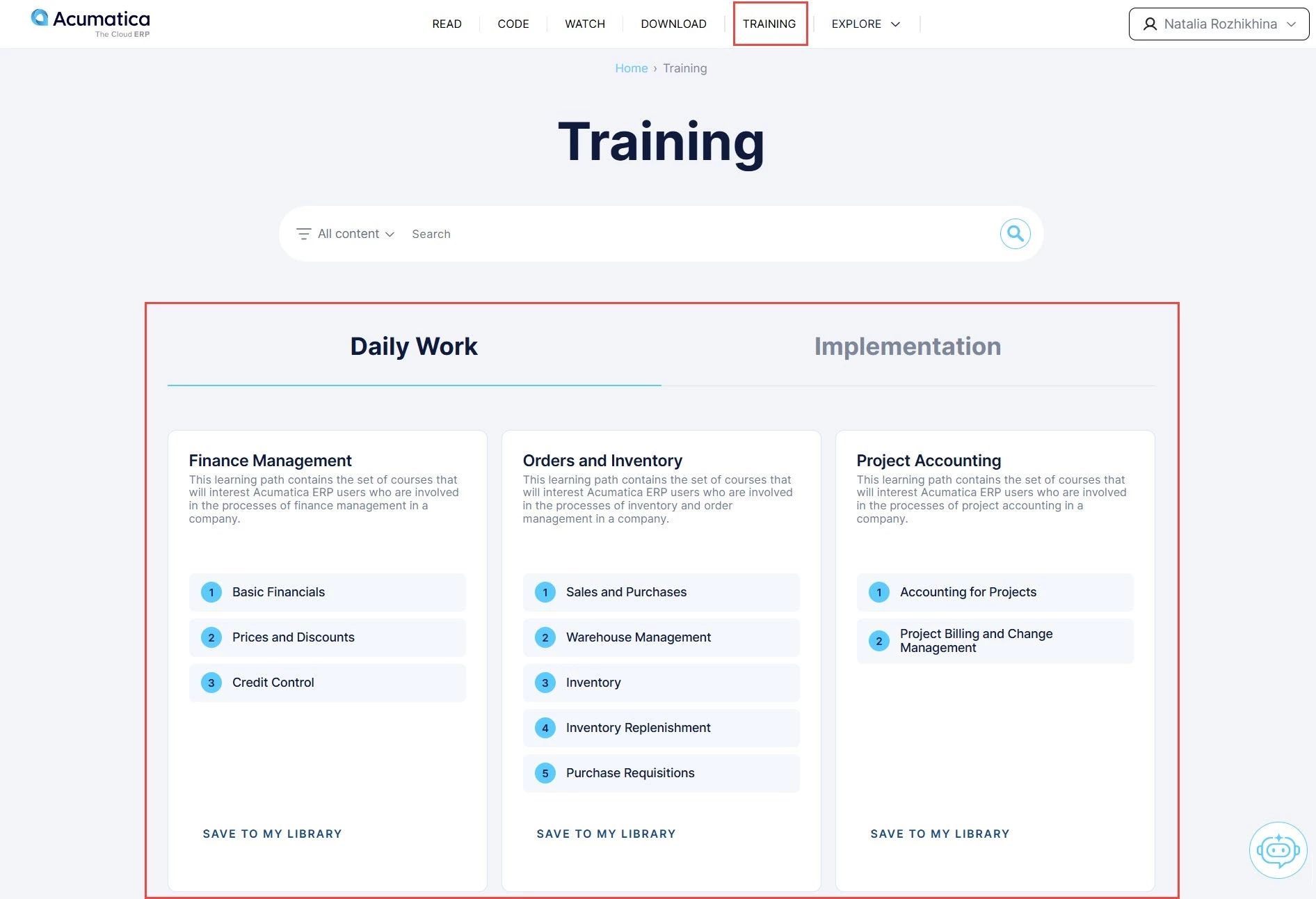
Training guides are now available on the Training page. There, you'll find learning paths for your daily work and for product implementation.
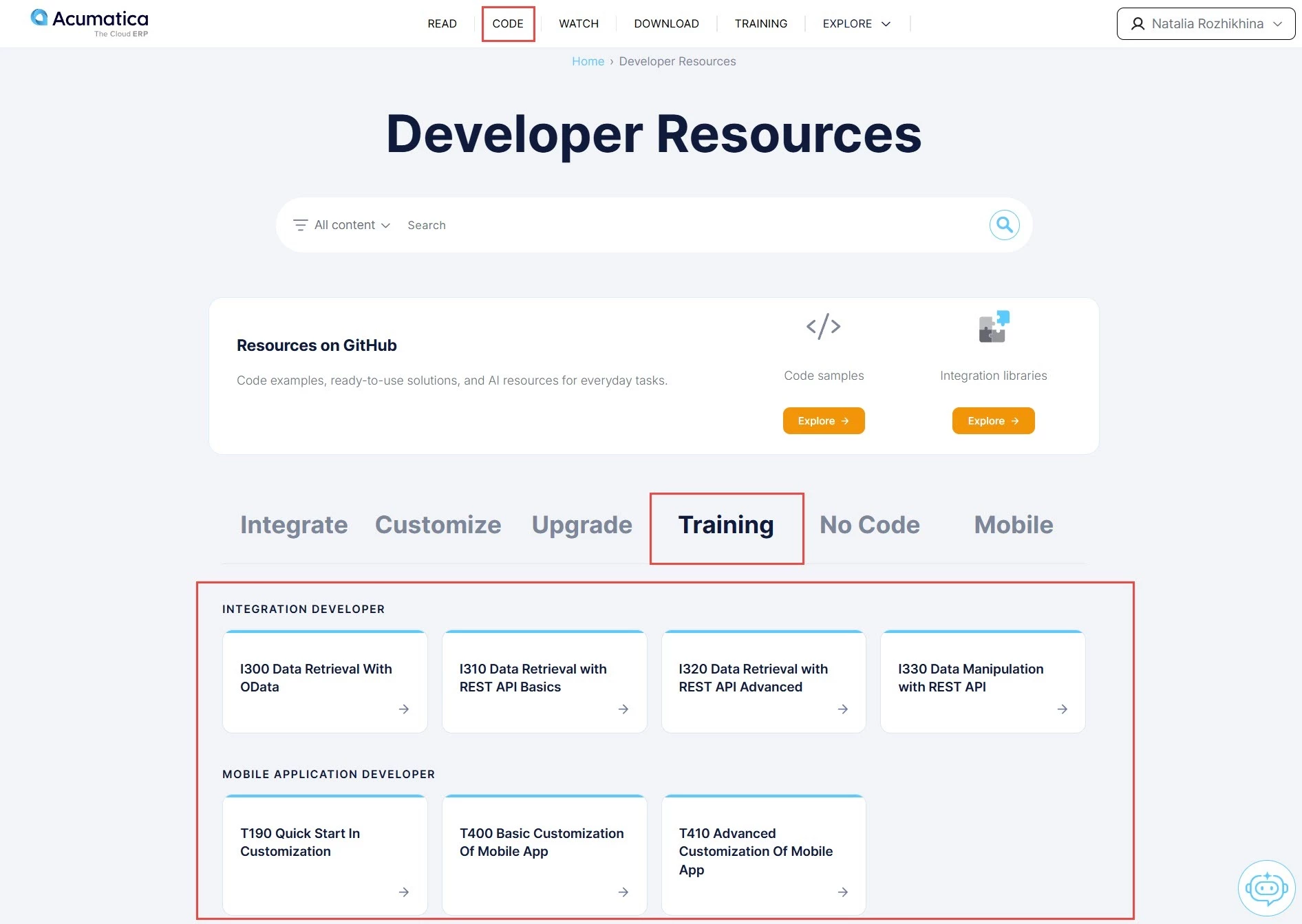
Developer training is available on the Training tab of the Code page.
Job Aids

Job aids are now available on the Download page of Beacon.
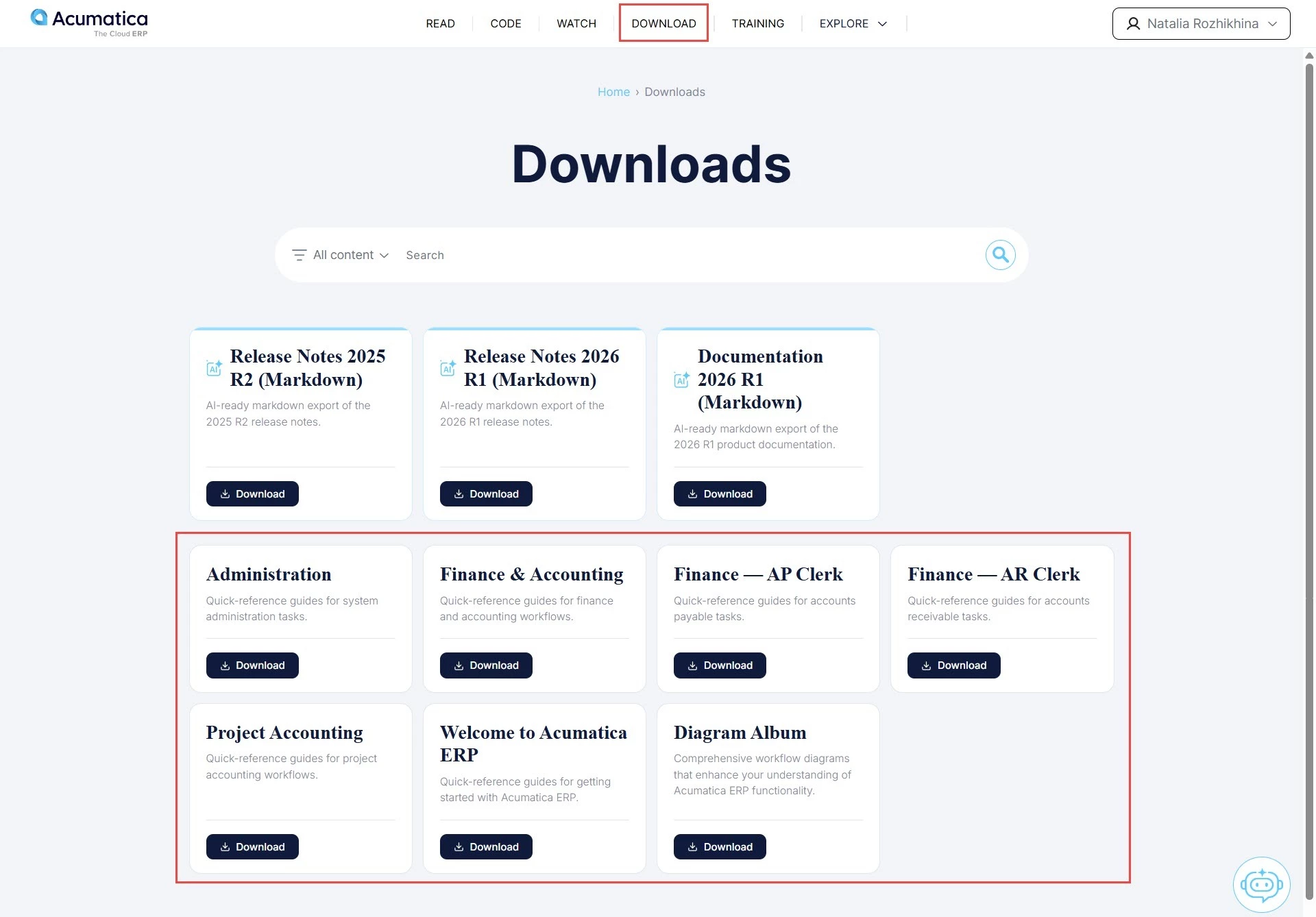
 

Don’t see available job aids? Make sure you are signed in. Job aids are available for customers and partners.

Videos

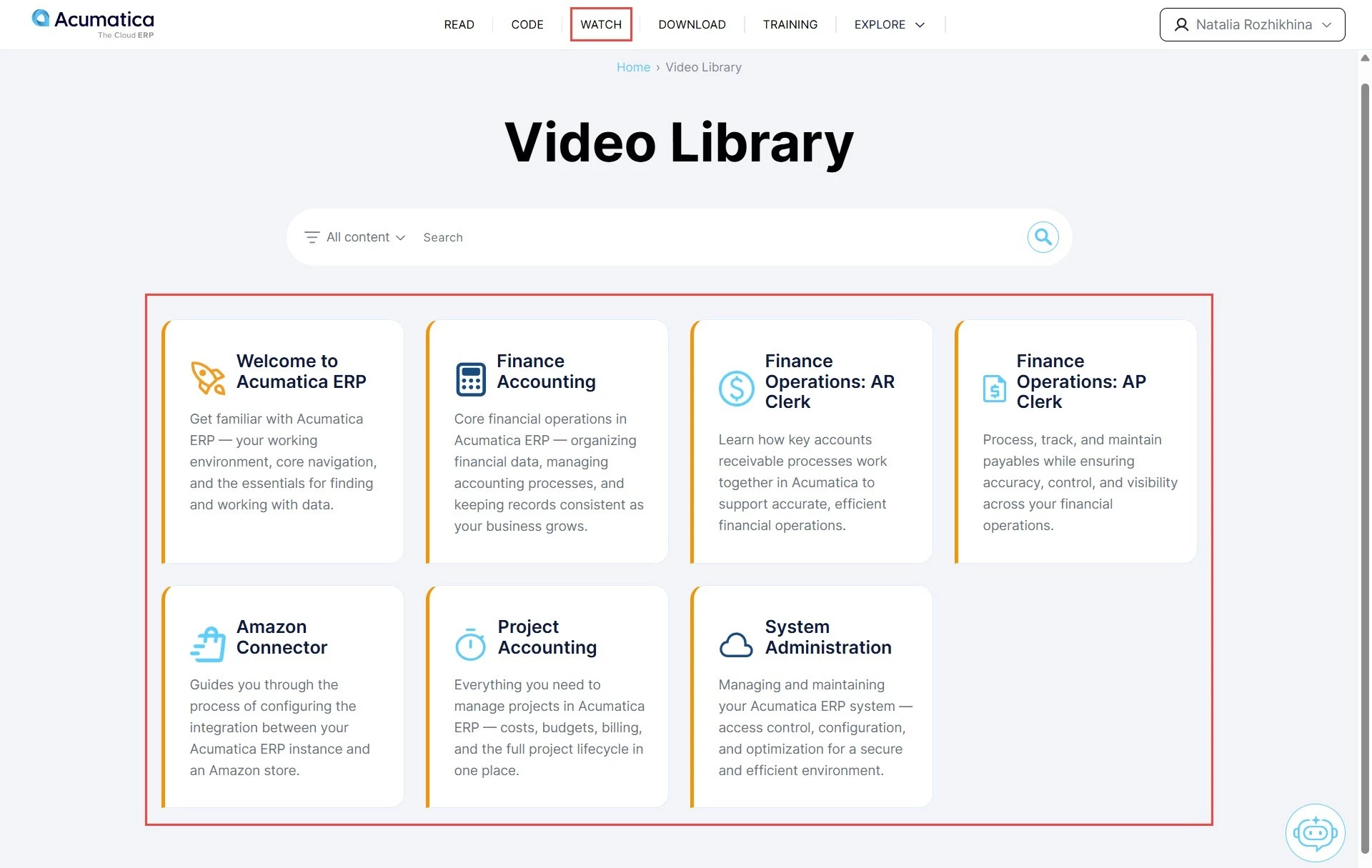
Our videos are now available for partners and customers on the Watch page. Instead of long webinar recordings, you'll find short, focused videos covering a variety of topics.
You're all set to explore Beacon! If you can't find something you're looking for, contact us at training@acumatica.com, and we'll be happy to help.

6 replies

TimRodman
Pro III
Forum|alt.badge.img+1
  • Pro III
  • July 17, 2026

After going to Training → Implementation and clicking the SAVE TO MY LIBRARY button under a set of training documents, where do they go? I can't find them.


Natalia Rozhikhina
Acumatica Moderator
Forum|alt.badge.img

Hi ​ @TimRodman, ​

When you save materials to your library, do the following:

  1. Click your name in the top-right corner
  2. Open My Books and find the book you saved

You can read the content directly on the site, or:

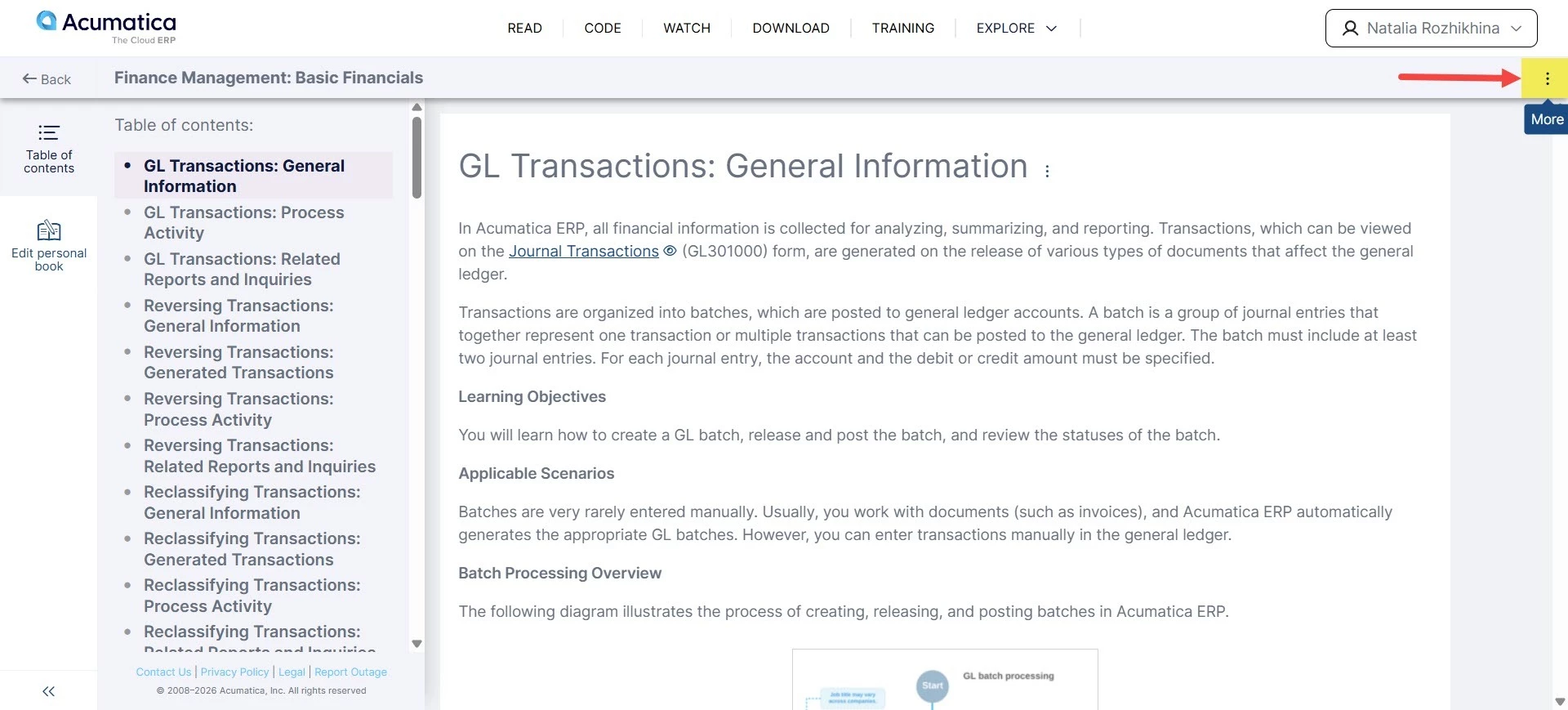
  1. Click the three dots next to the book name (as shown in the screenshot)
  2. A menu will appear with a share link and an option to download the PDF


TimRodman
Pro III
Forum|alt.badge.img+1
  • Pro III
  • July 20, 2026

@Natalia Rozhikhina thank you for the reply. Ah, I think I see where the problem is now. I think it has to do with the specific books that I'm trying to add to my library.


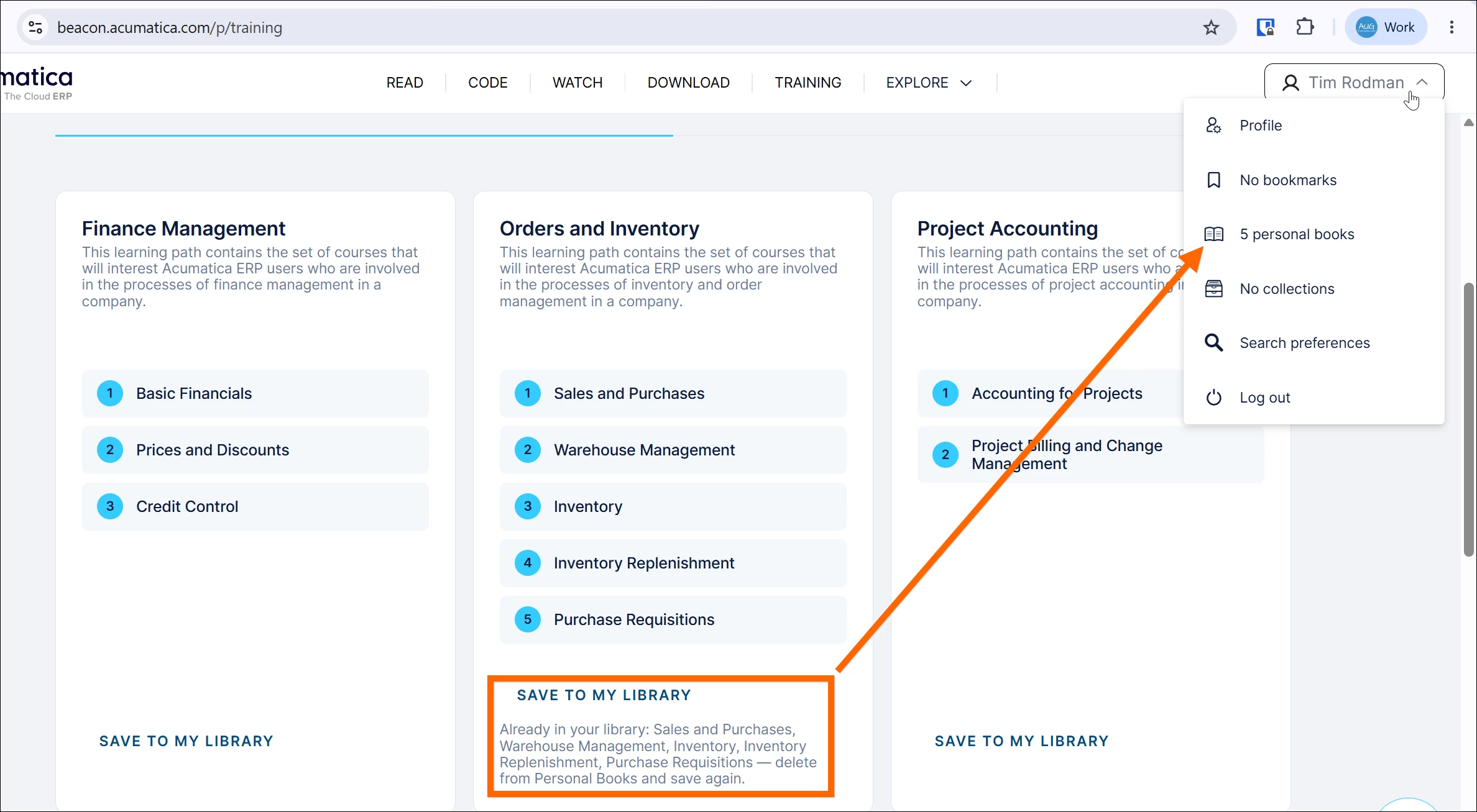
When I go to Daily Work → Orders and Inventory and click SAVE TO MY LIBRARY, then I get a message that they were added and those 5 books appear in 5 personal books.
See 1st screenshot below.


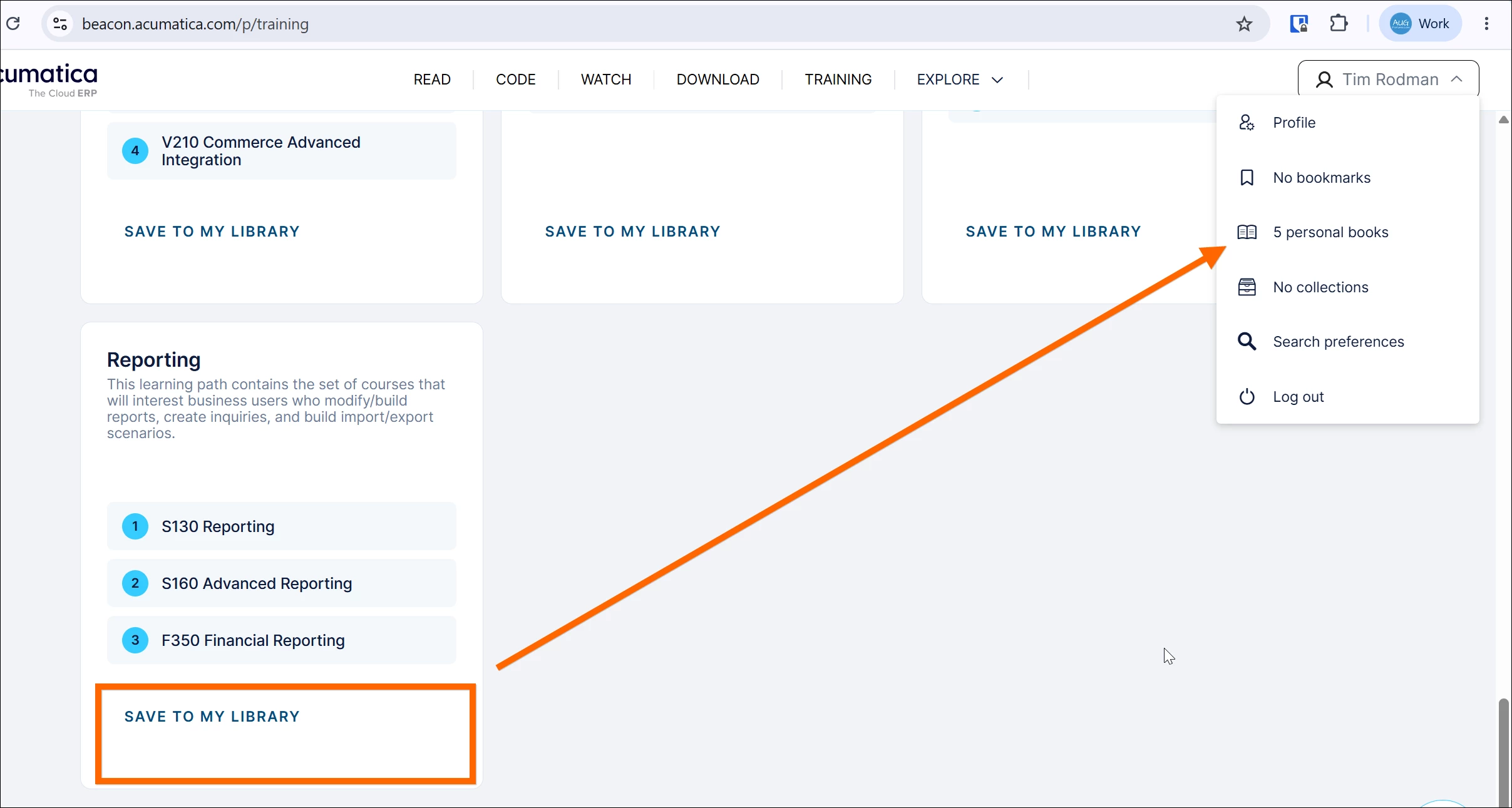
However, when I go to Implementation → Reporting and click SAVE TO MY LIBRARY, then I get a “Preparing” message, but never a “Success” message, and those 3 books don’t get added to what should now say 8 personal books.
See 2nd screenshot below.


Natalia Rozhikhina
Acumatica Moderator
Forum|alt.badge.img

@TimRodman, thank you for letting us know about this issue.

Could you please refresh your browser using Ctrl+F5 and try saving the learning path again? We’ve applied some fixes, and it should work now.


TimRodman
Pro III
Forum|alt.badge.img+1
  • Pro III
  • July 21, 2026

Boo ya! It’s working now. Thank you!


  • Freshman I
  • July 23, 2026

Hi Natalia,

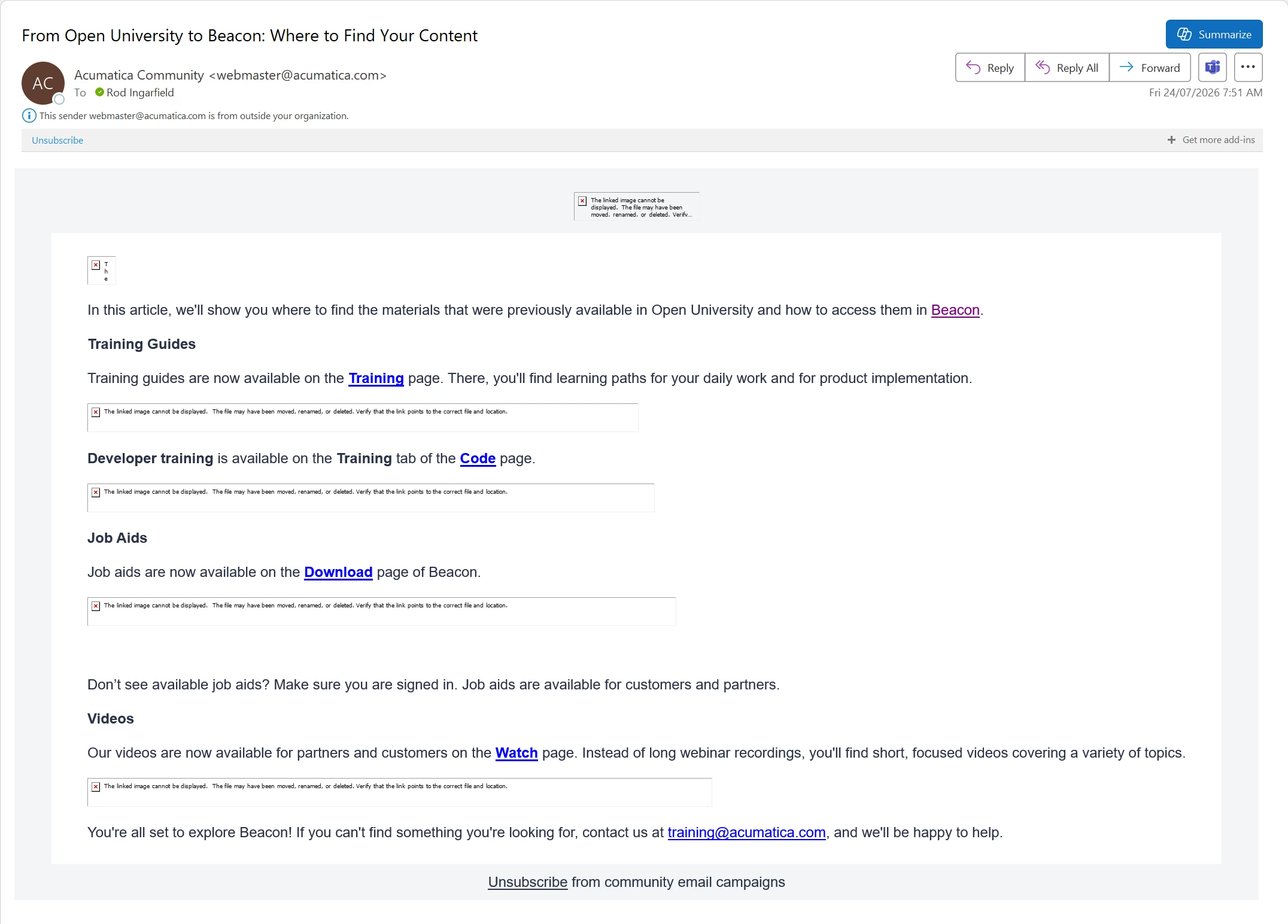
A bit of feedback. The Community Announcement email I received this morning has broken image links. See image below.

I am a Partner via MYOB Acumatica, but I’m in Australia, so maybe there is some permissions issue?

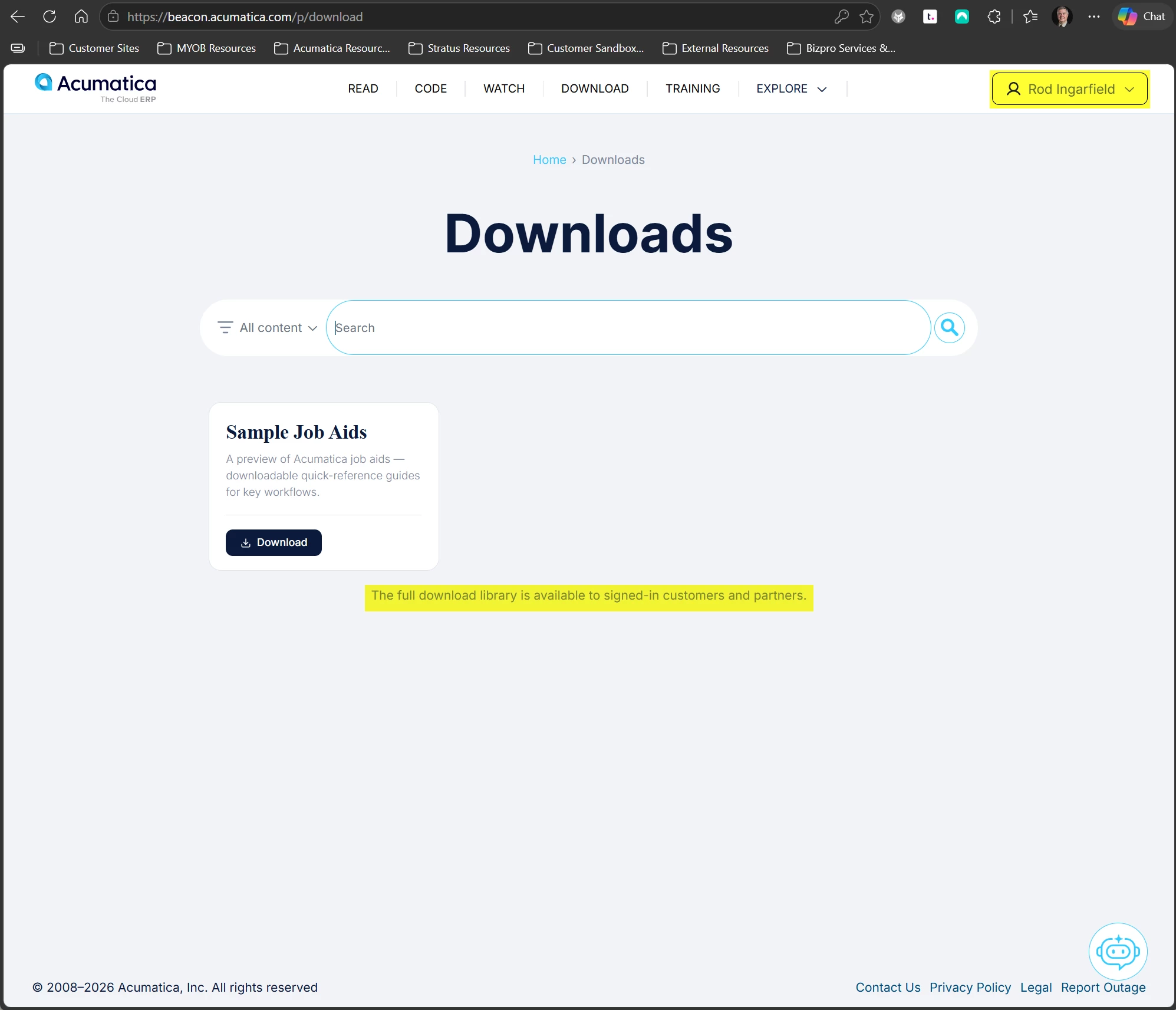
Also, when I go to the Job Aids section, I am only shown the sample, as per second image. The site seems to think that I am not logged in, but I am.

I know this is a work in progress, but the email today did say that the Job Aids are now available, so I’m wondering if there is an access rights issue.

Rod