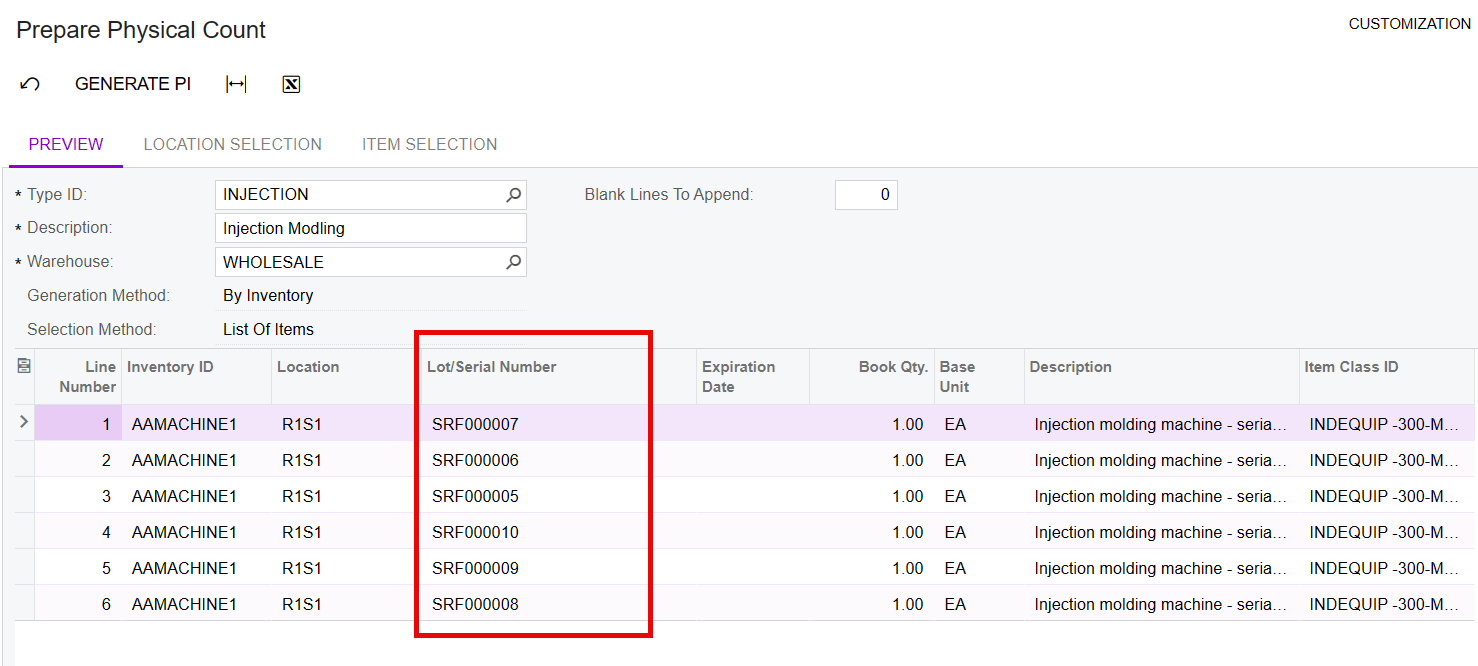
Hi, we have a few serialized products. When I generate a PI and print Physical Count Sheets, it wants to print 20 pages for one item because it has each serial number on a separate line. I would like to just count by Stock Item Number and assume all the serial numbers are correct.
For example, instead of seeing 50 lines for #ABC123 with each line having a unique serial number, I’d like to see 1 line that says #ABC001 book qty 50, and an empty box for me to count the #ABC001 and say we have 50. Any ideas?
Best answer by Robert Sternberg
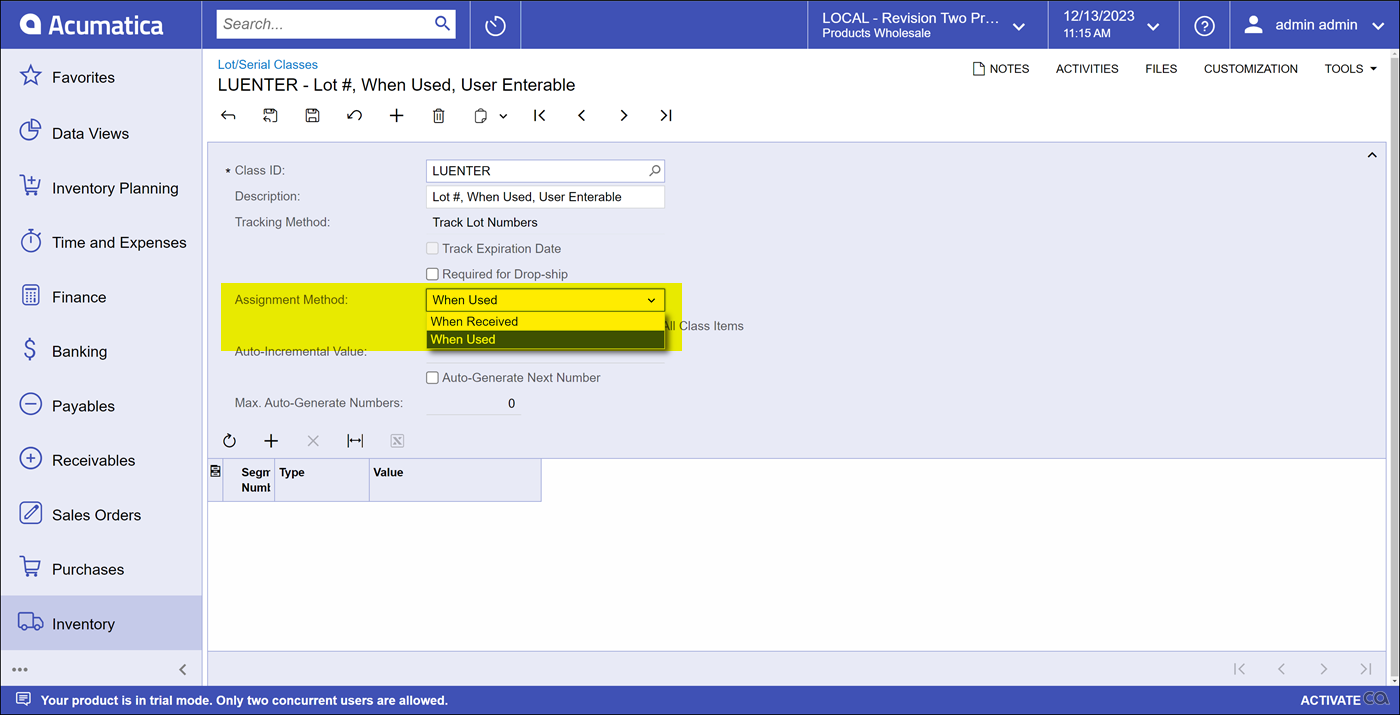
If your assignment method for the Lot/Serial class is ‘when received’ lot/serial number based physical inventory is the only option. @PatrickSchlenker90 is correct, the system would not know what to adjust without some feedback.
If your assignment method for the Lot/Serial class is ‘when used’ lot/serial numbers are NOT required for physical inventory and resulting adjustments from physical counts will not include the Lot/Serial number.
In essence the ‘when used’ assignment method will allow you to bypass the lot/serial requirement of physical inventory counts.
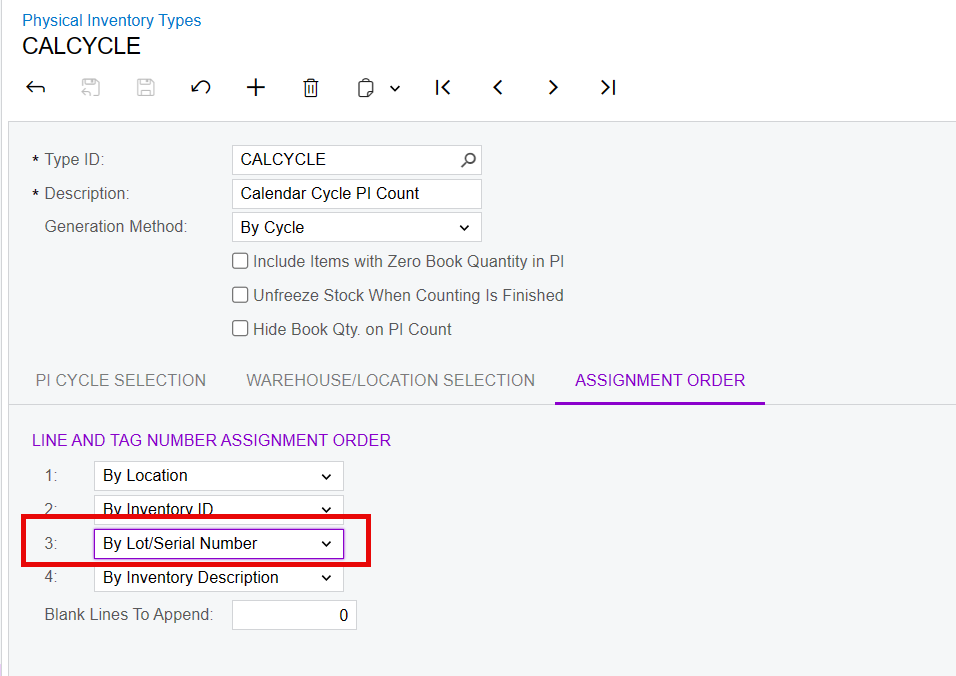
@NathanKahn : from my point of view you have to count all items with serial-numbers. How the system should decide, which serial-number is missing and have to adjust, if you only count 49?
If your assignment method for the Lot/Serial class is ‘when received’ lot/serial number based physical inventory is the only option. @PatrickSchlenker90 is correct, the system would not know what to adjust without some feedback.
If your assignment method for the Lot/Serial class is ‘when used’ lot/serial numbers are NOT required for physical inventory and resulting adjustments from physical counts will not include the Lot/Serial number.
In essence the ‘when used’ assignment method will allow you to bypass the lot/serial requirement of physical inventory counts.