Answer

Why does adding a popup dialog to Opportunities prevent the address lookup map from loading?

  • May 30, 2024
  • 10 replies
  • 184 views

darylbowman
Captain II
Forum|alt.badge.img+15

Related to this question.

I can’t figure out why adding a popup dialog to Opportunities breaks the address lookup map.

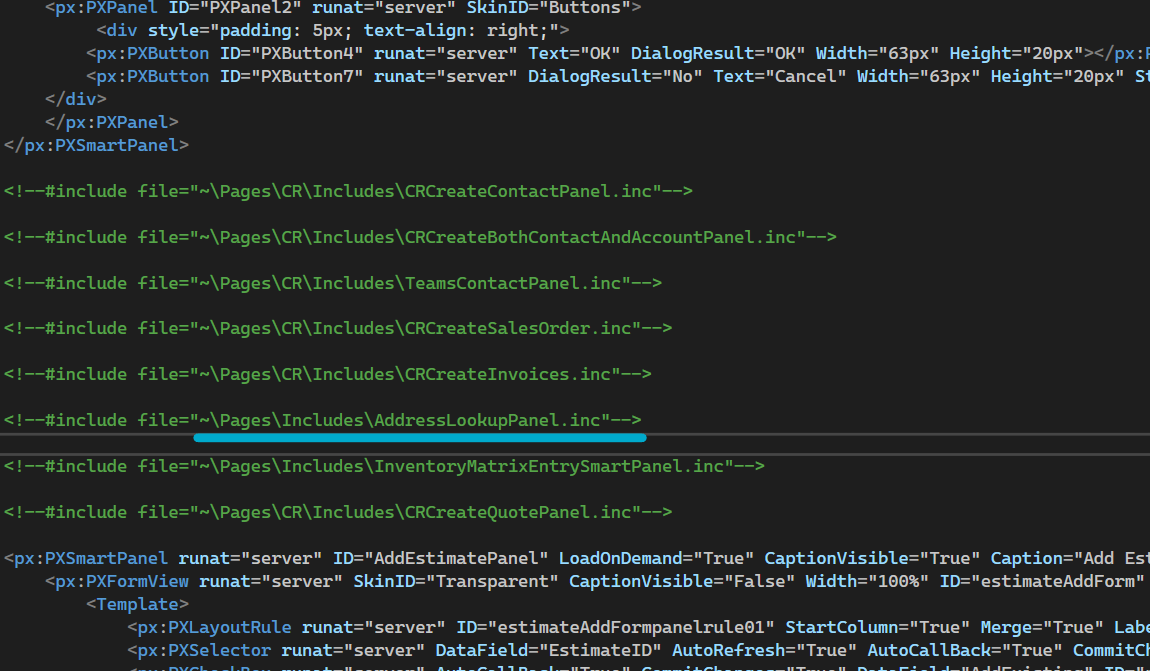
I can see that the ASPX page uses #include to load in some panel templates.


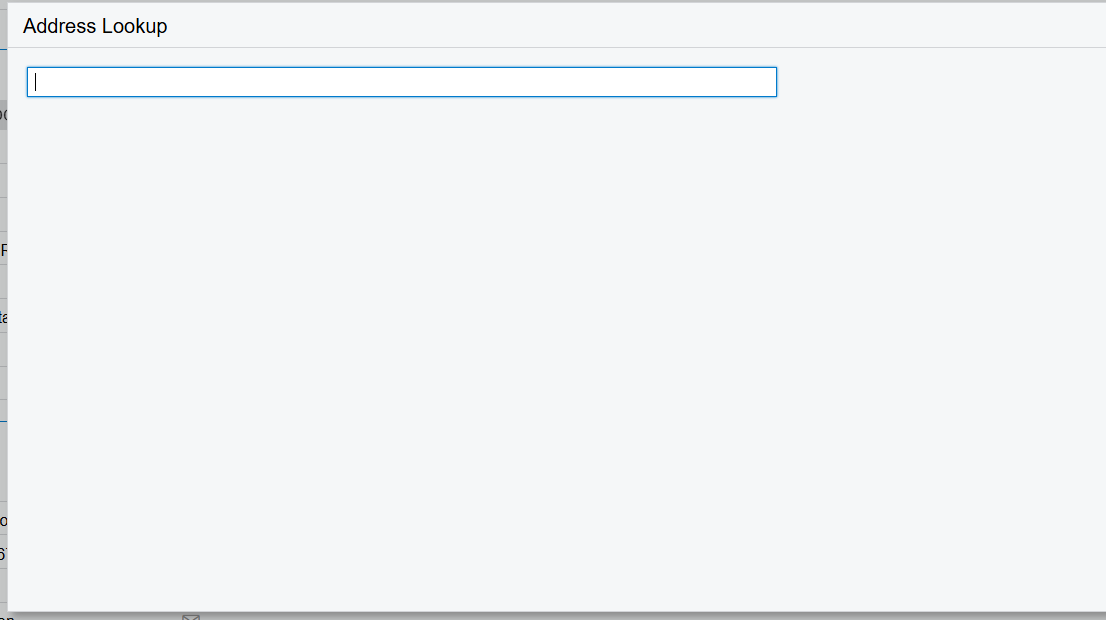
This is the broken result of the ‘Address Lookup’ button after adding my popup dialog element:


Best answer by darylbowman

I snagged this from this answer:

public OpportunityMaint_Extension : PXGraphExtension<OpportunityMaint>
{
public override void Initialize()
{
base.Initialize();

// Add the Page_Load event handler
var page = System.Web.HttpContext.Current?.Handler as PX.Web.UI.PXPage;
if (page is object)
page.Load += Page_Load;
}

// Executes the PXAddressLookup script which is broken by the page customization
private void Page_Load(object sender, EventArgs e)
{
var page = (PX.Web.UI.PXPage)sender;
PX.Objects.CS.PXAddressLookup.RegisterClientScript(page, Base);
}
}

This works well and seems like a great solution.

10 replies

Marco Villasenor
Jr Varsity II
Forum|alt.badge.img+2

Could you share your extended page? Either the project XML or the complete page as shown in the “View ASPX” command would work.


darylbowman
Captain II
Forum|alt.badge.img+15

This is my original page, but I tried simply adding a basic popup dialog panel element and the result is the same.


Marco Villasenor
Jr Varsity II
Forum|alt.badge.img+2

Yeah, it is strange ¿what is the name of your element?


darylbowman
Captain II
Forum|alt.badge.img+15

cstCopyOpportunityDialog


Zoltan Febert
Jr Varsity I
Forum|alt.badge.img+3

@darylbowman 

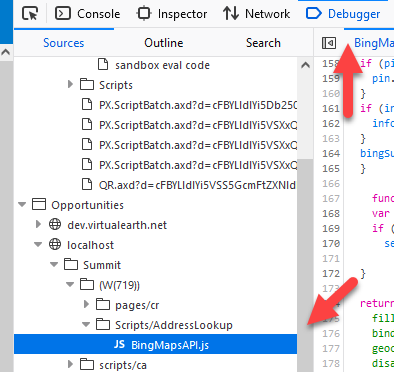
I believe this script shows the map:

It looks like once we add the panel to the screen, the JavaScript code for the map is not loading anymore.


darylbowman
Captain II
Forum|alt.badge.img+15

I suspected as much, but couldn't find hard evidence. Any idea why or how to fix it?


darylbowman
Captain II
Forum|alt.badge.img+15

I think I figured out the problem. I’m not sure how @MarcoL45 discovered that this goes missing from the page, but he’s right.

<% PX.Objects.CS.PXAddressLookup.RegisterClientScript(this, ds.DataGraph); %>

And attempting to include it in the ASPX page doesn’t work because it’s removed by the validation process. Since the AddressLookupPanel.inc is added as an include, it stands to reason that when modifications are made to the ASPX page, the validations removes it there as well. That’s the best I can come up with.

This code determines if Bing or Google maps API should be used, which leaves it out of the page, as @Zoltan Febert figured out. All we need to do is get this to run. In order to do that, I added it into a Page_Load event in the code-behind file CR304000.aspx.cs and replaced the original file. This works!

However, I’m not sure this is actually a great solution, since it’s really not a customization layer anymore, but rather a replacement.

I also attempted to include this with a PXLiteral, but either I did it wrong or it doesn’t work.


Zoltan Febert
Jr Varsity I
Forum|alt.badge.img+3

@darylbowman I think everything is a great solution when we need to fix real Acumatica bugs.


darylbowman
Captain II
Forum|alt.badge.img+15
  • Author
  • Answer
  • May 31, 2024

I snagged this from this answer:

public OpportunityMaint_Extension : PXGraphExtension<OpportunityMaint>
{
public override void Initialize()
{
base.Initialize();

// Add the Page_Load event handler
var page = System.Web.HttpContext.Current?.Handler as PX.Web.UI.PXPage;
if (page is object)
page.Load += Page_Load;
}

// Executes the PXAddressLookup script which is broken by the page customization
private void Page_Load(object sender, EventArgs e)
{
var page = (PX.Web.UI.PXPage)sender;
PX.Objects.CS.PXAddressLookup.RegisterClientScript(page, Base);
}
}

This works well and seems like a great solution.


aaghaei
Captain II
Forum|alt.badge.img+10
  • Captain II
  • October 7, 2024

Great work @darylbowman