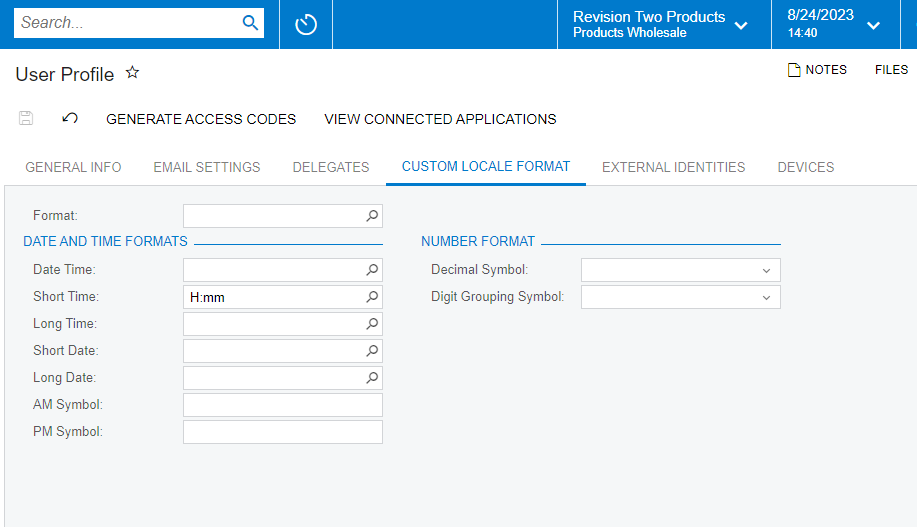
Can Acumatica be configured to display time in a 24 hr (military time) format?
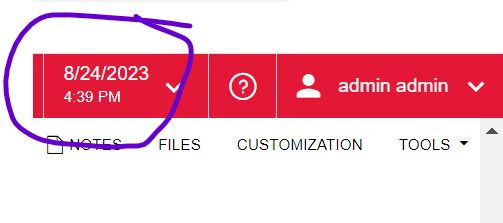



Can Acumatica be configured to display time in a 24 hr (military time) format?
Best answer by meganfriesen37
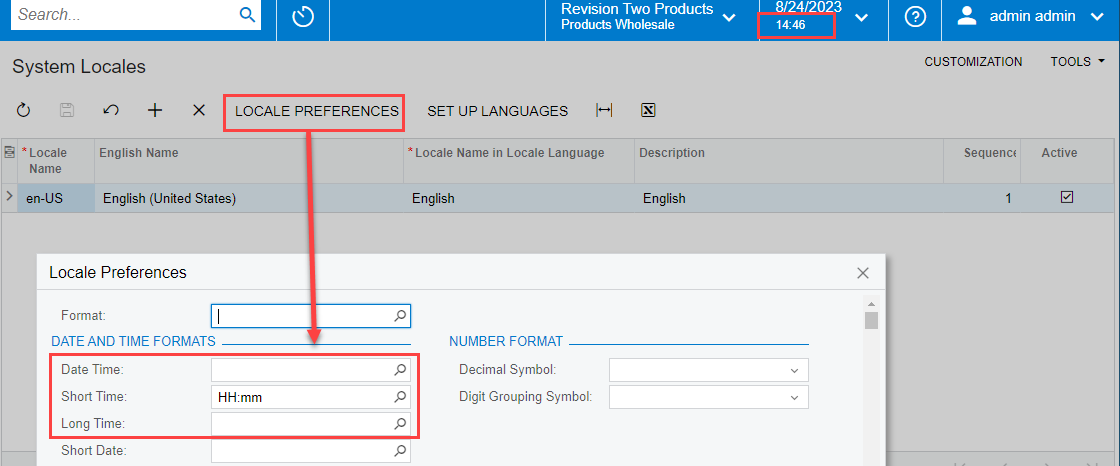
On the System Locales page you can update the date and time formats. Using the “HH” indicator for hours will give you a 24 hour clock. You’ll likely want to update all the Date/Time options so they’re all consistent throughout the system. Then press Close on the pop-up window and Save on the System Locale Pages. Refreshing your screen should update the settings in the header
No account yet? Create an account
Enter your E-mail address. We'll send you an e-mail with instructions to reset your password.