


I am trying to add a UDF with control type “selector” to the main part of a screen, but I get the following error when I do that.
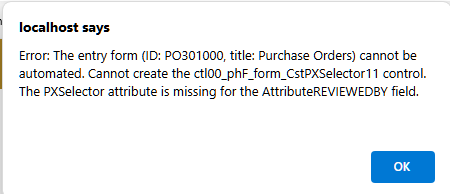
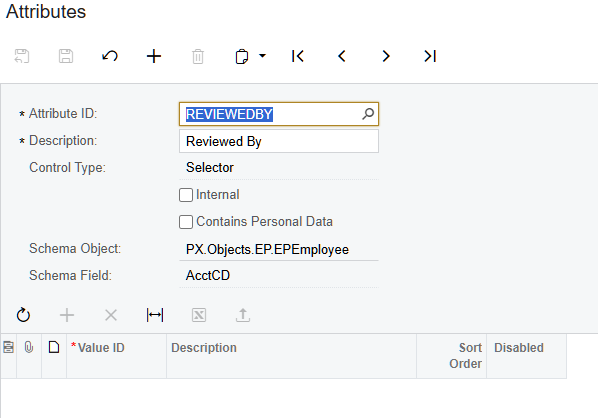
To start from the beginning - I added an attribute with control type “Selector”:
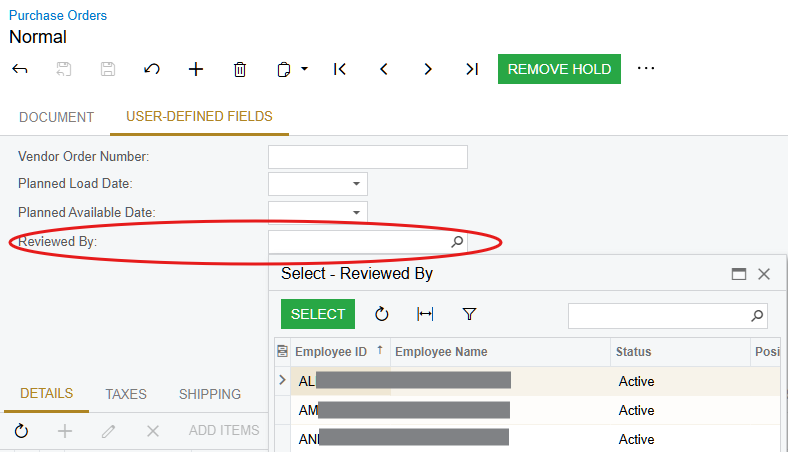
Then I added it as a UDF to the PO screen, which shows up on the “User Defined Fields” tab as a selector:
However, when I try to add it to the main part of the screen, it shows up as control type “TextEdit” instead of “Selector”.
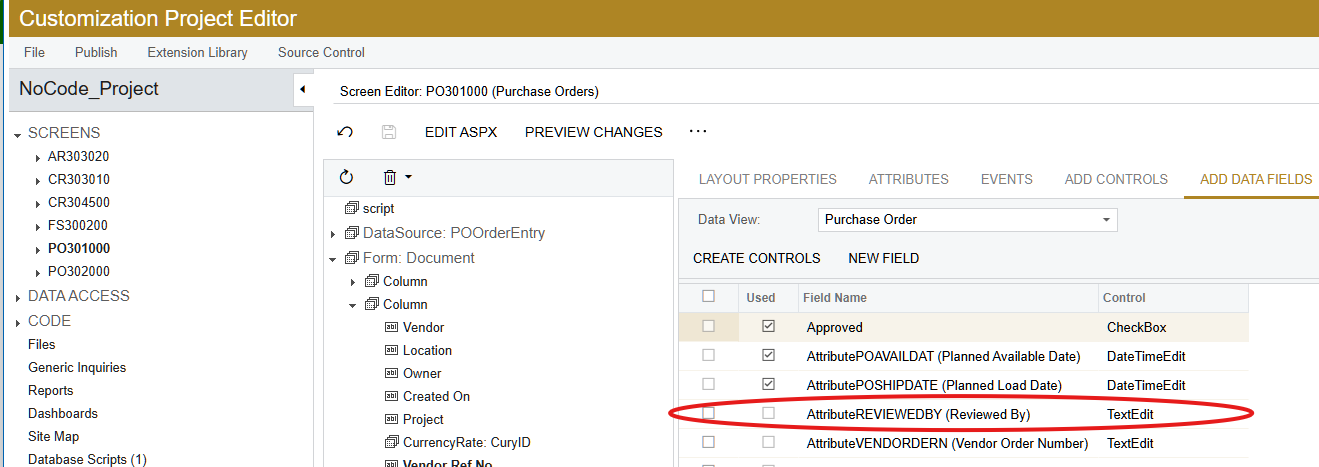
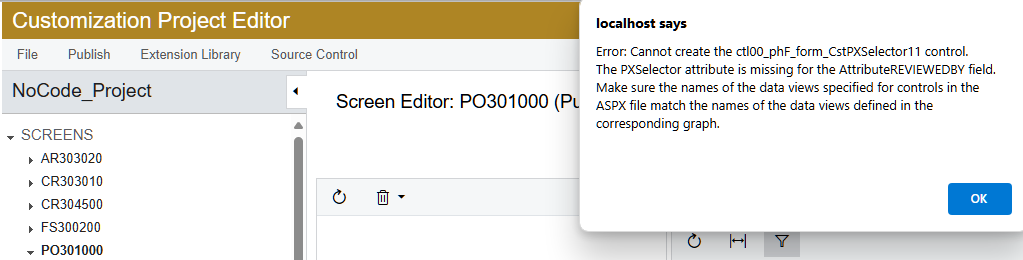
I can select the control type and change it to “Selector” before I add it to the screen. This works and shows up on the PO screen correctly as a selector, however, when I load the PO list GI (which is replaces the PO entry screen), I get the error in the screenshot at the top of this post:
Also, when I open the customization project again and go to that screen, I get a similar error, with just a bit more info:
But if I haven’t backed up my project, I have to delete it and start over or manually edit the XML to remove the UDF or change it back to a TextEdit field.
It appears that I need to edit the graph, but I don’t know how to do that. Can someone point me in the right direction to make the needed edits?
Thanks.


