Answer

field name not exists in the DAC code

  • March 7, 2023
  • 4 replies
  • 124 views

Forum|alt.badge.img

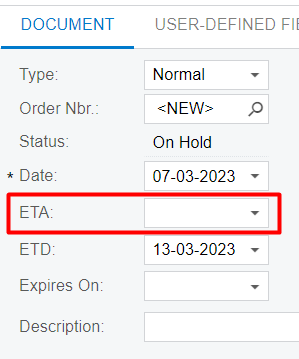
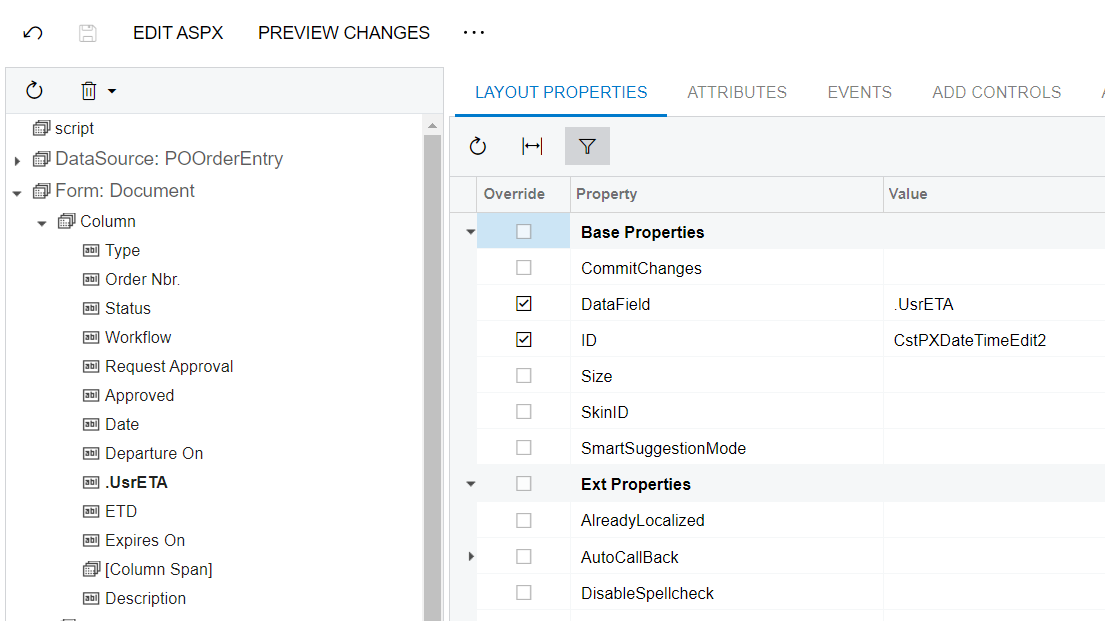
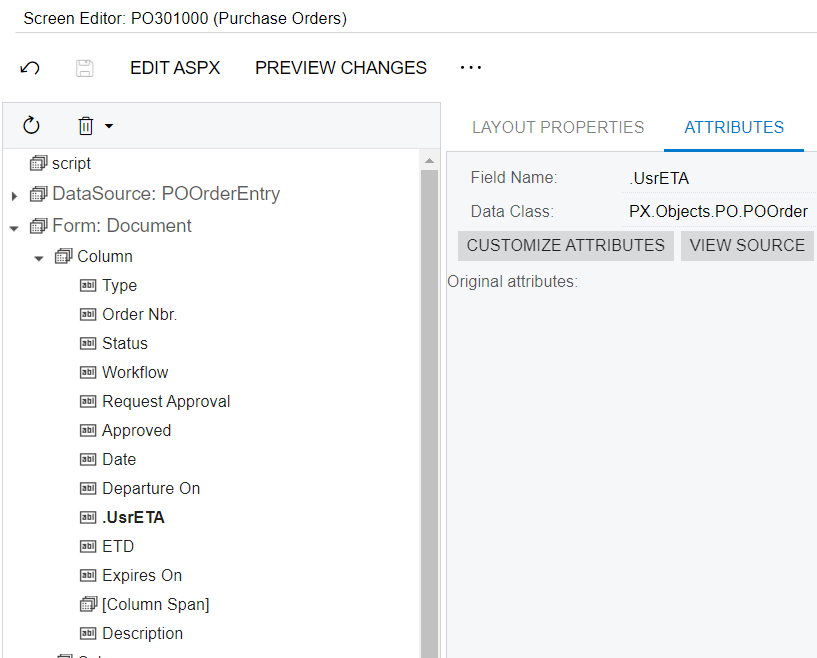
Hi every one. I added new field UsrETA to PO screen but in Project Code it not exists.

can i miss a step?

Thank you so much.

Best answer by markusray17

The custom field would be on a Cache Extension not the base DAC. If you used the customization editor to create the field you will likely want to move the Code object it created(likely a POOrderExt Cache Extension) to your extension library(since your screenshot appears to be from visual studio) and then access the field through that Cache Extension class(POOrderExt.UsrETA).

4 replies

estebanperalta54
Captain II
Forum|alt.badge.img+4

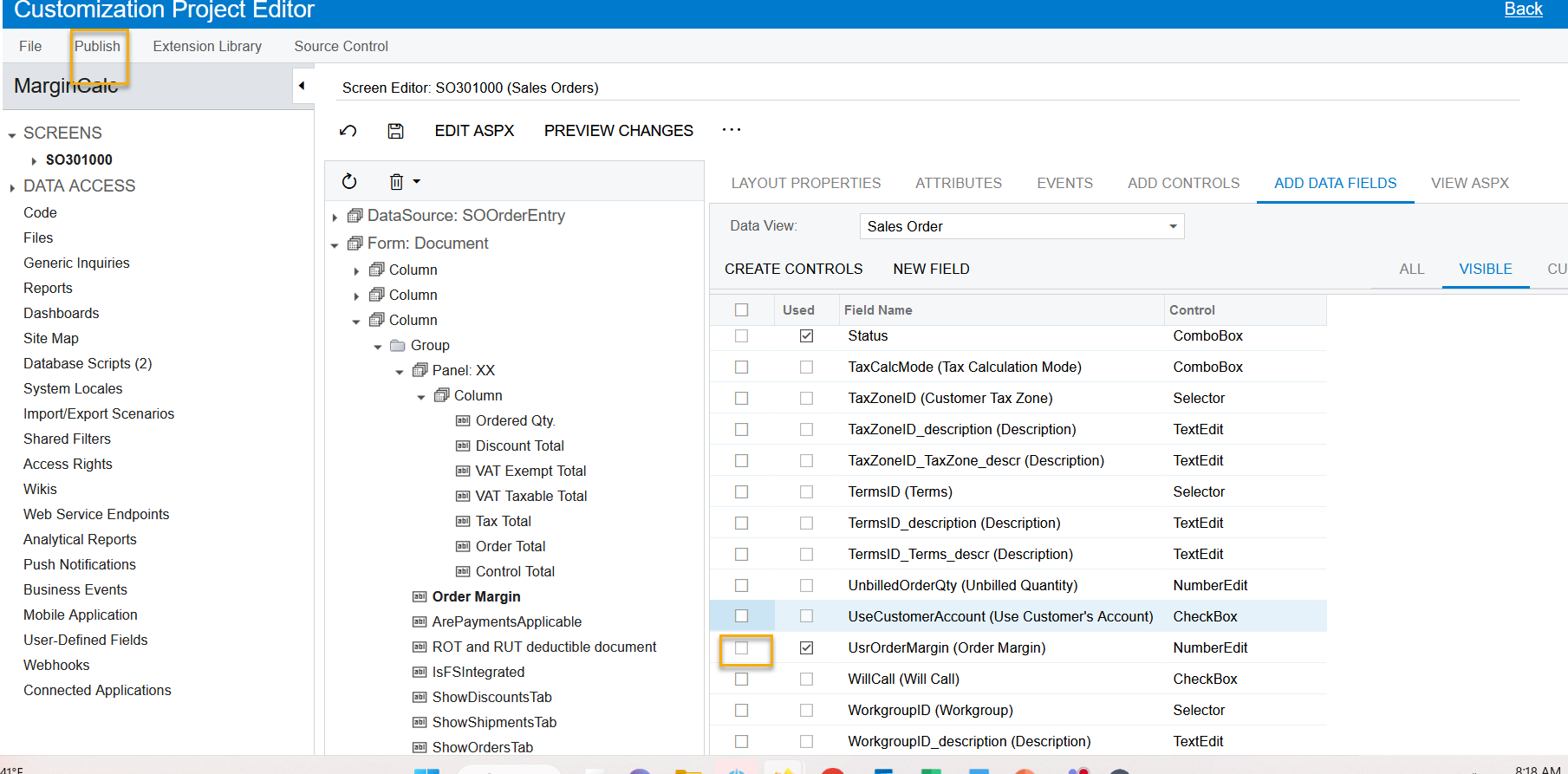
Hi @thanhaim in the past I’ve had to make sure I selected the new field and published a second time. Hope this works:


Forum|alt.badge.img+5
  • Jr Varsity II
  • Answer
  • March 7, 2023

The custom field would be on a Cache Extension not the base DAC. If you used the customization editor to create the field you will likely want to move the Code object it created(likely a POOrderExt Cache Extension) to your extension library(since your screenshot appears to be from visual studio) and then access the field through that Cache Extension class(POOrderExt.UsrETA).


aaghaei
Captain II
Forum|alt.badge.img+10
  • Captain II
  • March 7, 2023

Why do you have “.” In your field name in your screenshots?

also DAC Extensions are accessed like below for example for OOOrder View

YourDACExt docExt = Base.Document.Current.GetExt<YourDACExt>();


I suggest you take the T series course before doing Code Based Customizations.


Forum|alt.badge.img
  • Author
  • Freshman II
  • March 8, 2023

Thank all very much. Have a good day.