In the field service management module, there is an option available to the technician to capture customer signature from mobile app which is then uploaded to the appointment screen.
I am building an application which needs to do the same, hence I am looking for REST API call details to be able to capture and attach signature to the appointment.
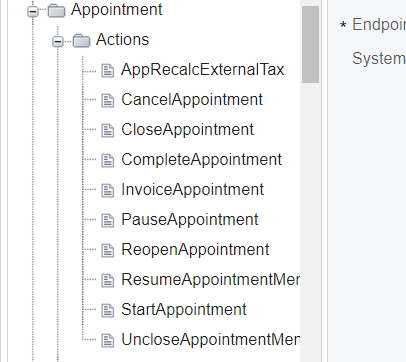
I did not find any relevant actions in the web service endpoint. See below.
Thanks,
Rajesh Mishra
Best answer by yhartman
Hi,
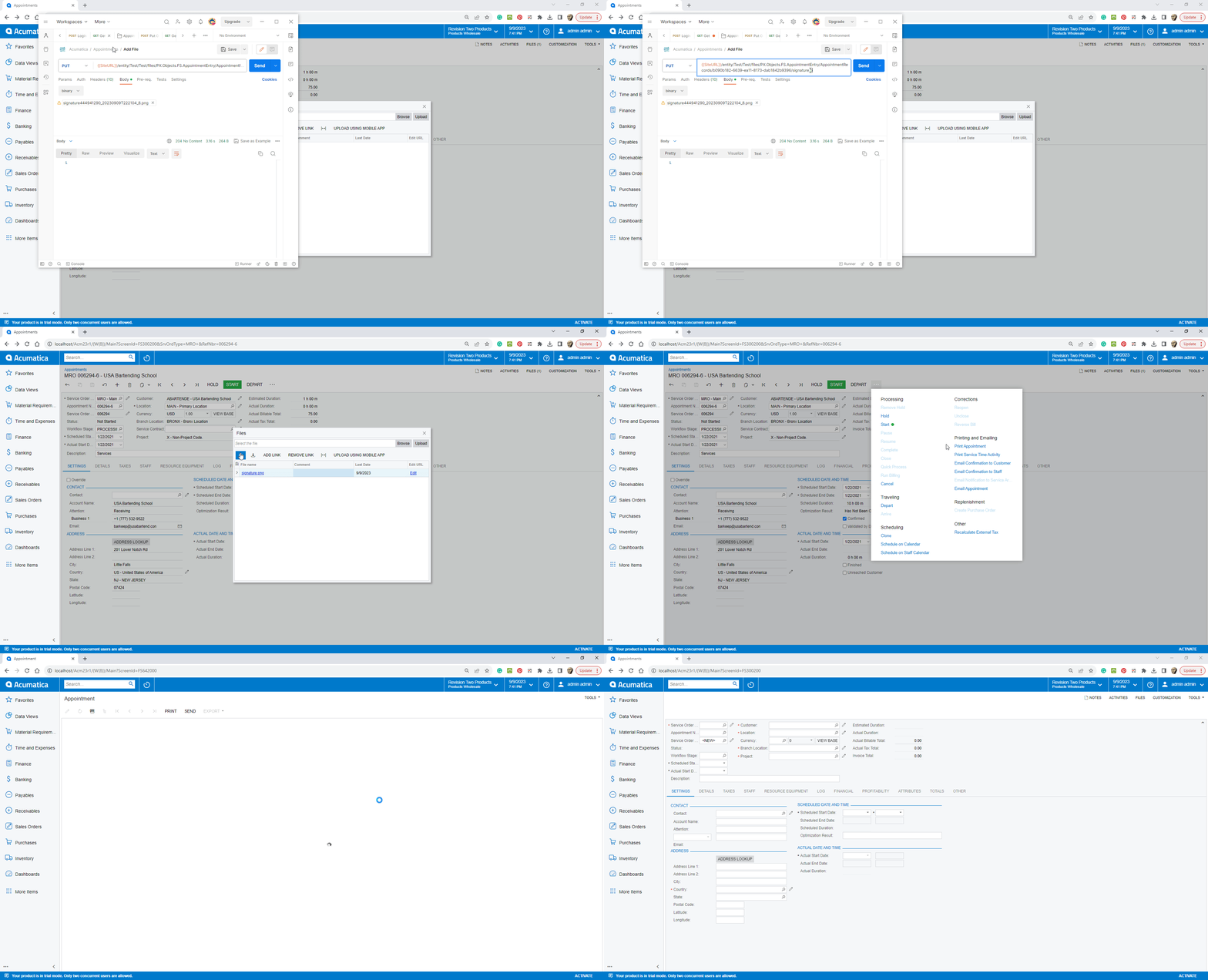
When a user signs a document on the mobile app Acumatica creates a PNG of the signature and attaches it to the document. You can upload a signature to follow the same logic.
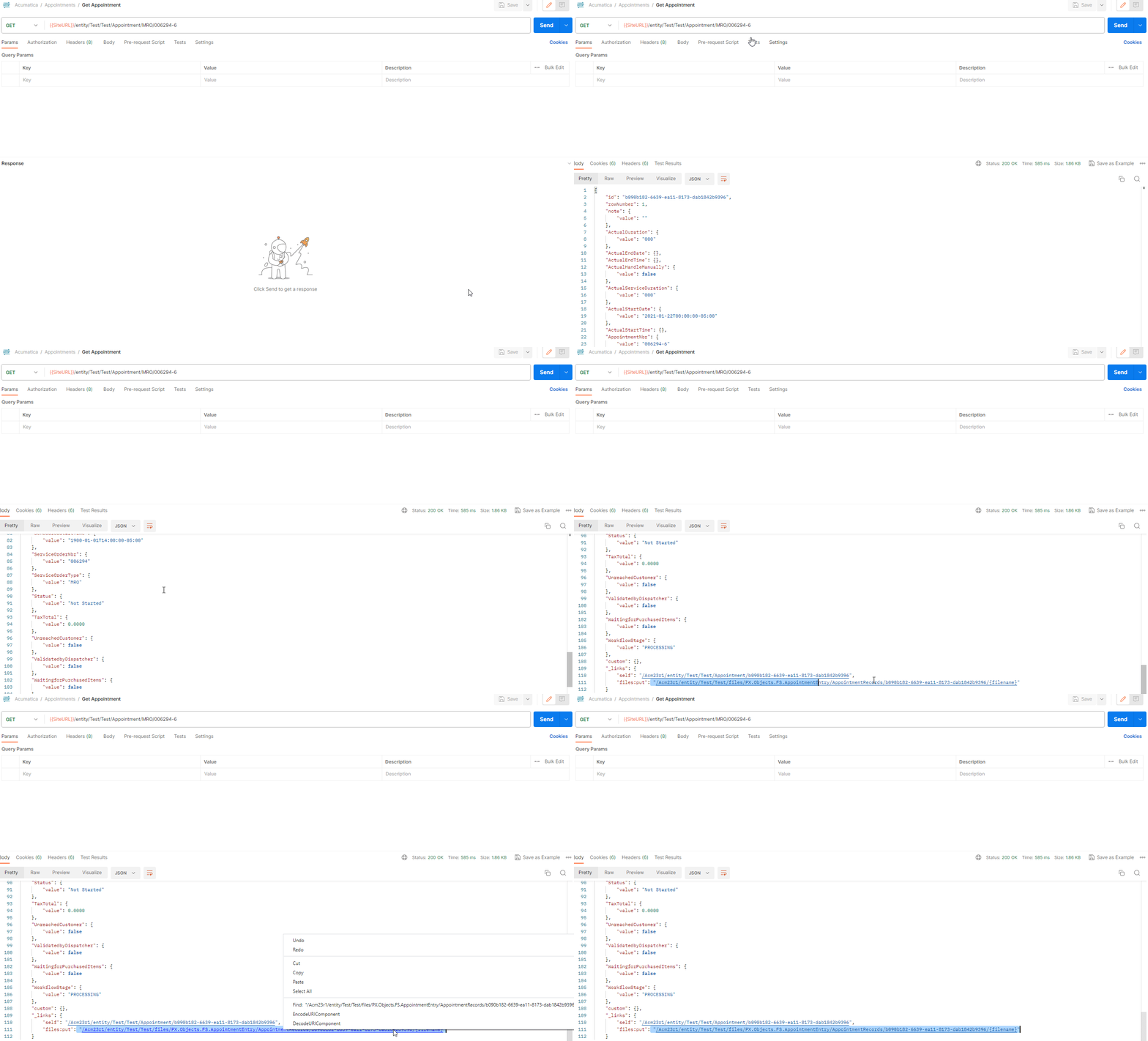
To upload a file, first retrieve the document. In the response you will find file (files:put) link. Then you can use that link to upload the signature.
Once you have the entity link (which is comprised of the NoteID), you can send the file contents.
When a user signs a document on the mobile app Acumatica creates a PNG of the signature and attaches it to the document. You can upload a signature to follow the same logic.
To upload a file, first retrieve the document. In the response you will find file (files:put) link. Then you can use that link to upload the signature.
Once you have the entity link (which is comprised of the NoteID), you can send the file contents.