
Question

enable button “Update IN” in Shipment Screen

  • May 10, 2023 8:08 AM UTC
  • 5 replies
  • 200 views
  • Translate All

Forum|alt.badge.img

Hi expert. 

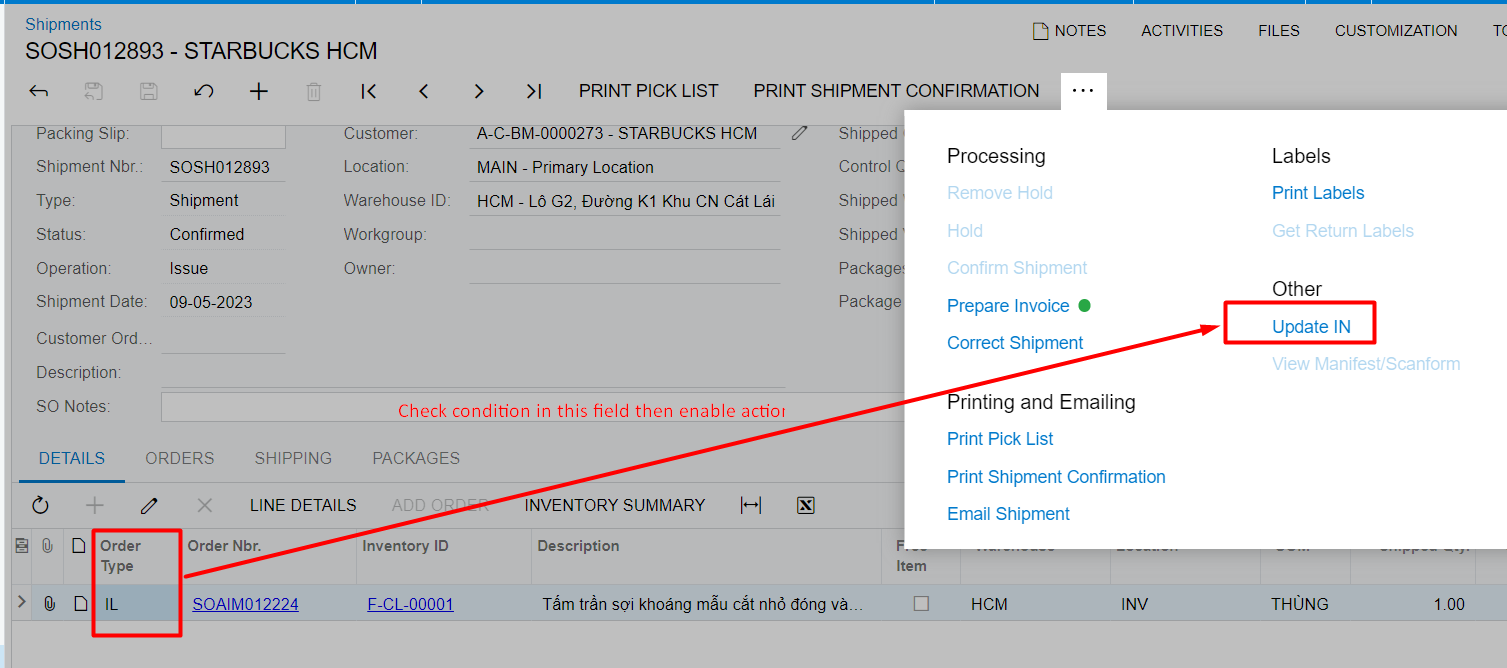
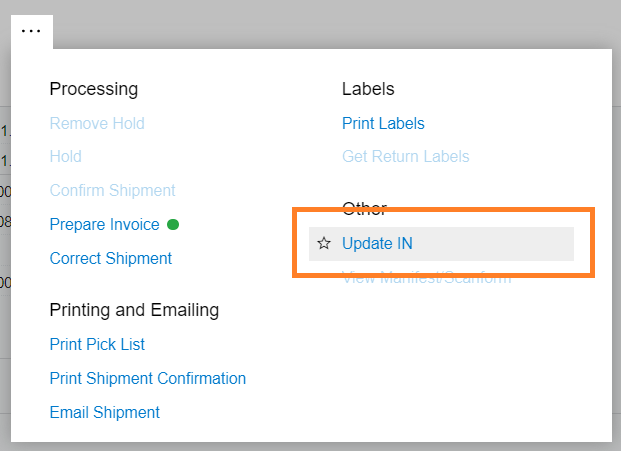
I’m not found solution how to enable button “Update IN” by SO Order Type and SO Status in Shipment screen.

can you help me? Thank everyone so much.
 

5 replies

Robert Sternberg
Captain II
Forum|alt.badge.img+7

Hello @thanhaim can you give us more details and/or use case.  The Update IN function is tied to business processes so it would help to better understand the need.  Is the goal to force the creation of an Invoice for particular order types?

Translate

Manikanta Dhulipudi
Captain II
Forum|alt.badge.img+16

Hi @thanhaim 

We have workflow options to enable the actions or field that populates in all stages of shipment 


Translate

Forum|alt.badge.img
  • Author
  • Freshman II
  • May 11, 2023 4:40 AM UTC

Thank @Robert Sternberg, @manikantad18 and everyone. I realize that "Update IN" is Action and it anabled by Shipment Status(in this case is Confirmed). 
has any way to enable "Update IN" by code
Same example enable field:

    if (row != null && OrderTypee = "EQ")     {         Base.Document.Cache.AllowUpdate = true;         PXUIFieldAttribute.SetEnabled<'Update IN' action here>(cache, row, true);     }


Translate

Chris Hackett
Community Manager
Forum|alt.badge.img
  • Acumatica Community Manager
  • Jun 21, 2023 7:16 PM UTC

Hi @thanhaim were you able to find a solution? Thank you!

Translate

Forum|alt.badge.img
  • Author
  • Freshman II
  • Jun 22, 2023 2:14 AM UTC

Hi @Chris Hackett . I looking for new solution. Thank you!

Translate