Answer

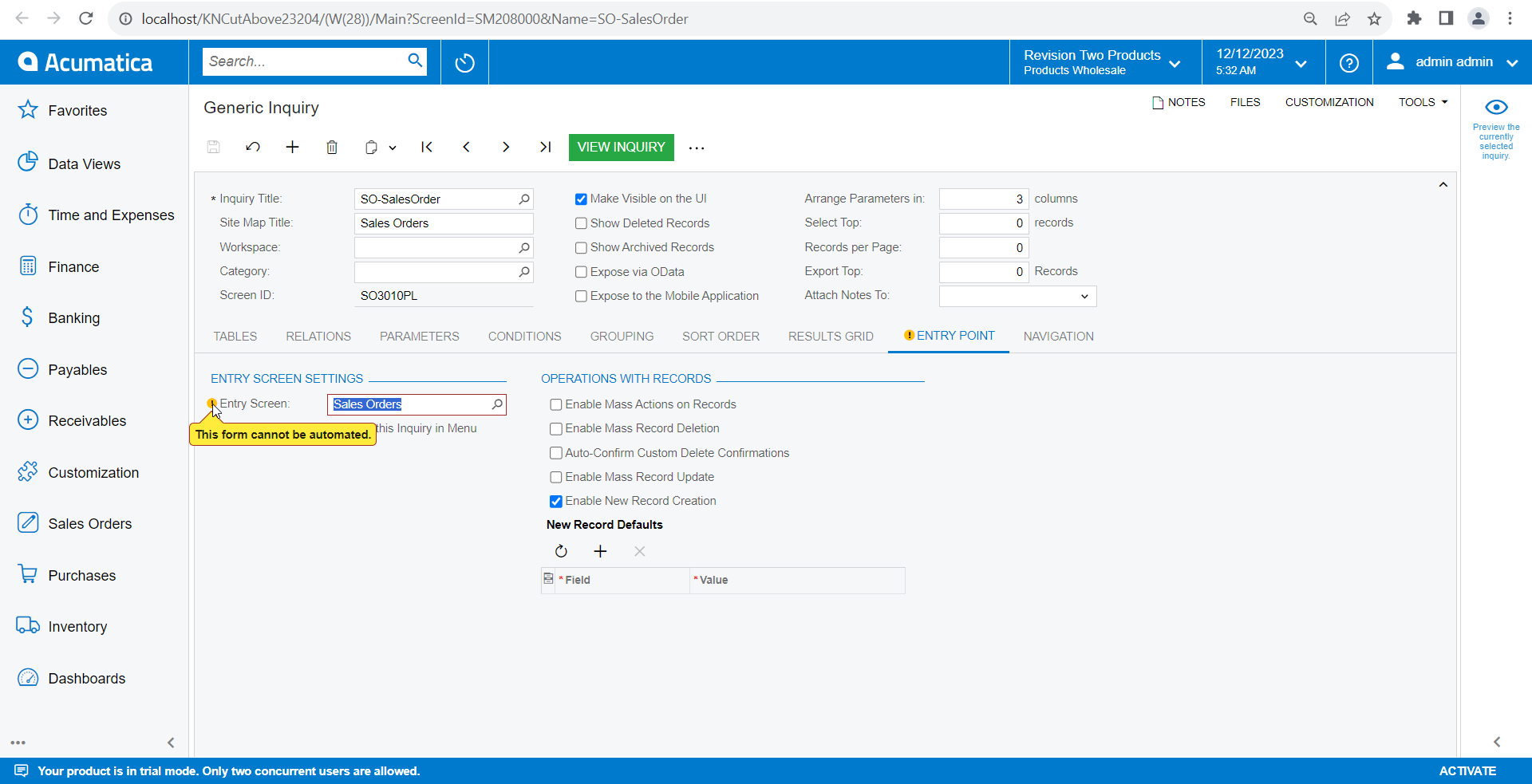
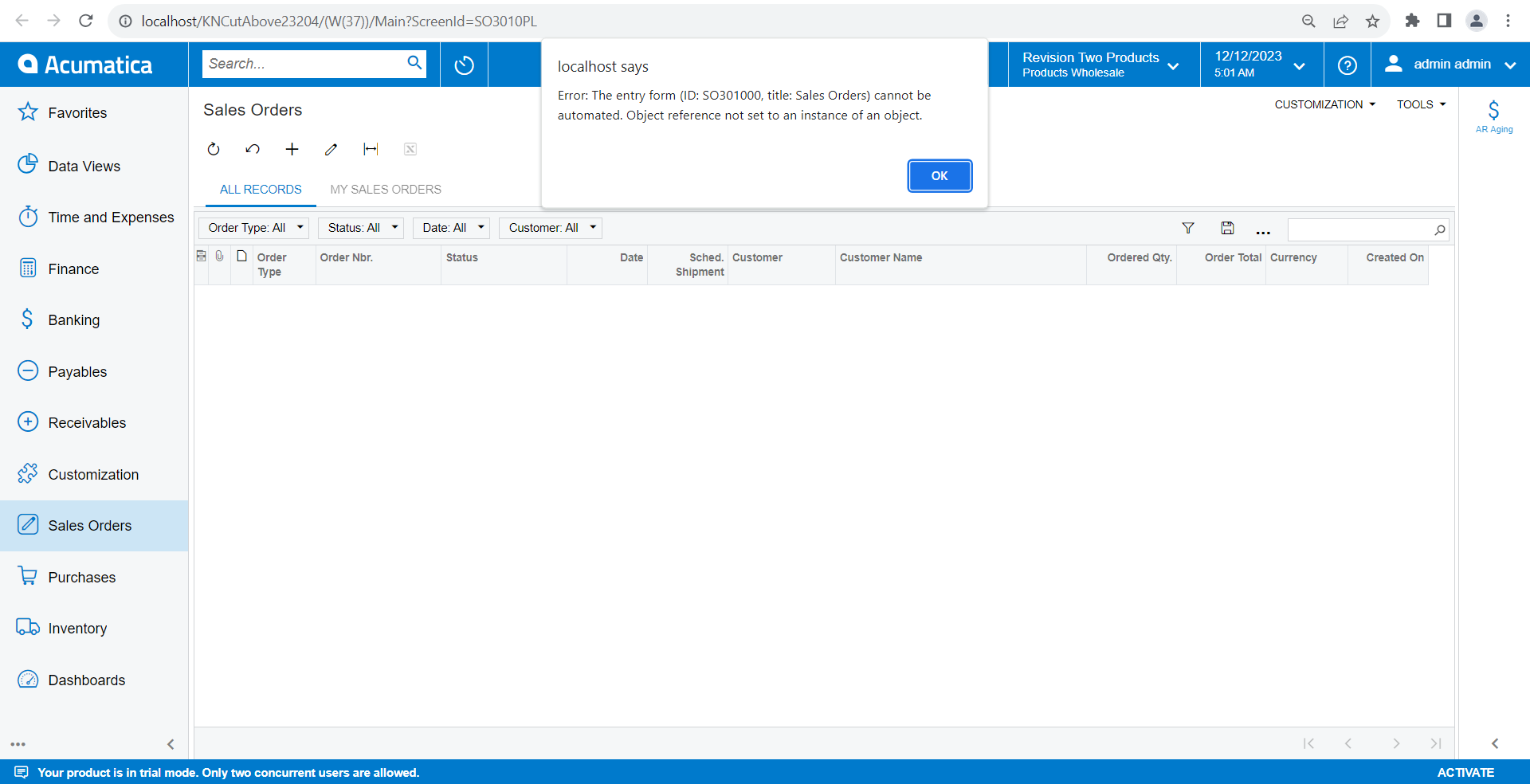
23R2 (23.204.00310): The entry form (ID: SO301000, title: Sales Orders) cannot be automated. Object reference not set to an instance of an object.

  • December 12, 2023
  • 4 replies
  • 247 views

Hi Team,

We are working with an upgrade project. we have upgraded our project from Build (22.124.0015) to Build: 23.204.0031. After upgrade, while we are trying to open the sales order screen getting the following error. Can you please review below details and suggest the best possible way to fix that.
 

Thank you in Advance!

Best answer by Naveen Boga

@maneeshau91  As indicated Sam Kabiri, assuming that this might come from the customization. Once it is confirmed, please check the below.

As you mentioned, it is coming after the upgrade, I suspect that you might be added Pre-defined attributes with the Cache Attached events in SOOrderEntryExt graph or custom Selector fields (SOOrderExt). In the upgraded version, these attributes might be changed. Please check this area to find out the root cause to resolve this error. 

4 replies

Manikanta Dhulipudi
Captain II
Forum|alt.badge.img+15

Hi @maneeshau91 

Do you have any customization on sales order screen? do you have any other data with out sales demo data? 


Please import below attached GI and provide your feedback.


hkabiri
Acumatica Moderator
Forum|alt.badge.img+8
  • Acumatica Support Team
  • December 12, 2023

@maneeshau91 I would suggest:


  1. Test without any customization project published
  1. Check if Admin User has proper access to GI and the Sales Order (SO301000) Screen

Naveen Boga
Captain II
Forum|alt.badge.img+19
  • Captain II
  • Answer
  • December 12, 2023

@maneeshau91  As indicated Sam Kabiri, assuming that this might come from the customization. Once it is confirmed, please check the below.

As you mentioned, it is coming after the upgrade, I suspect that you might be added Pre-defined attributes with the Cache Attached events in SOOrderEntryExt graph or custom Selector fields (SOOrderExt). In the upgraded version, these attributes might be changed. Please check this area to find out the root cause to resolve this error. 


  • Author
  • Freshman I
  • December 13, 2023

Hi @hkabiri  and @Naveen Boga Thanks a lot for the providing the inputs.

I have checked my code and identified the root cause and resolved this issue and seems like the Acumatica Framework code syntaxes got changed in the upgrade version, hence causing this issue.