

Solved

PDF Report File Size (Daily Field Report)

  • May 31, 2024 12:53 PM UTC
  • 4 replies
  • 188 views
  • Translate All

APistorius
Jr Varsity II
Forum|alt.badge.img+2

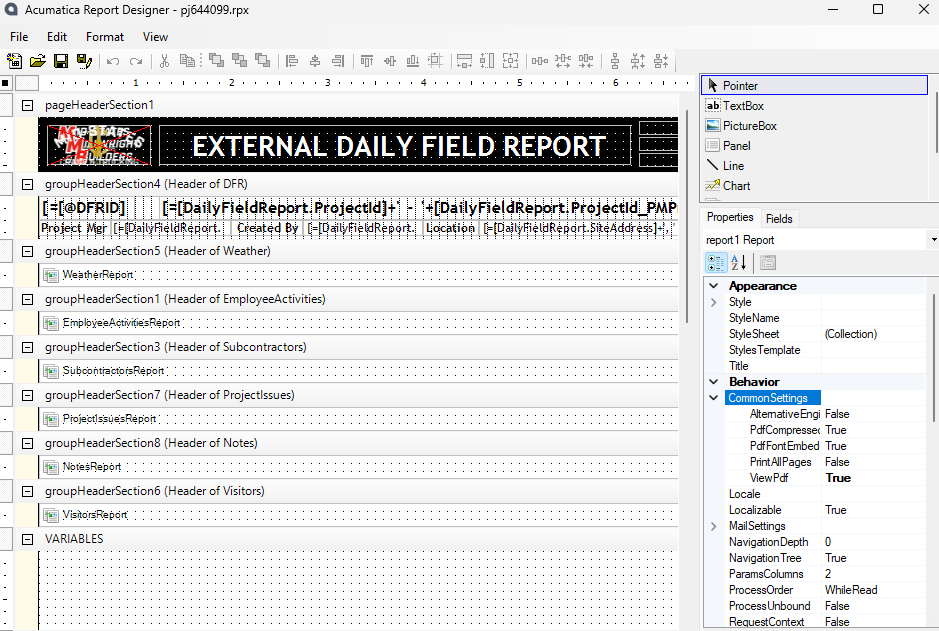
We have a report that generates from the Daily Field Report and it automatically emails a pdf to a project distribution list.  The report shows as many as 8 images on it, and because Acumatica can’t render HEIC files on the report, our users are uploading 5MB+ pictures to their daily field report.  The file that’s created for the DFR PDF is now in excess of 25MB and creates issues trying to distribute to external mailboxes.  How do I get the PDF to not be so big?
 

Best answer by LeanneM

Maybe try set the device that is taking the pictures to jpg so u get smaller pictures getting uploaded, that is your only method as the size is due to the images size. 

To set your Apple devices to take photos in JPEG/JPG instead of HEIC:

  1. Go to Settings
  2. Tap Camera
  3. Tap Formats
  4. Tap Most Compatible
View original

4 replies

iqraharrison
Captain II
Forum|alt.badge.img+9

@APistorius is this a custom report that was created ? 

Translate

APistorius
Jr Varsity II
Forum|alt.badge.img+2
  • Author
  • Jr Varsity II
  • Jun 28, 2024 2:09 PM UTC

@APistorius is this a custom report that was created ? 

It’s the standard Daily Field Report (PJ644000), but we’ve done some customization to it.

Translate

Chris Hackett
Community Manager
Forum|alt.badge.img
  • Acumatica Community Manager
  • Jul 31, 2024 11:03 PM UTC

Hi @APistorius were you able to find a solution? Thank you!

Translate

LeanneM
Semi-Pro III
Forum|alt.badge.img+4
  • Semi-Pro III
  • Answer
  • Aug 1, 2024 12:57 AM UTC

Maybe try set the device that is taking the pictures to jpg so u get smaller pictures getting uploaded, that is your only method as the size is due to the images size. 

To set your Apple devices to take photos in JPEG/JPG instead of HEIC:

  1. Go to Settings
  2. Tap Camera
  3. Tap Formats
  4. Tap Most Compatible
Translate