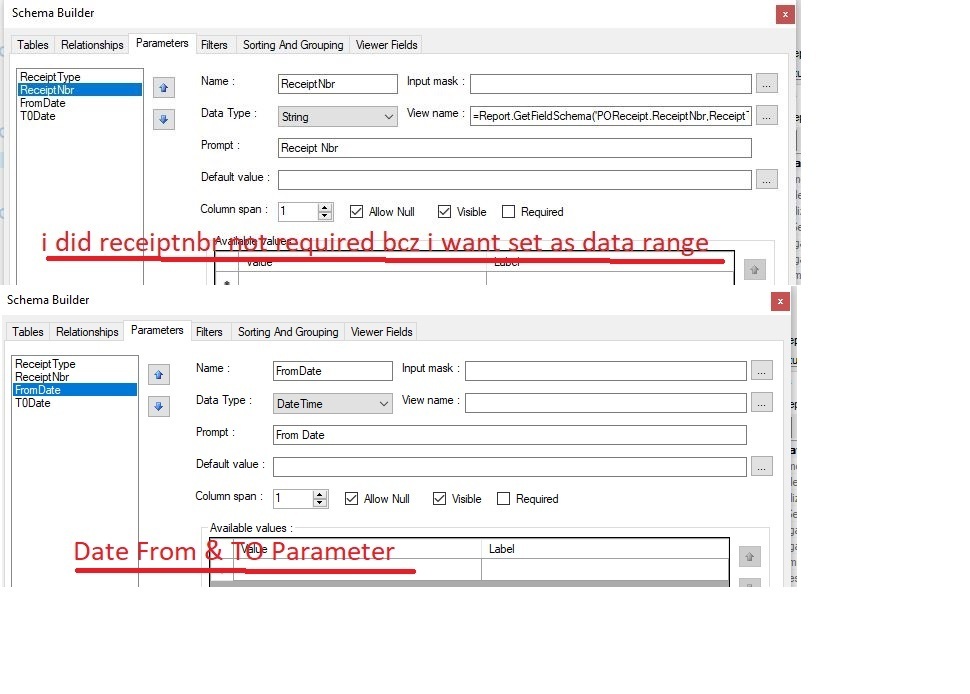
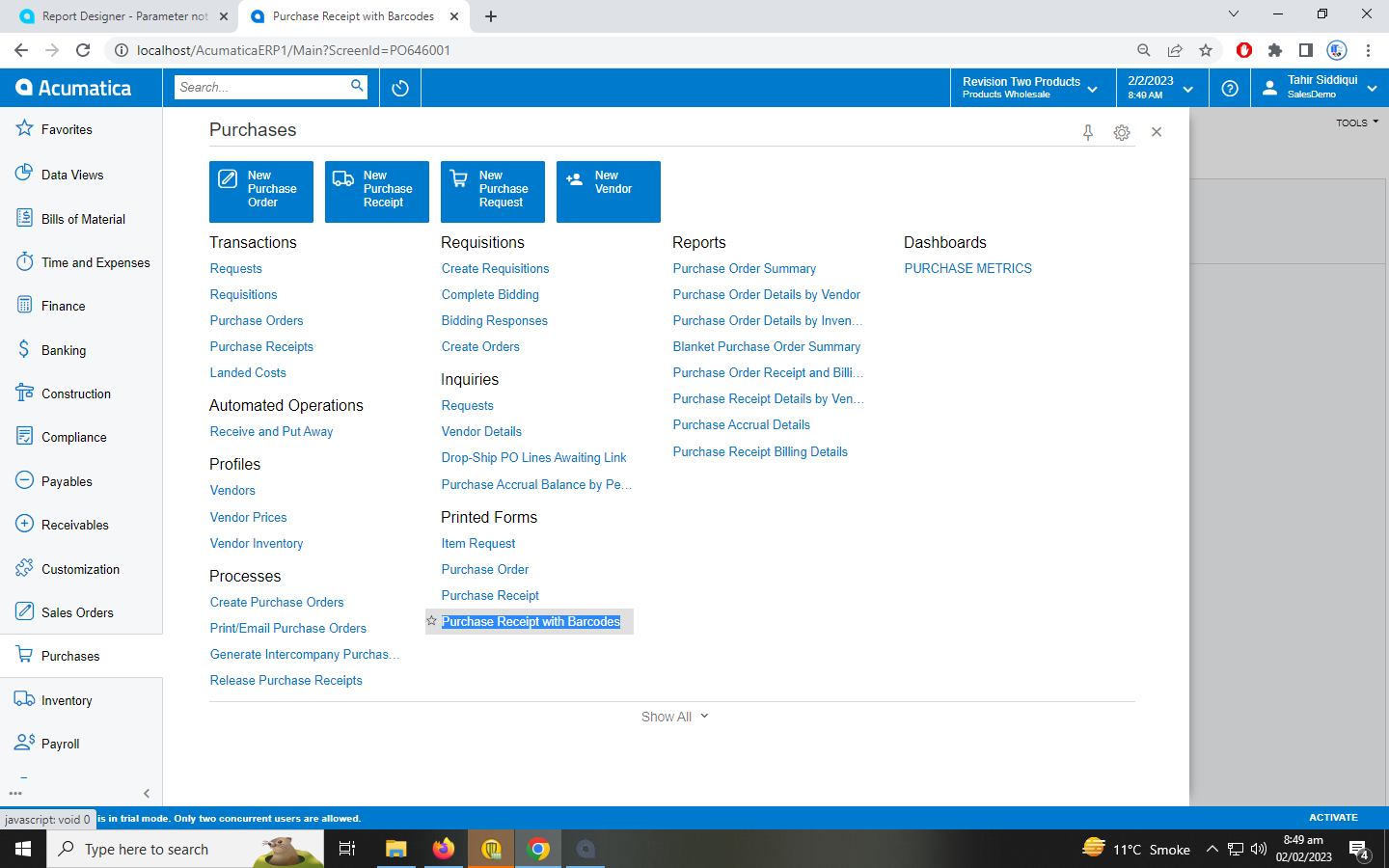
1 - i want that user select 2 ya more receipt manually
2 - i want date ranage
i will add date range paramter but it not work any one help me
screen shorts
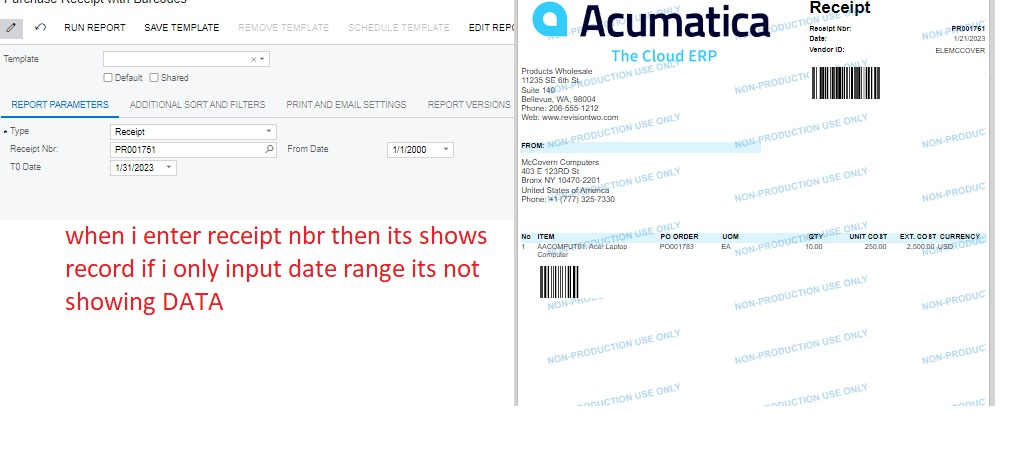
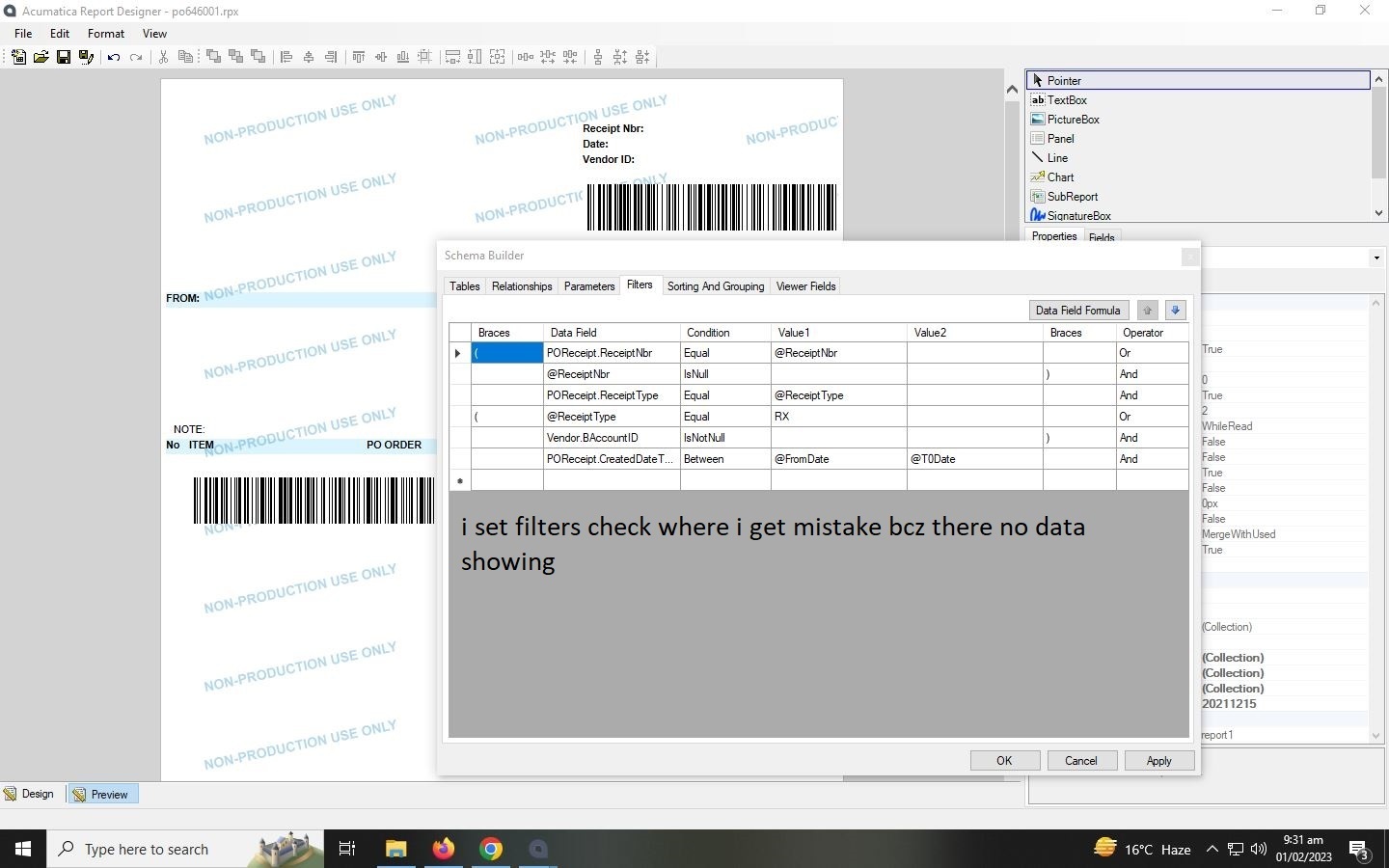
when i enter receipt # its work but when i jxt enter date range its not showing data
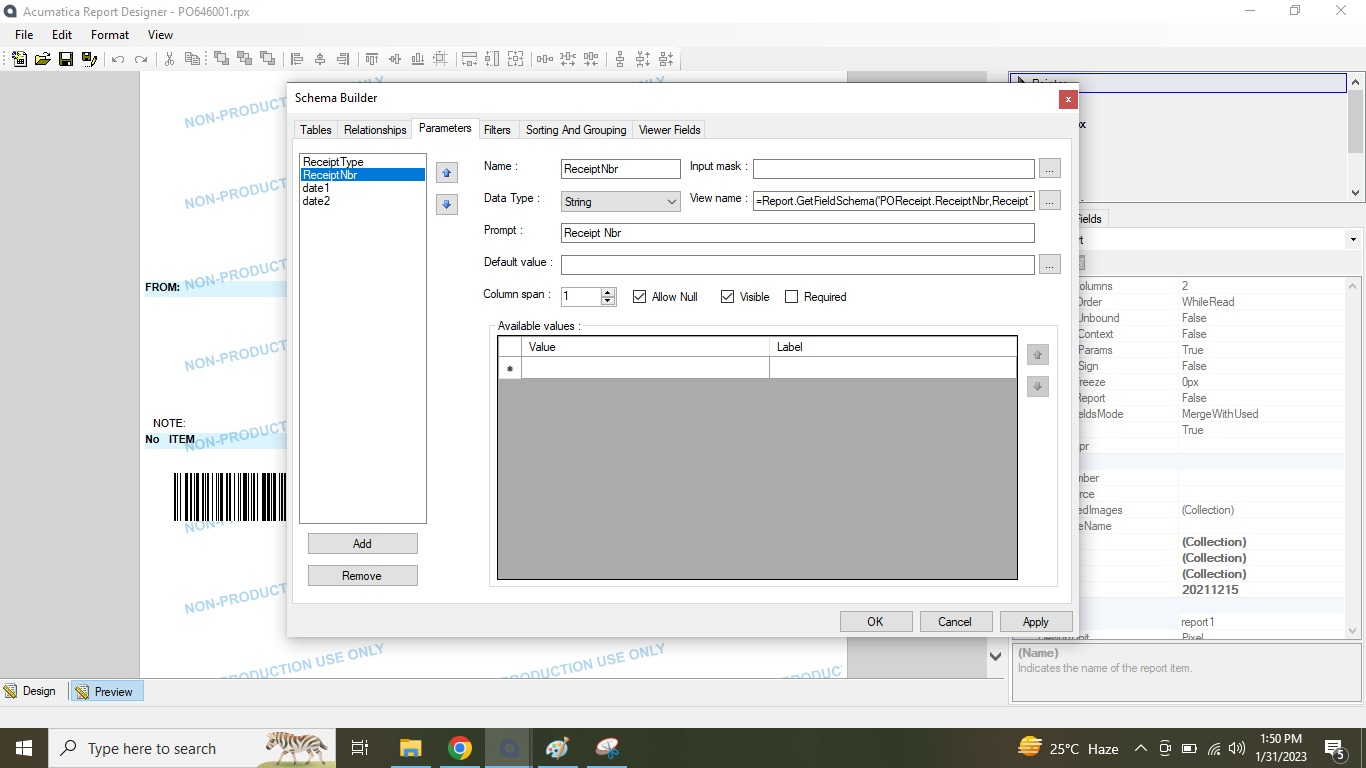
receipt parameter
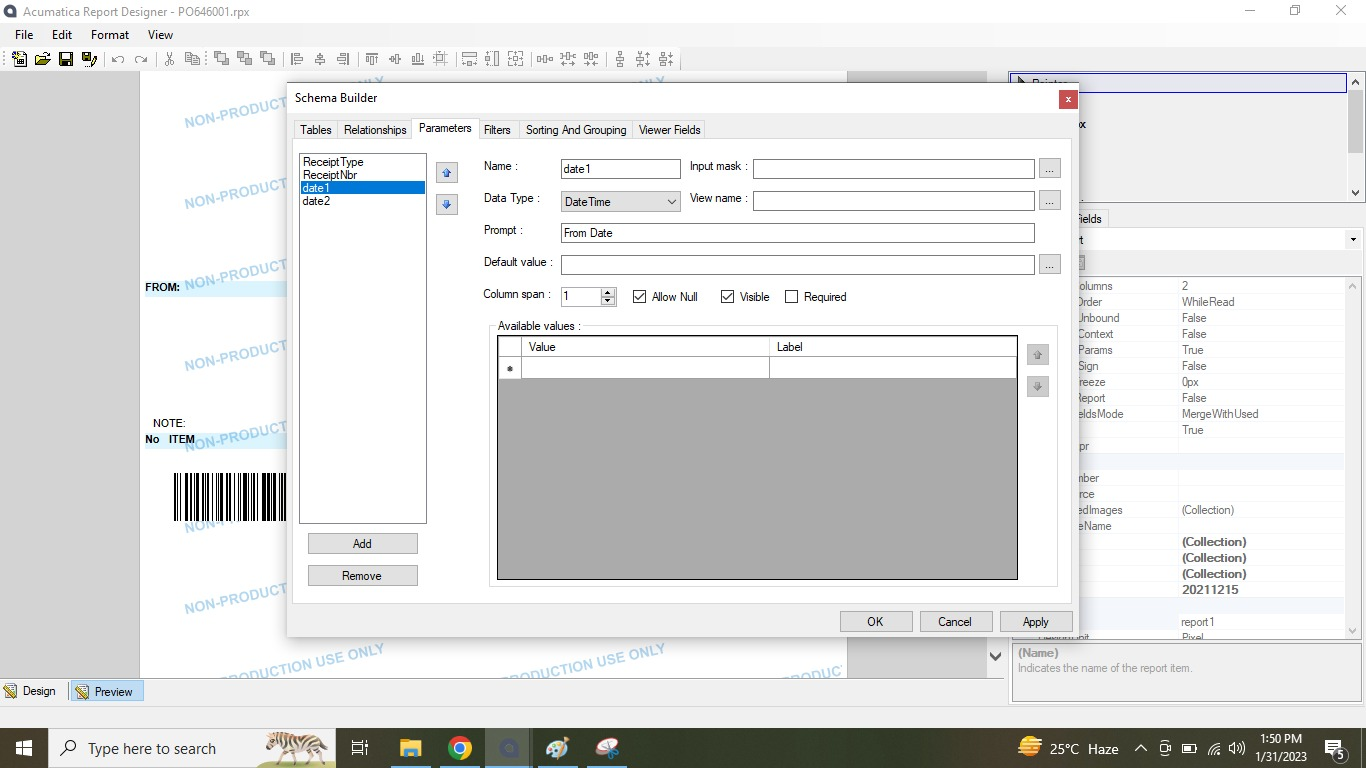
data range
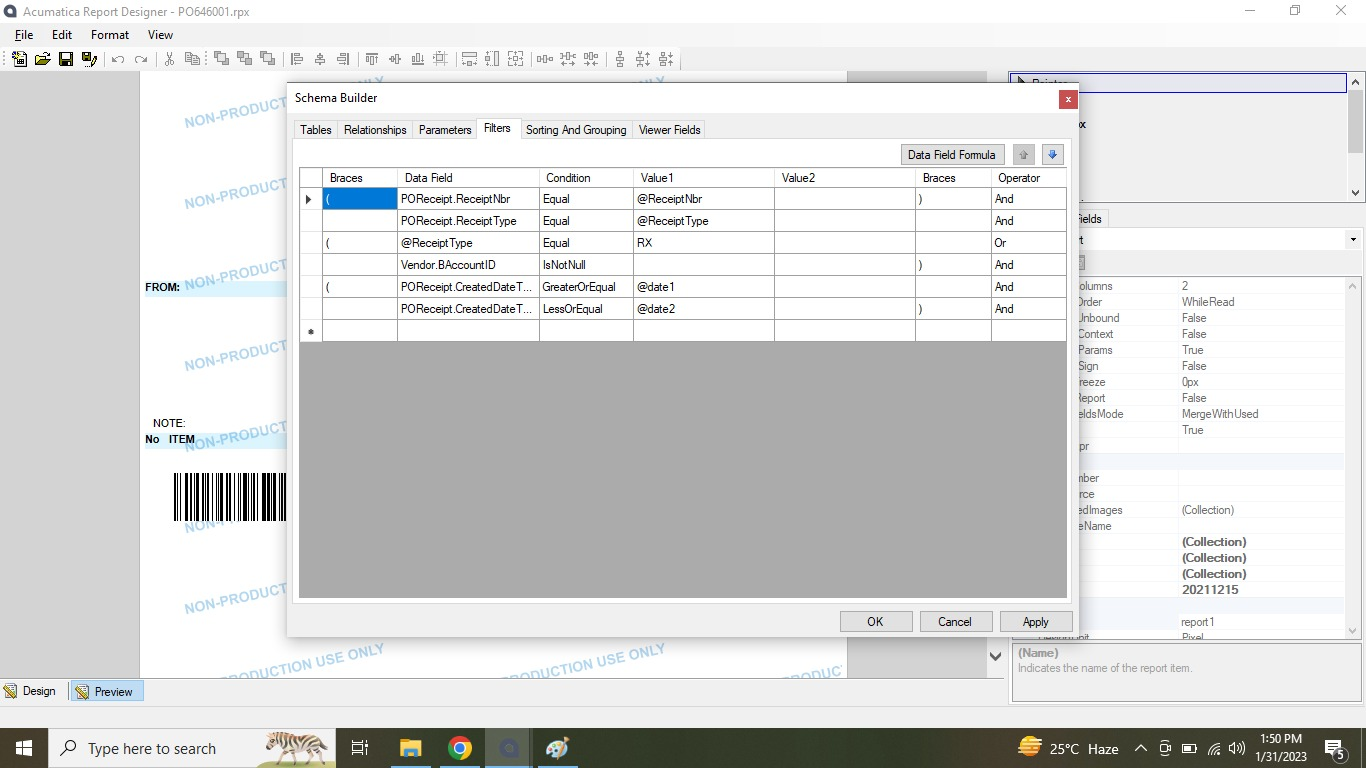
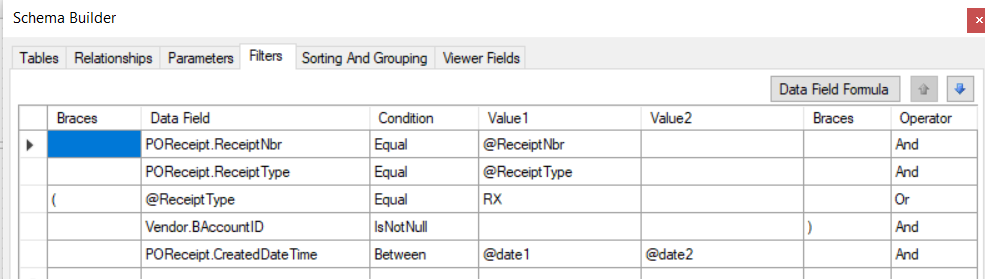
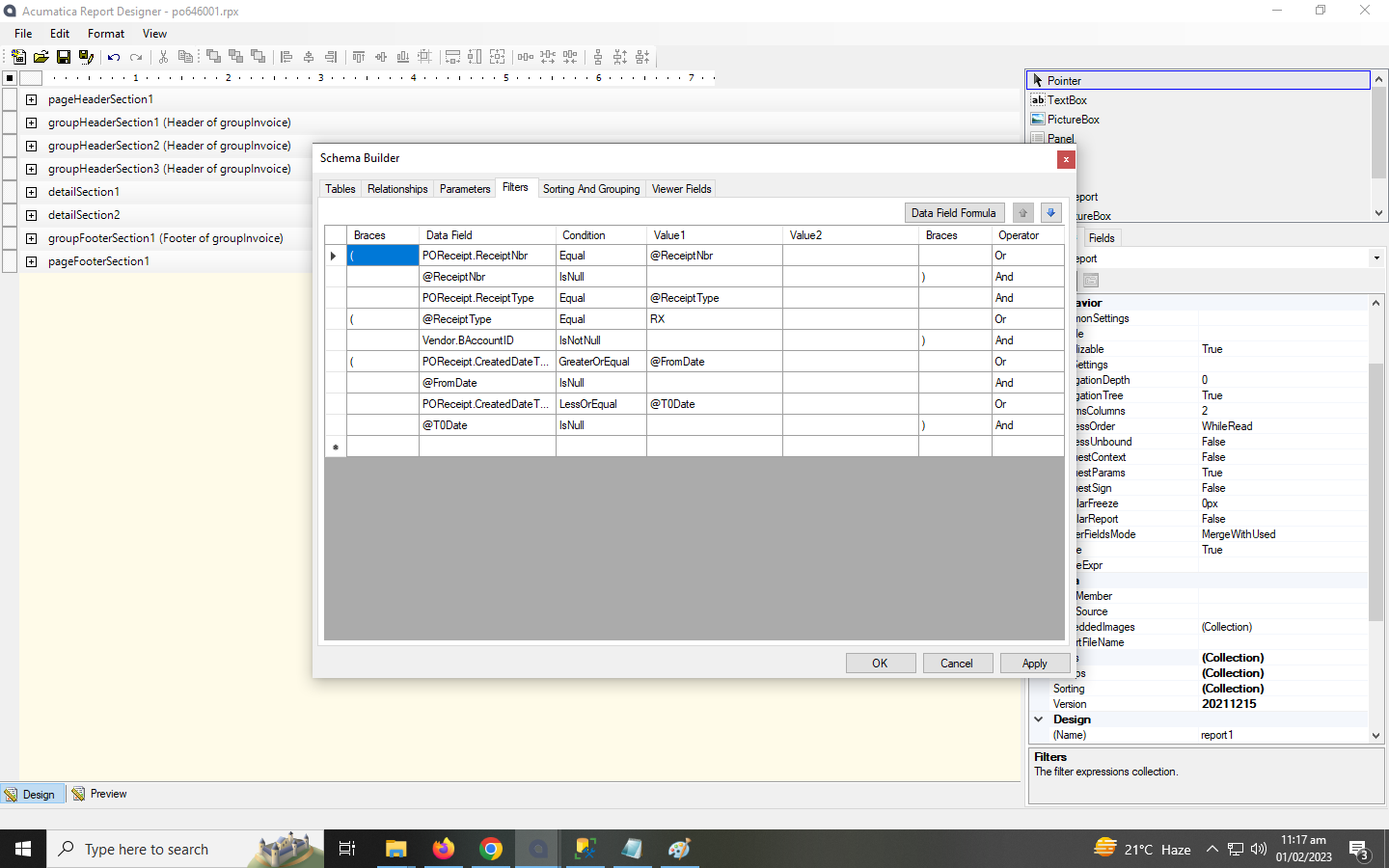
filter
Best answer by lauraj46
Hi @tahirsiddiqui190 ,
I tested this scenario in demo data and seemed to work as expected. On your filters, make sure that you have selected the POReceipt.CreatedDateTime field. There are some other derived fields with similar names that represent parts of the date. You could also try removing the filter and printing the POReceipt.CreatedDateTime field on the report to make sure there isn’t something odd in your data.
I tested this scenario in demo data and seemed to work as expected. On your filters, make sure that you have selected the POReceipt.CreatedDateTime field. There are some other derived fields with similar names that represent parts of the date. You could also try removing the filter and printing the POReceipt.CreatedDateTime field on the report to make sure there isn’t something odd in your data.
@tahirsiddiqui190 The file that you attached has the extension .rps which is just a shortcut to open the report file itself. Please post the .rpx file instead.