Answer

Display Date and Time

  • December 21, 2022
  • 5 replies
  • 1879 views

Forum|alt.badge.img

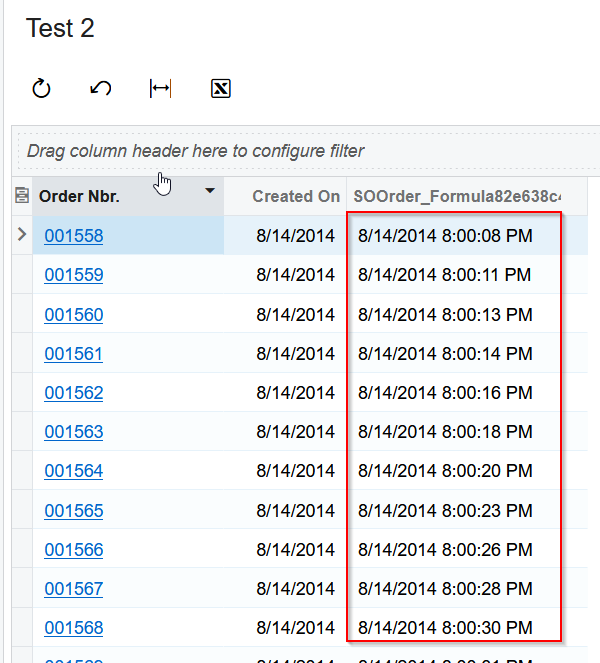
Is there a way to have the SOOrders.CreateDateTime show both the Date and the Time in a Generic Inquiry.

Best answer by MinushaWeerasuriya76

Hi,

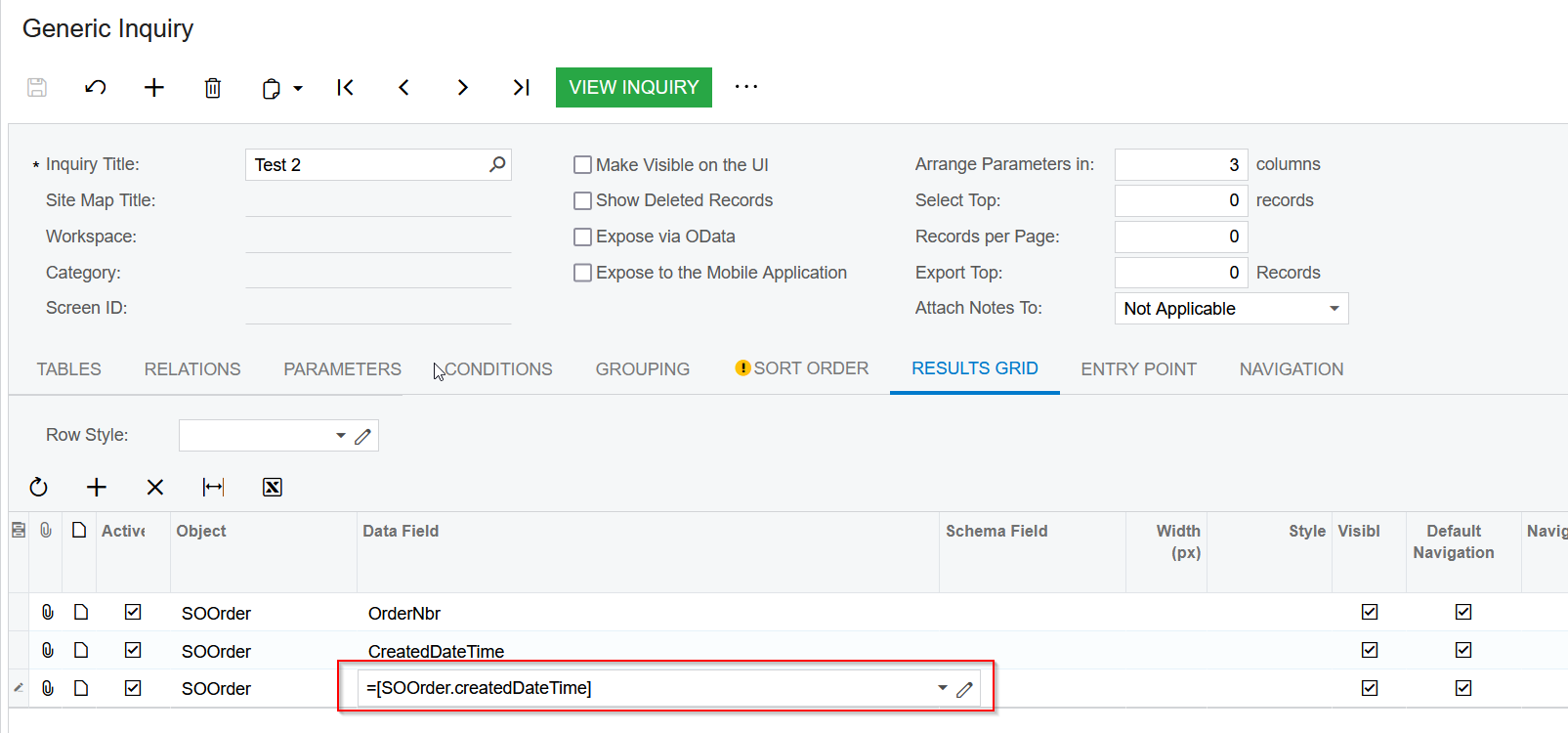
Using the following expression on the results grid should give the desired result:

=[SOOrder.createdDateTime]

Hope this helps!


5 replies

Forum|alt.badge.img+1

Hi,

Using the following expression on the results grid should give the desired result:

=[SOOrder.createdDateTime]

Hope this helps!


Forum|alt.badge.img
  • Author
  • Freshman I
  • December 21, 2022

MinushaWeerasuriya76

Thank you, that is what I was looking for.

Now for the next question, it appears the time is UTC, is there a way to convert it to local time?

We are in the US Eastern Time Zone

Thank you!


Manikanta Dhulipudi
Captain II
Forum|alt.badge.img+15

Hi @Del 

I used this formula to see the date of order created with time in PST time zone as per our requirement.

=DateAdd( [SOOrder.CreatedDateTime], 'h', -7)

As @MinushaWeerasuriya76  suggested use the below link to get the date and time https://www.augforums.com/acumatica-generic-inquiry-date-time/

Attaching the GI for reference.


Forum|alt.badge.img
  • Author
  • Freshman I
  • December 22, 2022

manikantad18

Thank you!


Forum|alt.badge.img
  • Varsity I
  • September 5, 2023

Hi @Del 

I used this formula to see the date of order created with time in PST time zone as per our requirement.

=DateAdd( [SOOrder.CreatedDateTime], 'h', -7)

As @MinushaWeerasuriya76  suggested use the below link to get the date and time https://www.augforums.com/acumatica-generic-inquiry-date-time/

Attaching the GI for reference.


Hi @manikantad18 


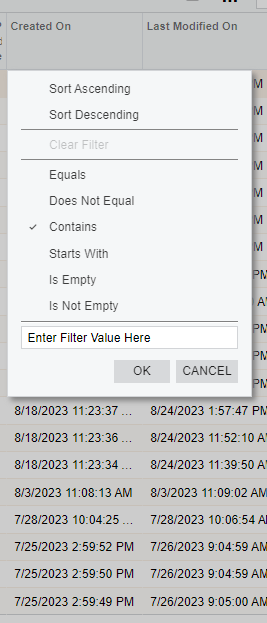
I used the formula on the generic inquiry but now, I can’t filter the dates using “Is Between” because it’s not available on the filter options. Do you know how to solve this? Thanks in advance.