
Solved

Broken link - is search of comprehensive DAC list & descriptions

  • August 23, 2023
  • 4 replies
  • 72 views

okiave
Jr Varsity II

šŸ‘‹šŸ½Ā Hello Acumatica fam

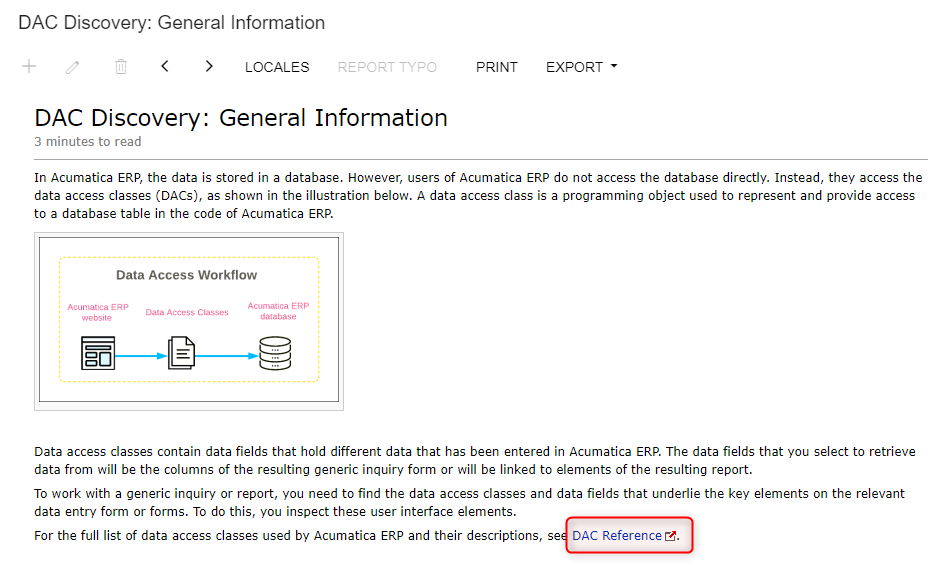
I’m new here and gtk the product to support a company with their transition away from Fishbowl to Acumatica ERP. On this Acumatica wiki site there’s a reference to a comprehensive DAC list but the link is broken.

https://help-2022r2.acumatica.com/(W(3))/Wiki/ShowWiki.aspx?pageid=51ede759-d530-4101-bb3a-274e8a922faa

Where can I find this complete list?
Best answer by Julia Lukina

Hi @okiave, thank you for asking this, we’ll fix the link in documentation.

if you are talking about :

thenĀ please useĀ https://help.acumatica.com/dacBrowser

4 replies

Chris Hackett
Community Manager
Forum|alt.badge.img
  • Acumatica Community Manager
  • 3298 replies
  • August 24, 2023

Hi @okiaveĀ you might try the link from a different device/browser. I got there fine just on my iPad.Ā 


laurabarber45
Captain II
Forum|alt.badge.img+19
  • Captain II
  • 3140 replies
  • August 24, 2023

Hello,

The links work for me as well.

Data from Multiple DACs: DAC Schema Browser

2 minutes to read

During manual configuration of relations between tables when you are designing a generic inquiry or report, you can use the Acumatica ERP DAC Schema Browser to find information about any data access class (DAC). You can use this information to understand which DACs should be used in generic inquiries and reports, and how to join these DACs.

Ā 

Ways to Access the Information

You can open DAC Schema Browser by clicking one of the following:

  • A link with a table name in the Tables column of the Generic Inquiry (SM208000) form
  • A link with a data access class in the Element Properties dialog box, which opens when you inspect UI elements on a data entry form
  • Tools > DAC Schema Browser on the right side of the form title bar of any form

The system opens the DAC Schema Browser in a separate browser tab.


Julia Lukina
Acumatica Employee
Forum|alt.badge.img+1
  • Acumatica Employee
  • 48 replies
  • Answer
  • August 24, 2023

Hi @okiave, thank you for asking this, we’ll fix the link in documentation.

if you are talking about :

thenĀ please useĀ https://help.acumatica.com/dacBrowser


okiave
Jr Varsity II
  • Author
  • Jr Varsity II
  • 9 replies
  • August 24, 2023

@Julia Lukina yup that’s one that’s broken. ty