Introducing Acumatica Cloud ERP: 2026R1
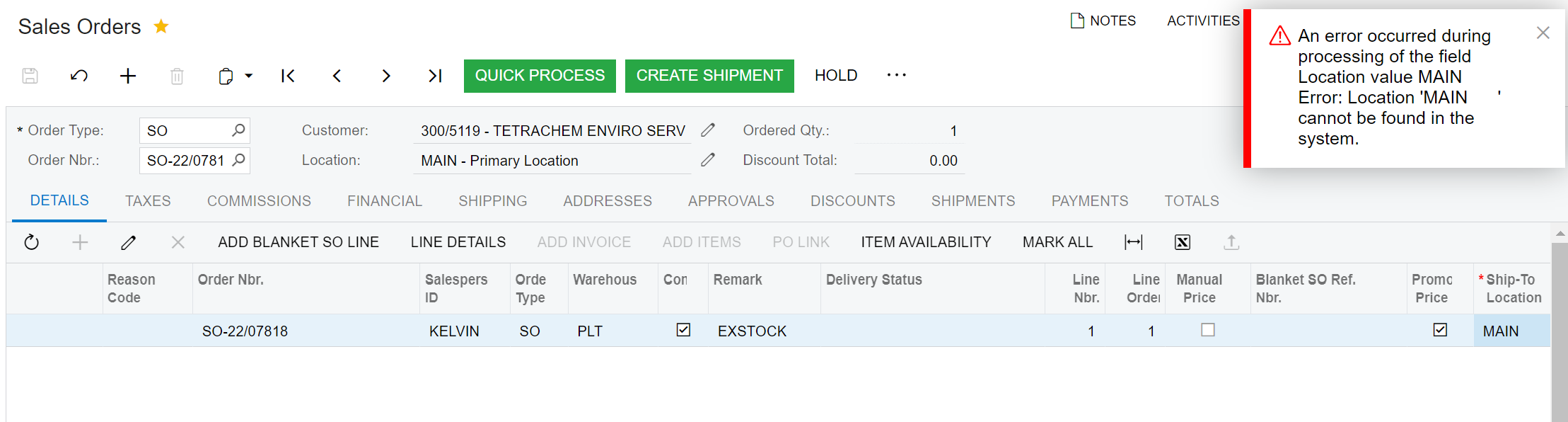
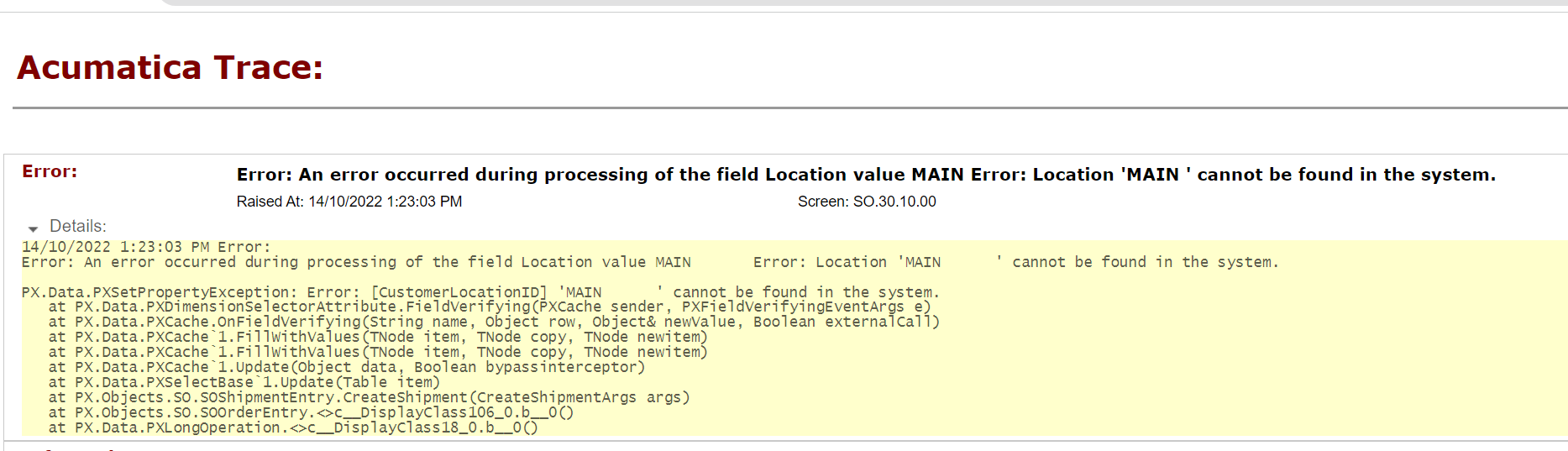
We are getting this error while creating shipment from SO
Hi @sd79
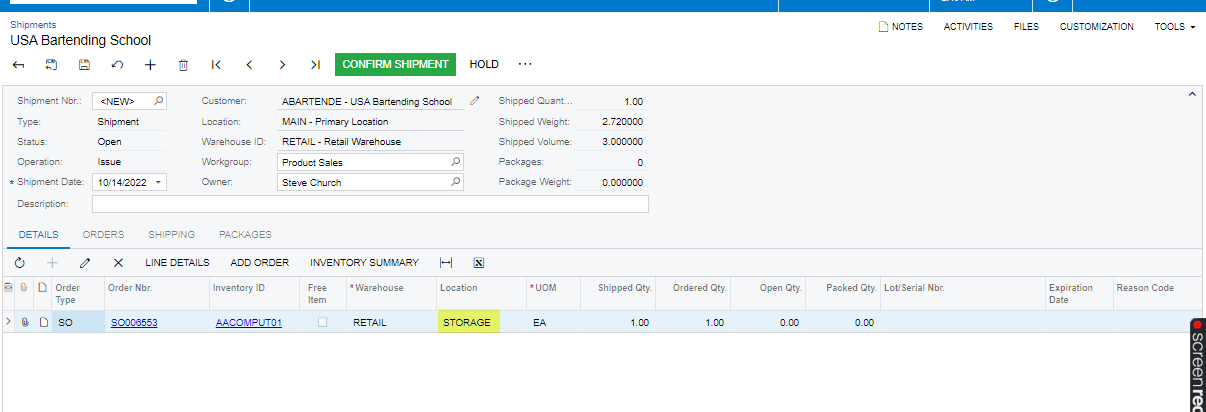
Could you please create a shipment from the Shipment screen and add the sales order and check the location of the warehouse which is considered to ship the Item,
Also, check whether is location is active or not from the warehouse screen.
Thanks
@sd79 Is this issue resolved? if yes, can you please share the solution here?
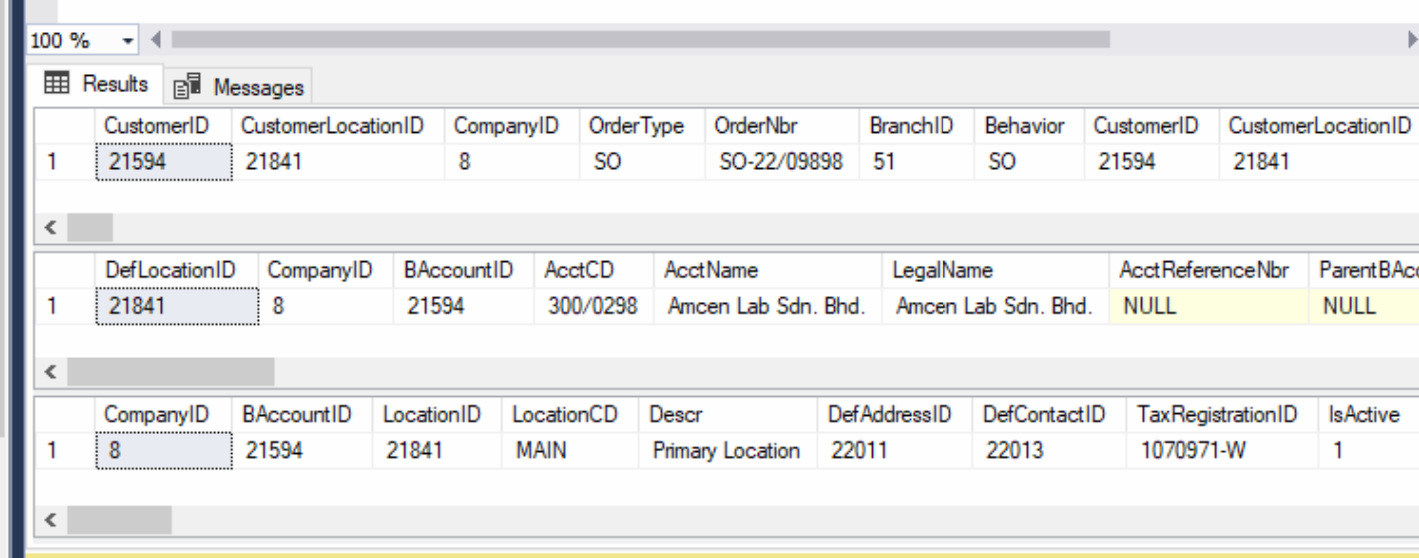
Have you created a new "Main" location for "300/5119" customer and then removed an old one ?If yes , the Customer Location ID in the sales order will be differs from the actual location id of the customer.In that case you can use below workaround to resolve this error;
1. Put the sales order on hold
2. Clear the customer location field and press Ctrl + Enter to commit an empty value
3. Select "Main" location with a selector and save the order.Then you will be able to ship the order.
Let me know if you need any further assistance
I still haven’t got any solution, The solution given by @NuwanTharanga62 worked when the 2 locations are different for Customer and the SO.
But when the Location is same for both customer in BAccount Table and SOOrder Table the solution is not working.
Sorry for delayed response
Good day.
We are receiving the same error when using an api call.
How would we go about fixing this without adding too much additional logic/ api calls for handling
Kindly see below attached a screenshot of our request and response logs.
Kind regards.
Alecia
Already have an account? Login
No account yet? Create an account
Enter your E-mail address. We'll send you an e-mail with instructions to reset your password.