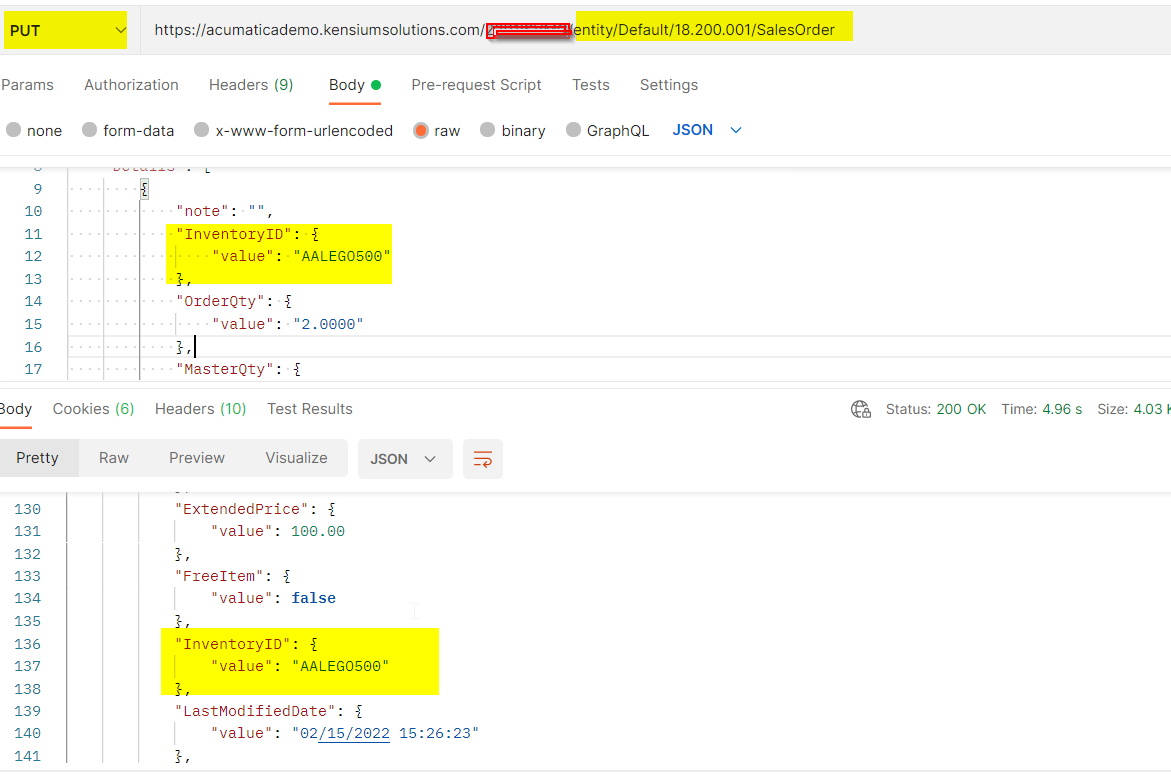
Ok, so here is one working answer to this one. Let’s say you want to create an external website that communicates with Acumatica via REST API or Webhook. In my case, I wanted to add Sales Order lines to a Sales Order programmatically.
You push your sales order lines to Acumatica. But in my use case, there are users that have launched an external search screen from the Sales Order screen, and now are presumably wondering why the item they just added to their Sales Order has not appeared in the other screen. Acumatica does not currently have any documented answer to this issue that I have found.
Alas, there is a solution that will work “out of the box”. If you launch the external website from Acumatica using PXRedirectURLException, this launches a new window that has links back to the parent window via the window.opener feature in Javascript.
It’s a little tricky, because native Acumatica is using iFrames to separate the navigation window from the main window inside the native Acumatica site. So targeting that window via window.opener was a little more tricky than usual. However, it can be done with this code below. This says to go get the main iFrame window, and then get its webpage from within the iFrame.
var framedoc = window.opener.document.getElementById("main").contentWindow.document;
We will use this code in the child window that was launched via PXRedirect exception. Then, we can target the refresh button inside of SO301000, for example, with the following code. The simulateMouseEvent function is required for Acumatica to properly register the click on the refresh button (just $(element).click() does not work)...
var simulateMouseEvent = function(element, eventName, coordX, coordY) {
              var returnval = element.dispatchEvent(new MouseEvent(eventName, {
                view: window.opener.document.getElementById("main").contentWindow,
                bubbles: true,
                cancelable: false,
                clientX: coordX,
                clientY: coordY,
                button: 1
              }));
              return returnval;
            };

               var framedoc = window.opener.document.getElementById("main").contentWindow.document;
               var t = framedoc.getElementById('ctl00_phG_tab_t0_grid_at_tlb_ul');
               var x = t.getElementsByClassName("main-Refresh");
               var g = x[0].parentElement.parentElement.parentElement;
               $(g).css( "background-color", "green");

               var theButton = x[0];

               var box = theButton.getBoundingClientRect(),
               coordX = box.left + (box.right - box.left) / 2,
               coordY = box.top + (box.bottom - box.top) / 2;

               simulateMouseEvent(theButton, "mousedown", coordX, coordY);
               simulateMouseEvent(theButton, "mouseup", coordX, coordY);
               simulateMouseEvent(theButton, 'click', coordX, coordY);
There is even some code in there to turn the background of the refresh button green in the main Acumatica window, as an example of an additional callout that can be made to show that the integration has worked.
Anyway, this one was pretty tricky, so I thought I would share it!