Answer

Test SDK: How to Add Value to Attribute

  • October 4, 2023
  • 2 replies
  • 92 views

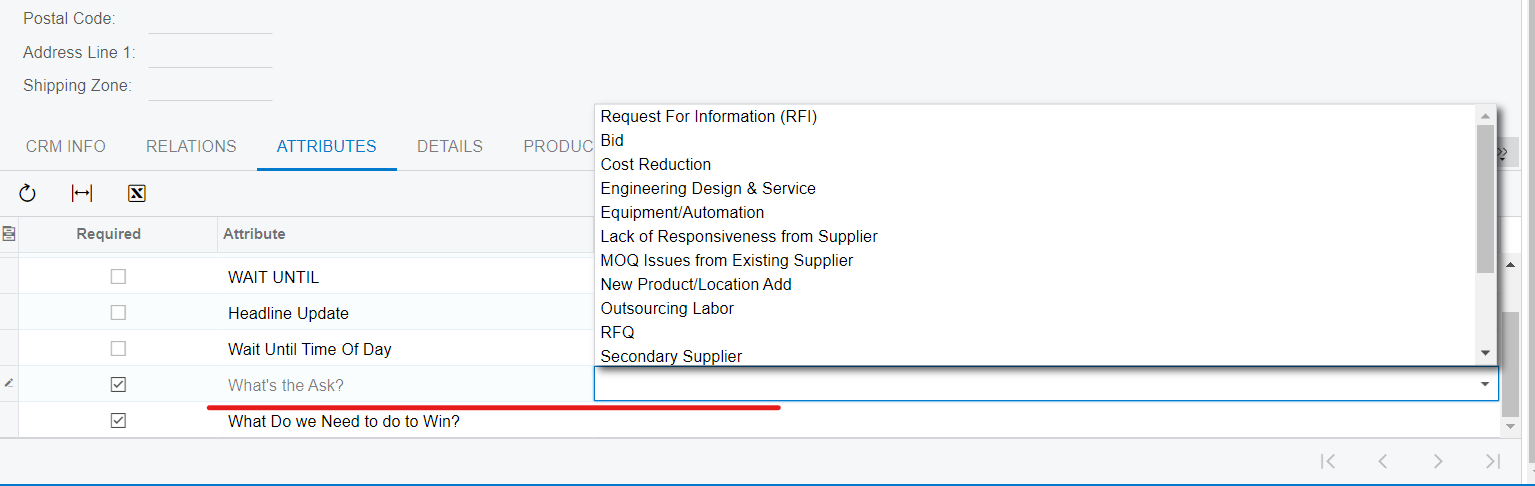
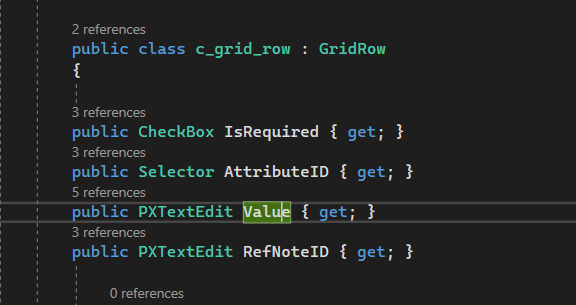
I’m creating SDK tests and I need to fill in the value for attribute. I’m able to find the needed row and it clicks on it, but I cannot insert any value to it. The error is “Could not find a web element”.

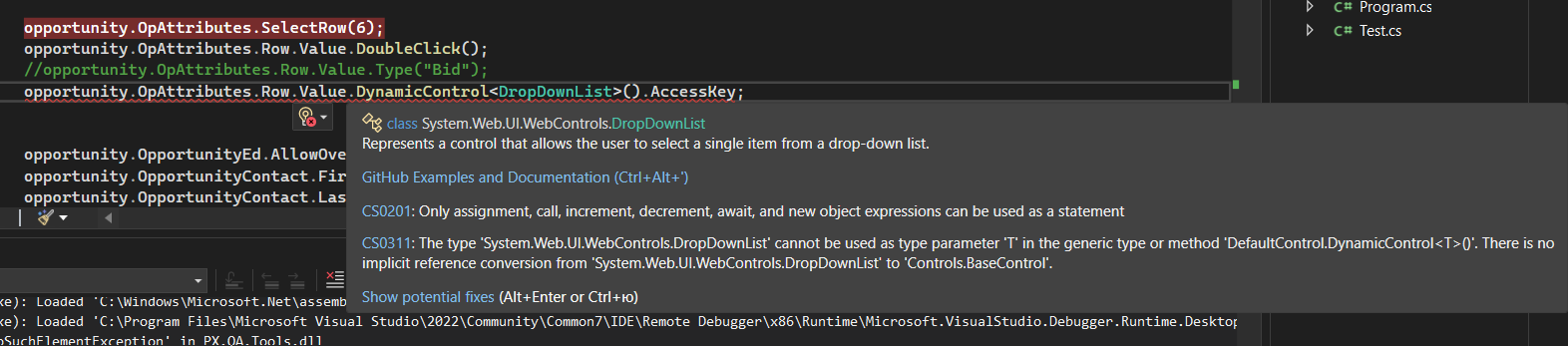
I tried to make it with DynamicControl but it throws error as well (tried DropDown, DropDownList - nothing works).

Could someone please help me out?


Best answer by AaronB

Hello Anna,
Thank you for posting your question.

Here is the solution, feel free to ask any other questions you have, We are happy to assist!

using Controls.Editors.DropDown;

...

opportunity.OpAttributes.SelectRow("Attribute", "What’s the Ask?"); //selecting the dropdown’s row first
opportunity.OpAttributes.Row.Value.DynamicControl<DropDown>().Select("Access Key"); //selecting the value from the dropdown options


2 replies

AaronB
Varsity II
Forum|alt.badge.img+1
  • Varsity II
  • Answer
  • October 4, 2023

Hello Anna,
Thank you for posting your question.

Here is the solution, feel free to ask any other questions you have, We are happy to assist!

using Controls.Editors.DropDown;

...

opportunity.OpAttributes.SelectRow("Attribute", "What’s the Ask?"); //selecting the dropdown’s row first
opportunity.OpAttributes.Row.Value.DynamicControl<DropDown>().Select("Access Key"); //selecting the value from the dropdown options


Thank you so much, Aaron. It works now!