Answer

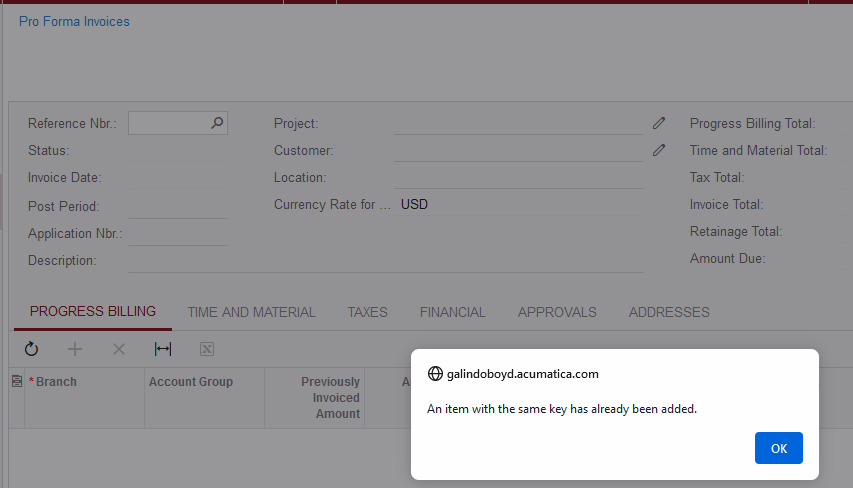
Error in Proforma Screen, "An Item with the same key has already been added."

  • August 19, 2022
  • 4 replies
  • 127 views

Laura03
Captain II
Forum|alt.badge.img+19

Hello,

History: One migrated project had an error in previously billed amounts and needed adjustments.

I tested the planned correction in a test tenant first and had no issues, so proceeded to repeat the same steps in Live.

  1. I followed the normal project-retainage migration steps to first create an AR Invoice dated 4/20 using Receivables Migration Mode. 
  2. I used Project Migration Mode to import a Proforma, also dated 4/20. The proforma import worked and it’s connected to the newly created AR invoice.
  3. I created a PM Transaction, also dated 4/20, representing the Revenue amount added, using module = AR.  
  4. I turned off both migration modes and ran the Recalculate project process.
  5. Then I ran Billing for the project and it produced the next Proforma.  The AIA is good, our amounts are now corrected.

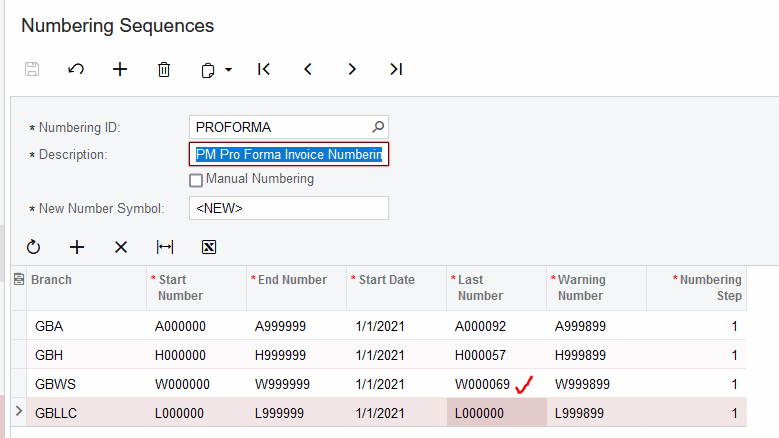
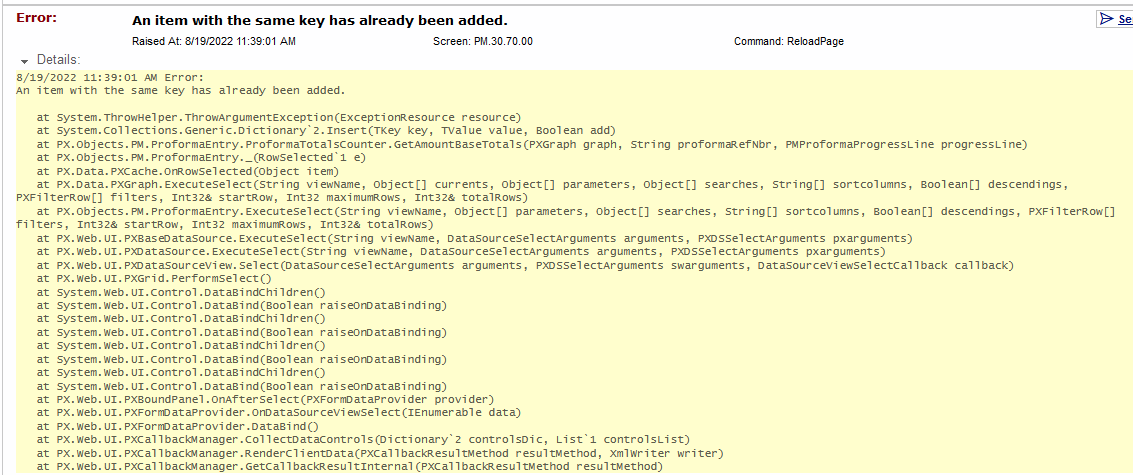
However… an error appears when selecting the new proforma from the PL, and when selecting subsequent pro formas created in the same branch using the same numbering sequences. (In my test, no errors occurred.) The numbering sequence for ARInvoice and Proforma looks the same between tenants.  What have I missed??

Trace is below.  Thank you in advance, for your advice!
 

Best answer by Laura03

This ticket was escalated to Development and Acumatica fixed the problem, with magic I think.


4 replies

DConcannon
Varsity II
Forum|alt.badge.img+2
  • Varsity II
  • August 19, 2022

Hi @laura01  Any chance that the migration mode Proforma did not increment the last number correctly? Regardless, have you tried manually incrementing the last number in the numbering sequence?


Laura03
Captain II
Forum|alt.badge.img+19
  • Author
  • Captain II
  • August 19, 2022

Thank you @DConcannon, for responding and for your ideas! 

I did try incrementing both the ARInvoice and the ProForma numbering sequences by 1, even though Acumatica did already increment both. I also opened a ticket & it’s at level 2. 

I will entertain all ideas in the meantime as we wait for resolution, as our customer is eager to bill!


Laura03
Captain II
Forum|alt.badge.img+19
  • Author
  • Captain II
  • August 22, 2022

Hello,

The forum is asking me to choose a best answer. I don’t yet know the answer, and my Support ticket is in Development. The solution may take a few days.

We did figure out that only the project that was corrected has the issue - three proformas for the same project are affected. Thankfully, we can bill other projects without errors. 


Laura03
Captain II
Forum|alt.badge.img+19
  • Author
  • Captain II
  • Answer
  • September 4, 2022

This ticket was escalated to Development and Acumatica fixed the problem, with magic I think.