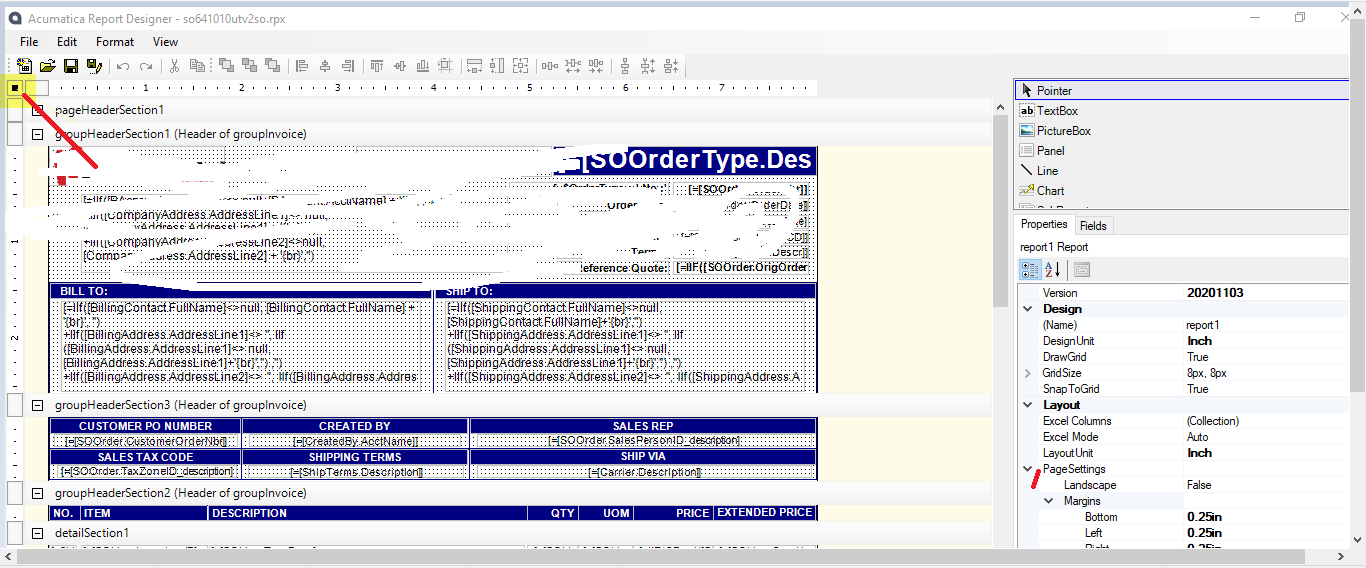
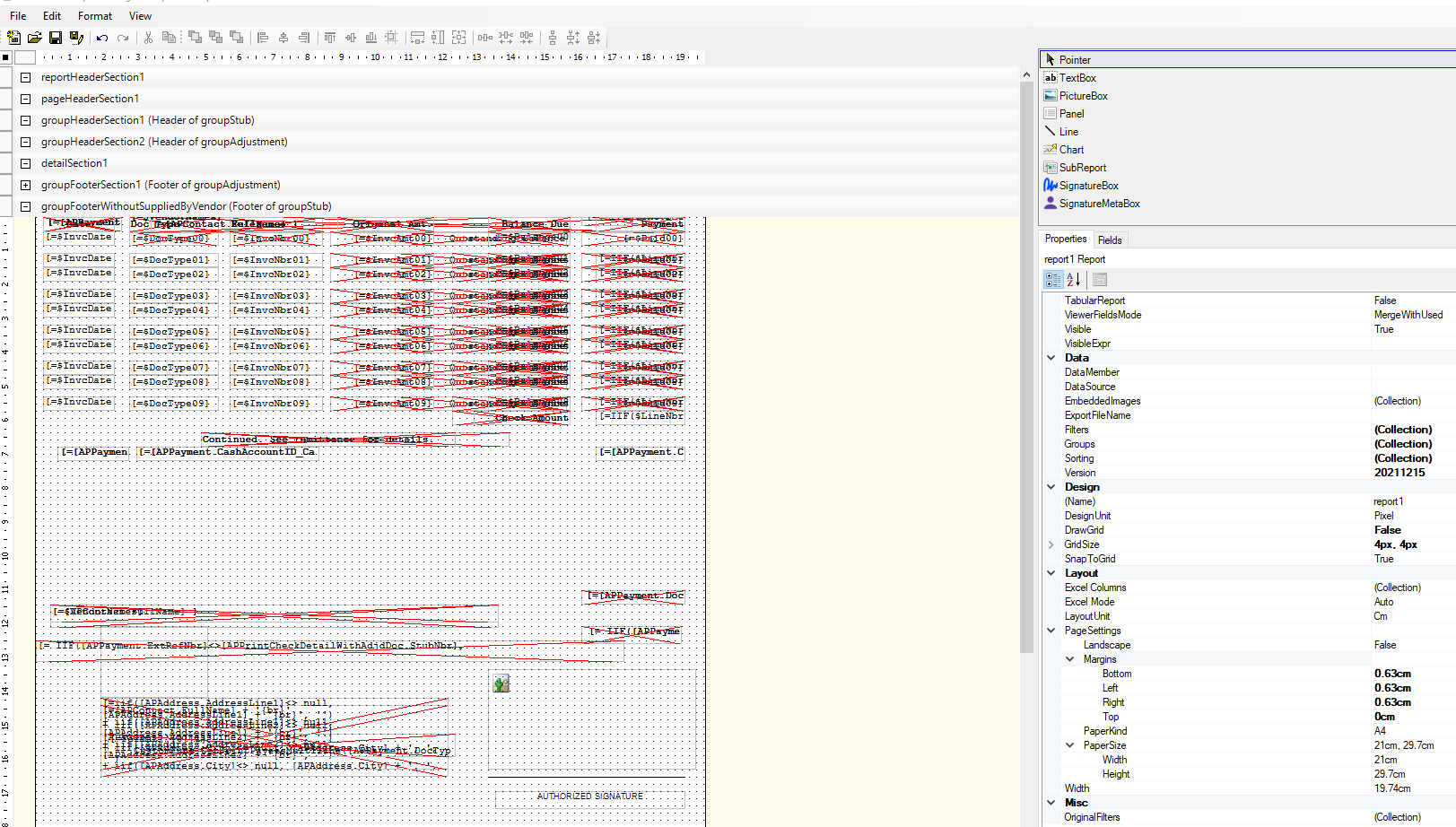
A reference was made in the solution below to “report designer Page Setting >>Margins>>Top.”
Can someone please post a screen shot of this path? I do not see it in my Report Designer and am wondering if it is not loading properly.
Thanks
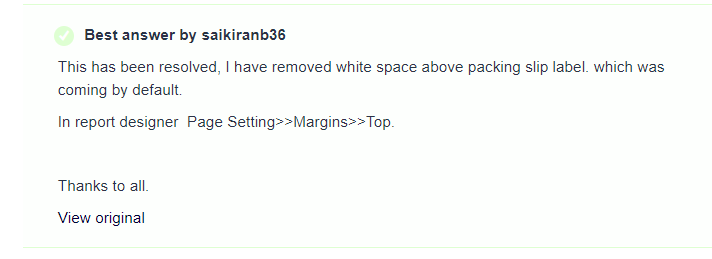
A reference was made in the solution below to “report designer Page Setting >>Margins>>Top.”
Can someone please post a screen shot of this path? I do not see it in my Report Designer and am wondering if it is not loading properly.
Thanks
Best answer by martingaxiola
Hello, I just used insted of the top, increase the bottom size (the size I have on my report are inches) I set it to 1in, and also, I have the Style → Vertical Align → Top on all the top Groupheaders, and that pushed the report up. I have also set the footers with the same Style → Vertical Align → Top. That helped on moving the report up, make sure to have a saved version and print version, as you moving the whole data on the check report up.
I hope this helps.

No account yet? Create an account
Enter your E-mail address. We'll send you an e-mail with instructions to reset your password.