Solved

How to Add Attribute to Stock Item

  • March 26, 2024
  • 4 replies
  • 421 views

Forum|alt.badge.img

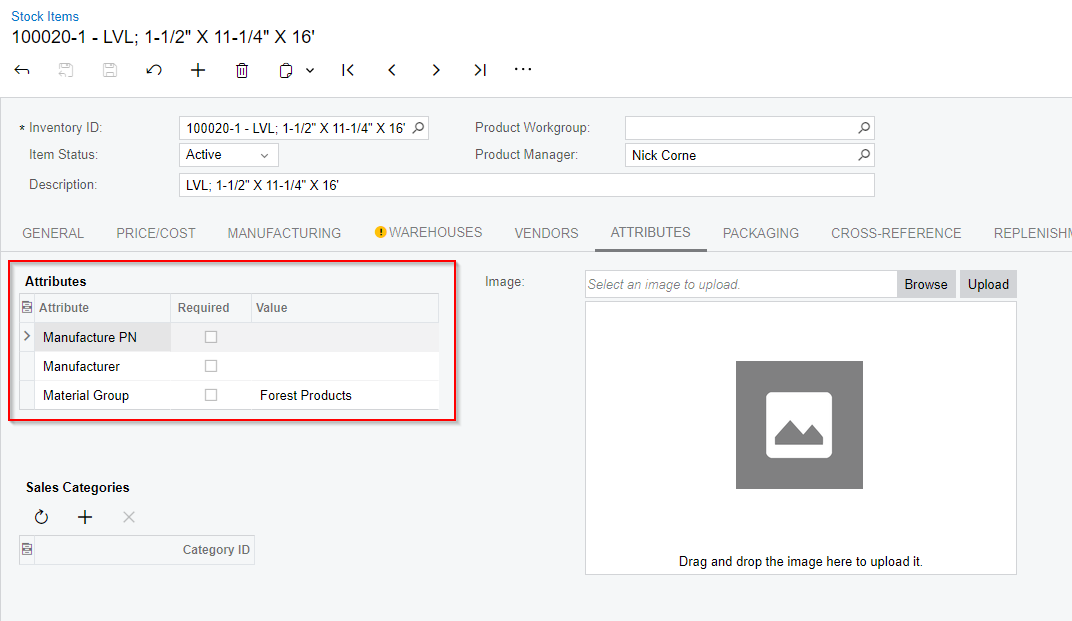
How do I add an attribute to this screen?  I have already created the attribute but don’t know how to make it appear in the Stock Item screen.


Best answer by Jeff96

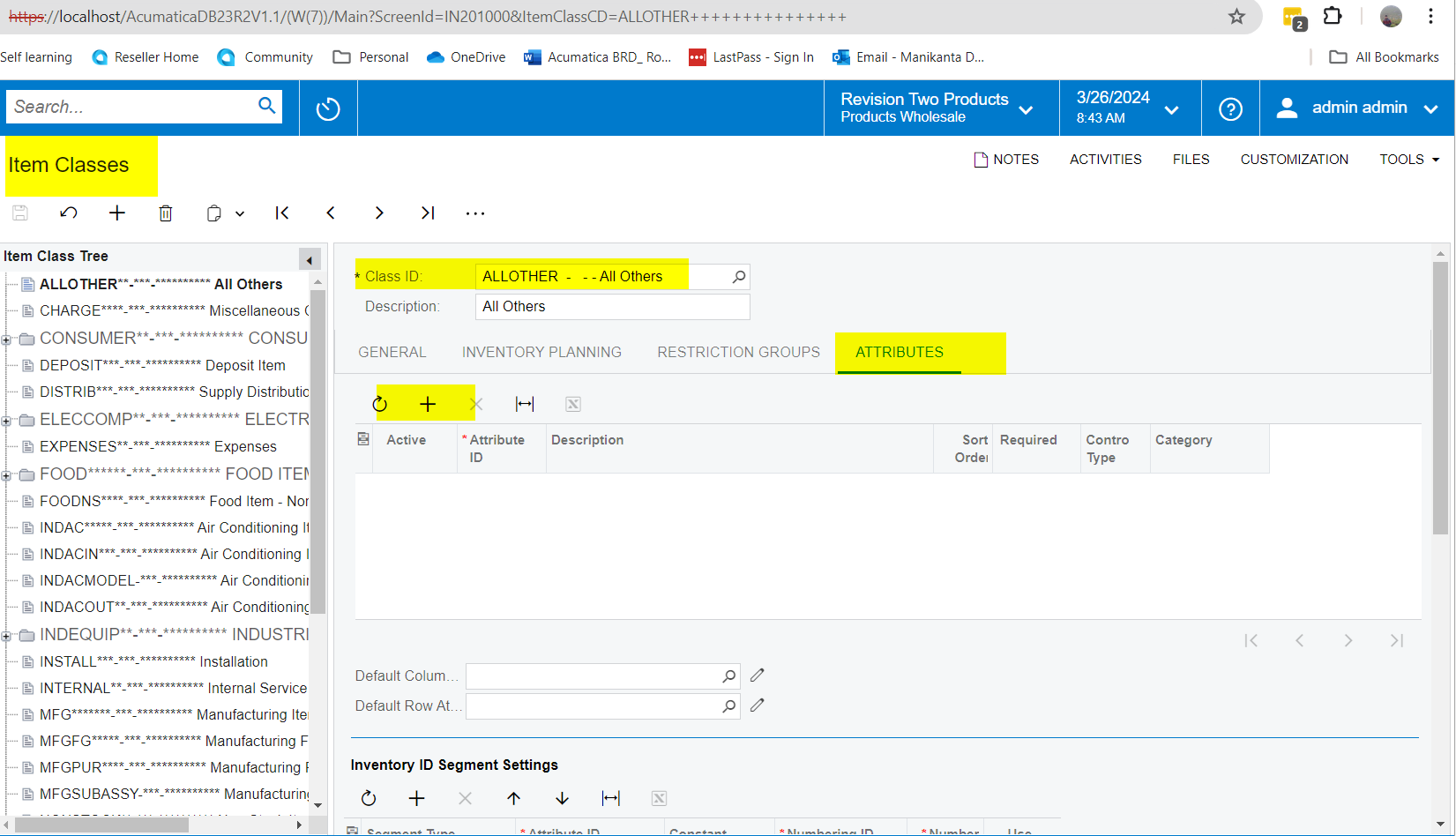
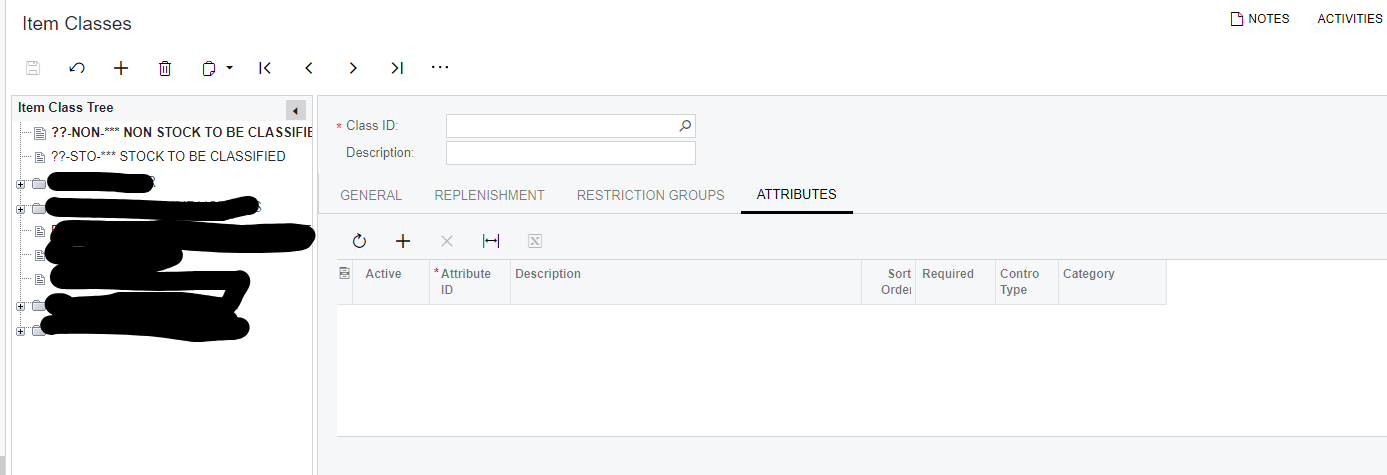
You need to add it to the item class on screen IN201000
 

4 replies

Manikanta Dhulipudi
Captain II
Forum|alt.badge.img+15

Hi @josborn 

Please assign the attribute in the item class screen.

Thanks


laurabarber45
Captain II
Forum|alt.badge.img+19
  • Captain II
  • 3135 replies
  • March 26, 2024

Hello @josborn 

Please add the attribute first to the Item Class screen, ATtributes tab.

Laura


Jeff96
Captain II
Forum|alt.badge.img+4
  • Captain II
  • 268 replies
  • Answer
  • March 26, 2024

You need to add it to the item class on screen IN201000


Forum|alt.badge.img
  • Author
  • Freshman I
  • 32 replies
  • March 26, 2024

You need to add it to the item class on screen IN201000


Thank you! This is solved.