Answer

Adding an Attribute to a Grouping in a Generic Inquiry

  • February 21, 2024
  • 4 replies
  • 268 views

Forum|alt.badge.img

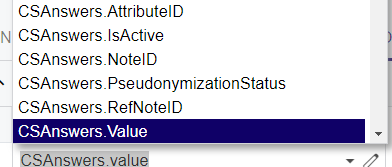
It seems that the attributes I’ve created are not listed in the Schema and Data field drop down list when selecting a field to do a Group by in the Grouping tab. 


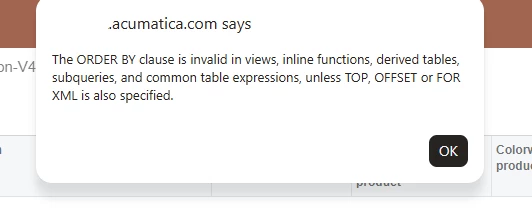
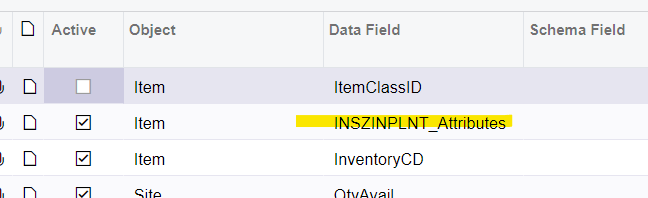
We’re able to pull in the attribute field to the Results Grid, but just not the Grouping tab. I also tried hardcoding that field name in there but got an error. 


Best answer by Robert Sternberg

Hello @lawsont 

In your join conditions set the AttributeID equals =’ATTRBID’


Where ATTRBID is the attribute’s ID. 


Hope this helps!

4 replies

Robert Sternberg
Captain II
Forum|alt.badge.img+7

If wanting to group by attributes have you considered joining the CSAnswers table?  That would allow the field to exist in the core data set and not function as a virtual field. 


Forum|alt.badge.img
  • Author
  • Jr Varsity III
  • February 21, 2024

I haven’t. Just added it, but I don’t get any of the actual attributes. How do I define which attribute I want grouped?


Forum|alt.badge.img
  • Author
  • Jr Varsity III
  • March 4, 2024

@Robert Sternberg I feel like I’m close, but I need another hint! How do I actually dictate which attribute I want to group? 


Robert Sternberg
Captain II
Forum|alt.badge.img+7

Hello @lawsont 

In your join conditions set the AttributeID equals =’ATTRBID’


Where ATTRBID is the attribute’s ID. 


Hope this helps!