



We are looking to add a check box to our Sales Quote form that identifies whether to print as individual line-item pricing or just a lump sum price for all items being quoted.
Solved
How do I add a check box for line-item pricing vs. lump sum pricing to the Sales Quote form?
Best answer by Laura03
Hello,
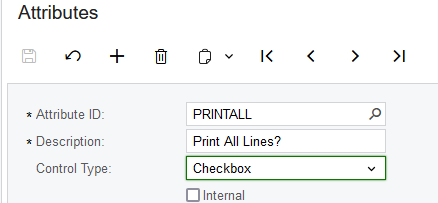
One possible solution is to add an Attribute/UDF “Print All Lines” in Configurations → Attributes screen, With Type = Checkbox, and then use it in the printed Quotes’ visibility formulas.
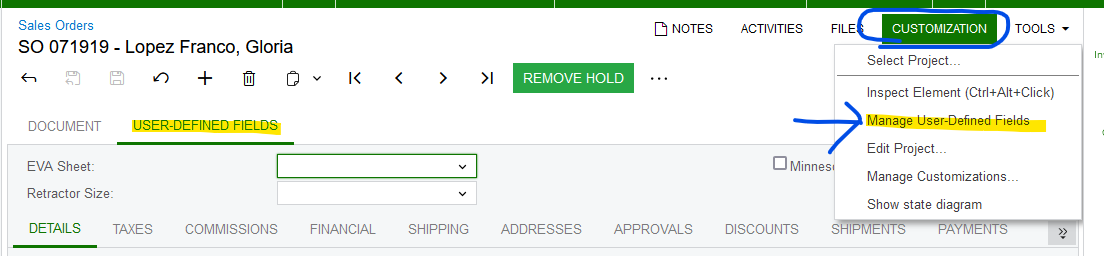
Next, use Customization → Manage User-Defined Fields to add the new field to your Sales Order/Quotes screen:
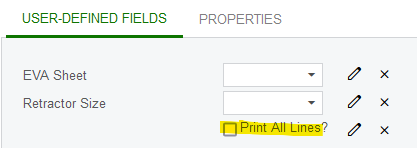
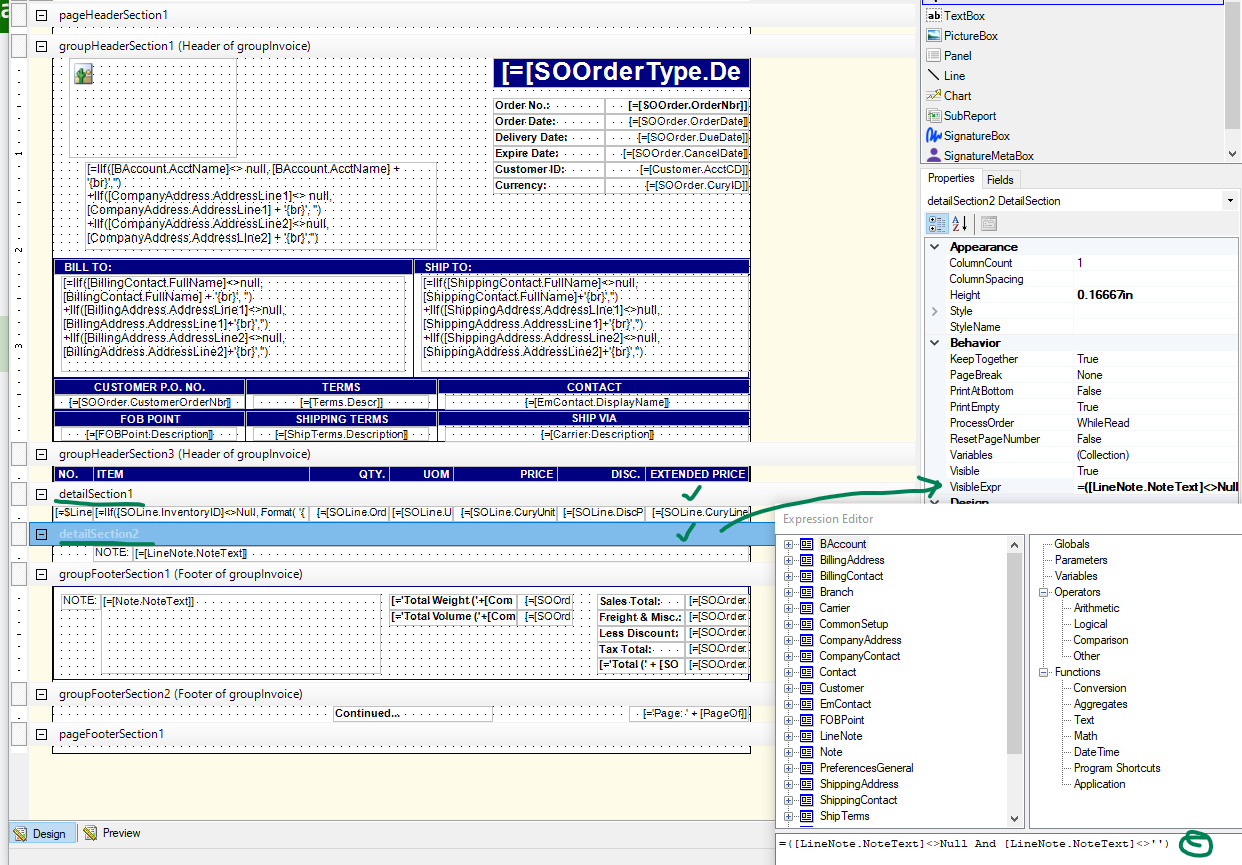
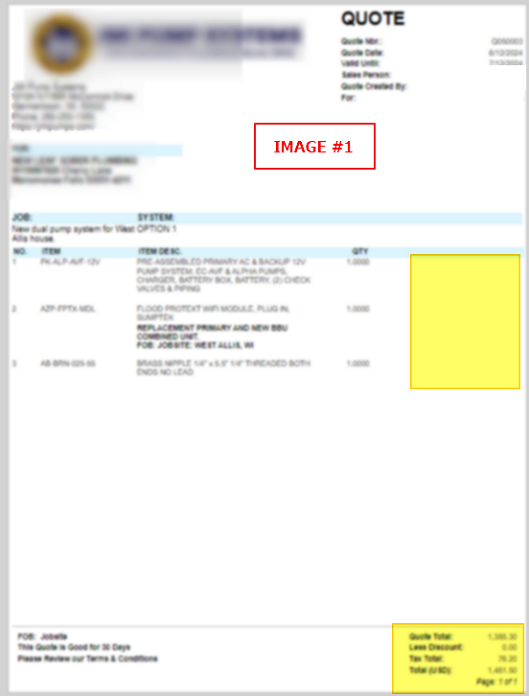
Using Acumatica Report Designer, modify the Printed QUOTE Form to Print the Details areas of QT order type only when Print All Lines field = ‘1’ / TRUE (in addition to existing visiblity formulae).
Laura




Login to the community
No account yet? Create an account
Social Login
Login with your Acumatica accountEnter your E-mail address. We'll send you an e-mail with instructions to reset your password.