Answer

Inquiry formula issue? - Margin

  • July 23, 2021
  • 5 replies
  • 742 views

pandachan48
Jr Varsity II
Forum|alt.badge.img

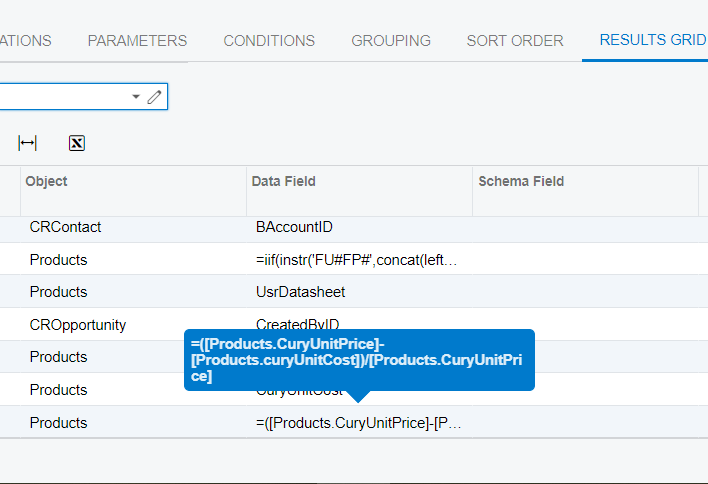
I have set the formula to count the margin, I’m not sure is the formula correct?

=([Products.CuryUnitPrice]-[Products.curyUnitCost])/[Products.CuryUnitPrice]

does someone know how to solve this problem?

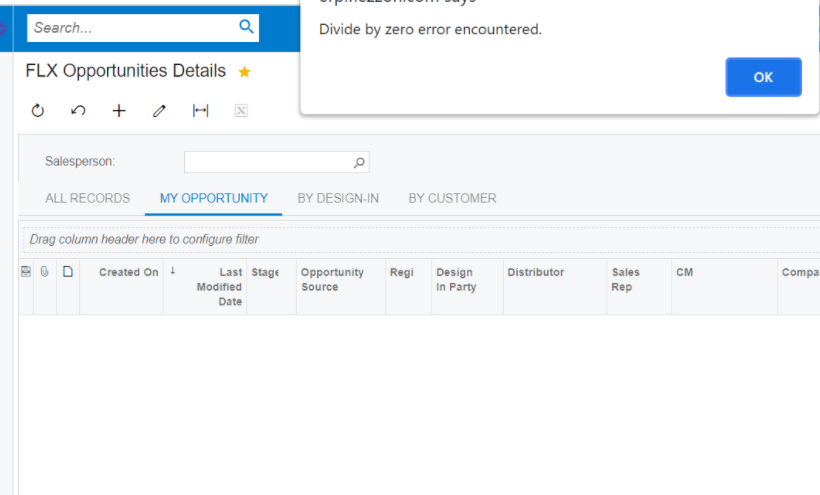
After I set the formula, it come out the error. “Divide by Zero error encountered”.


Best answer by Naveen Boga

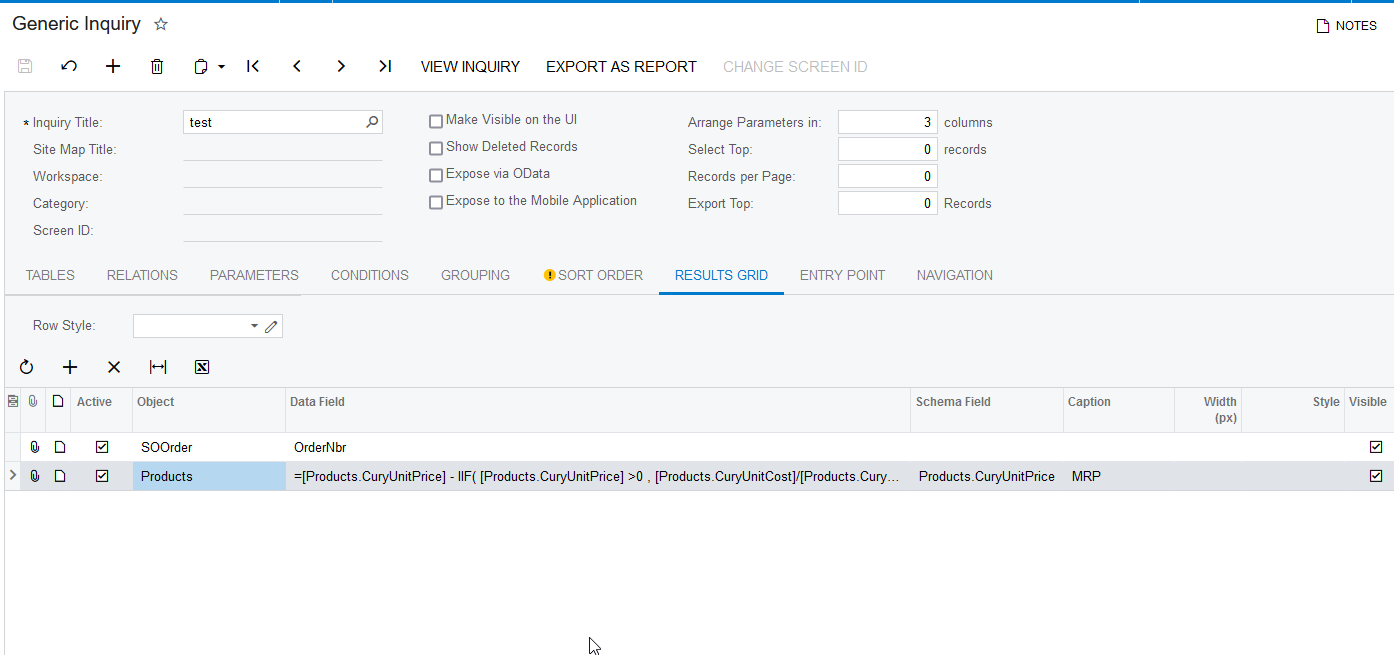
Hi @pandachan48 Please try with the below formula.


=[Products.CuryUnitPrice] - IIF( [Products.CuryUnitPrice] >0  , [Products.CuryUnitCost]/[Products.CuryUnitPrice],  0  )


5 replies

kristianharianja
Semi-Pro I
Forum|alt.badge.img+3

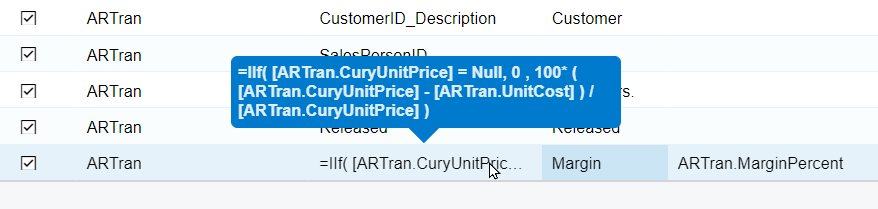
Hi, I might not use the same DAC as you but you can see the logic that works below:


Naveen Boga
Captain II
Forum|alt.badge.img+19
  • Captain II
  • Answer
  • July 23, 2021

Hi @pandachan48 Please try with the below formula.


=[Products.CuryUnitPrice] - IIF( [Products.CuryUnitPrice] >0  , [Products.CuryUnitCost]/[Products.CuryUnitPrice],  0  )


TimRodman
Pro I
Forum|alt.badge.img+1
  • Pro I
  • July 23, 2021

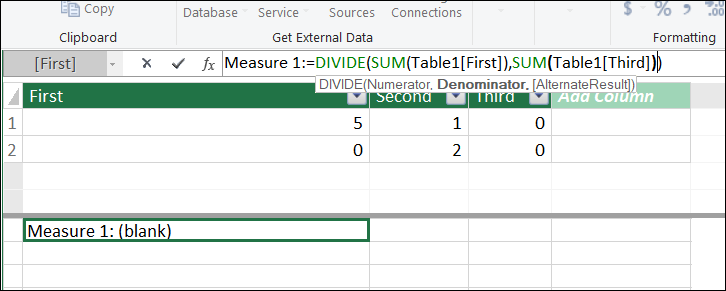
It would be cool if Acumatica could add a DIVIDE function like they have in Power BI. It’s pretty simple, but it’s much easier to use because it can sense a divide by zero and return a blank result or return an alternate result if you populate the 3rd argument as shown in the screenshot below.


BenjaminCrisman
Acumatica Employee
Forum|alt.badge.img+4
  • Acumatica Support Team
  • October 4, 2021

Hi @pandachan48 , as @Naveen B  pointed out the issue is that one of your data sets contains either an amount less than 0 on either the top or the bottom of the equation.

In order to get around this you’ll need to either factor for the issue transaction by doing as @Naveen B pointed out, using an IIF statement to verify that all the data used in the expression will result in a valid total, or you can load each table in as a separate column and then sort by ascending order to see which column has the data which is giving the issue.

Once you’ve identified the data you can either update the expression or update the field being used in the expression (if there is a clerical error which can be adjusted), but the only times you’ll see this error is if either the top or bottom of the expression being used results in a zero prior to the division.

@TimRodman I would recommend to include a change request for something like this as I don’t know if it could be possible, but it would certainly be useful!


TimRodman
Pro I
Forum|alt.badge.img+1
  • Pro I
  • October 20, 2021

@BenjaminCrisman I would totally submit the idea, but now that I'm independent I no longer have access to the ideas area on this site :frowning2: