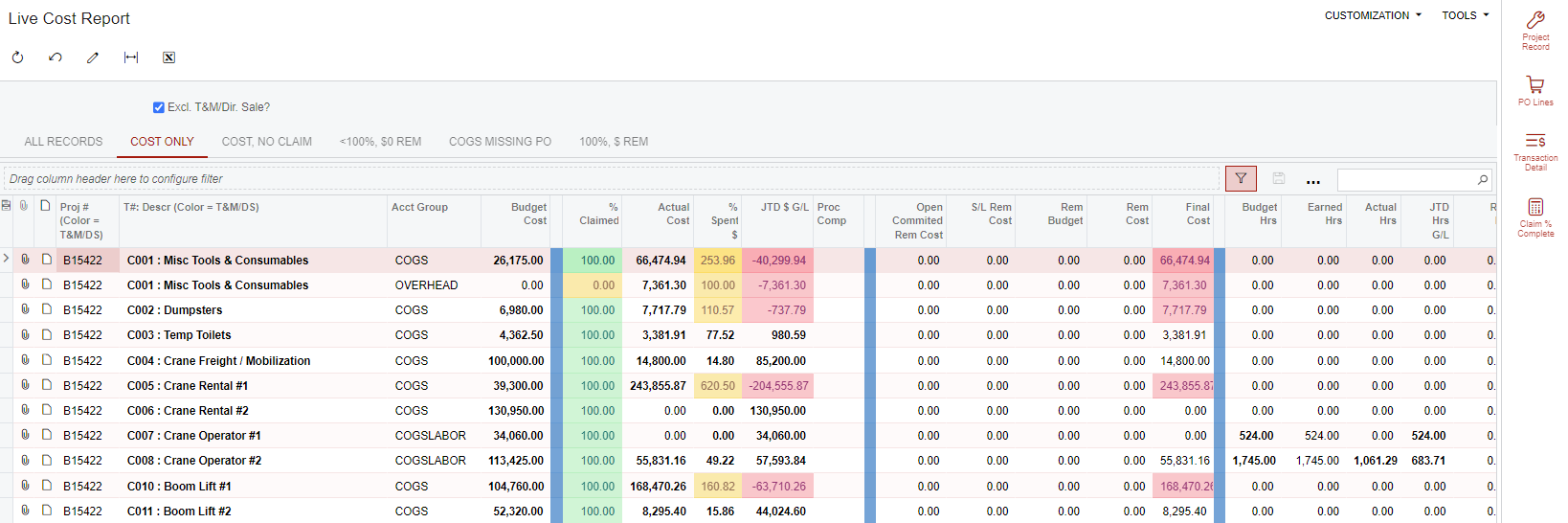


We have a number of GIs that have multiple side panels / color schemes; it would be really great to have smaller text under the GI title at the top of the page where you could provide simple instructions or a color legend (even if it’s just text--preferably multi-line) to give users some context / action items. We have the below GI used by our PMs to keep our project financials updated without having to leave the screen using side panels. I’d love to put a sub-heading under ‘Live Cost Report’ that says “use the ‘PO Lines’ icon to the right to see PO lines written to selected line item” and “update your % complete using the ‘Claim % Complete’”.