Solved

Item not Allocating after both Production Order and Move Transaction Completed

  • July 12, 2024
  • 10 replies
  • 320 views

Forum|alt.badge.img

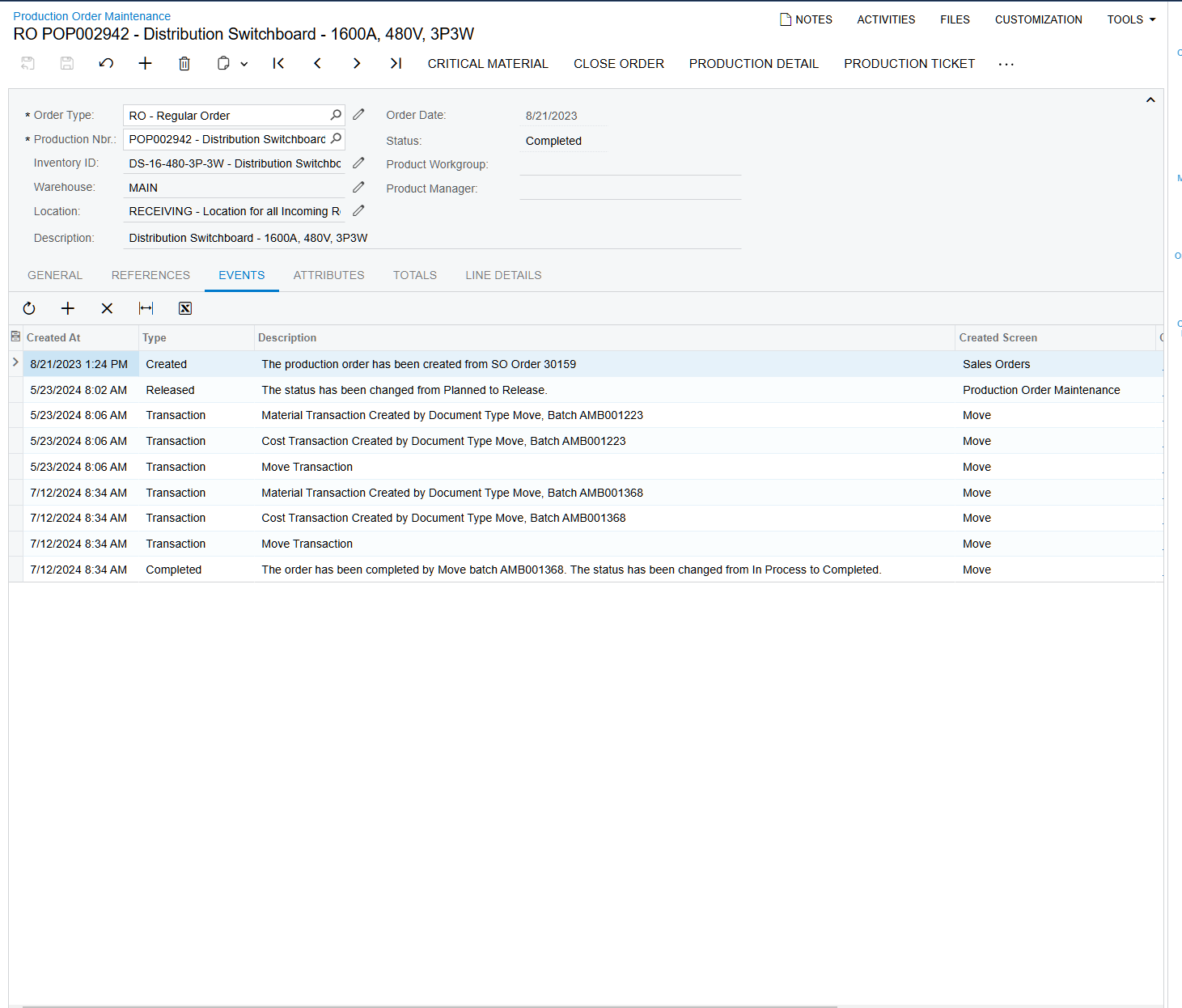
I have an item on a Sales Order that we are trying to ship out. I created a move transaction and completed it with no issue but it does not show up in the Allocated qty on the sales order. 

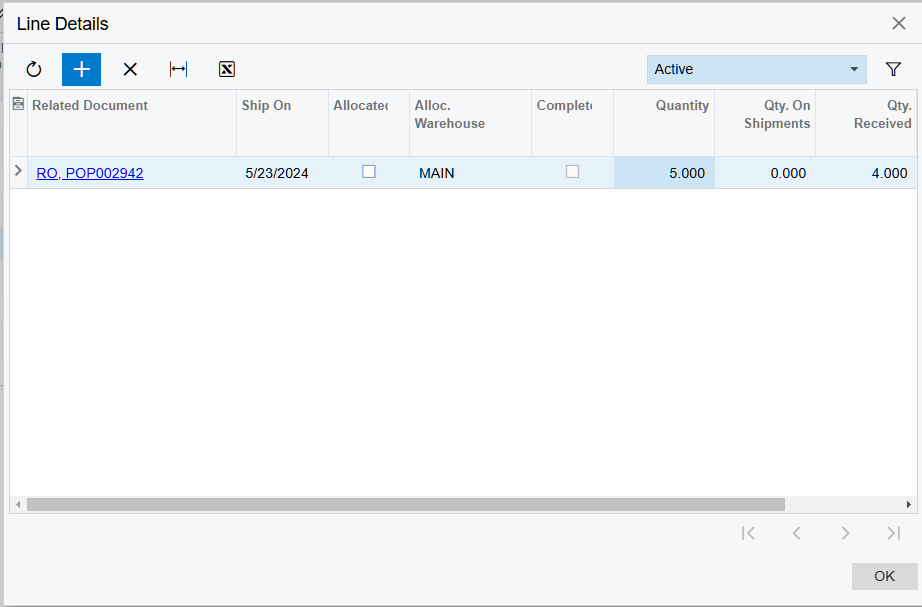
When I went to go manually allocate this item, I see that the Related Document is still the Production Order itself and not the move transaction and the item does not allocate manually through the Line Details either.


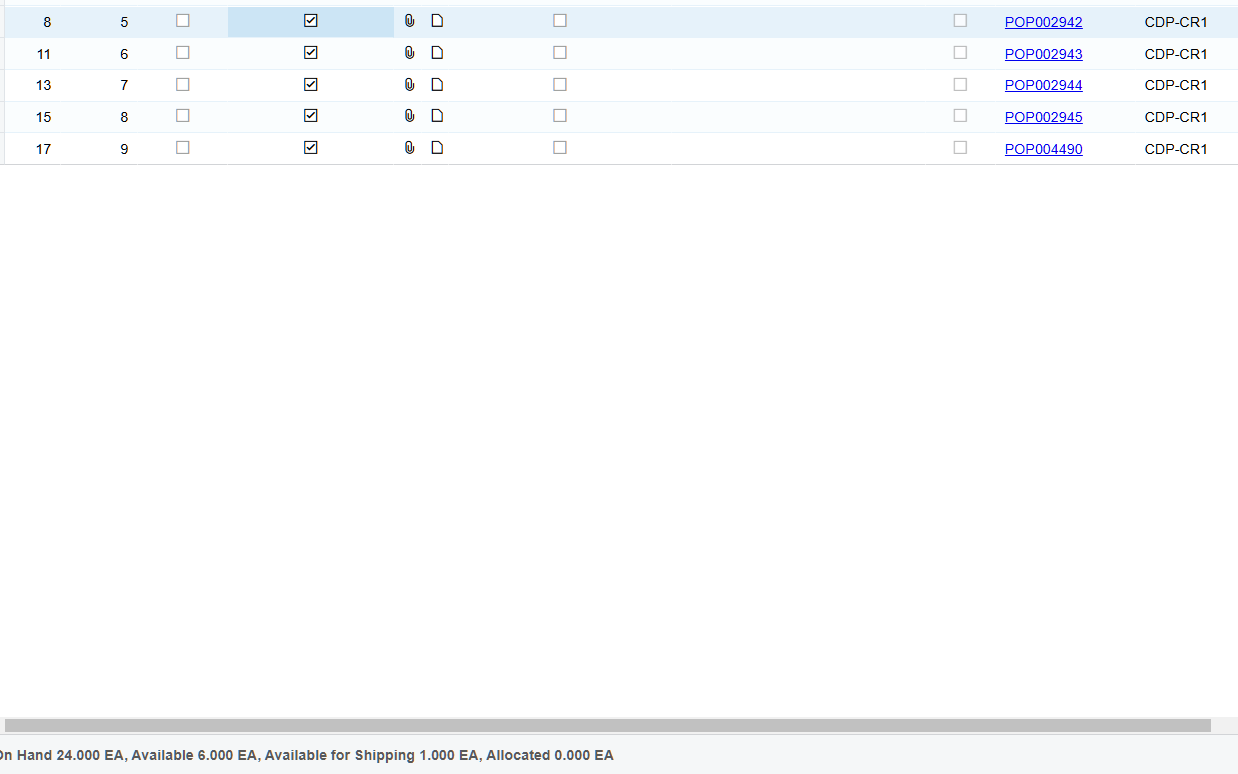
How do I go about getting this onto the shipment? We have shipped 4/5 already and are looking to ship the final 1. Line 8 is the line in question.

Thank you!
 

Best answer by Manikanta Dhulipudi

​@bthomas24 

Please do the following:

- clear Mark for production check box for SO lines in question.

- retype quantity for SO lines in question.

- check Allocation plan for SO lines in question.

10 replies

Forum|alt.badge.img+11
  • Captain II
  • July 12, 2024

Hi @jdunmire 


We have been experiencing the same issue, we have a L2 case with Acumatica, will update you on anything we get from Acumatica.


From what we have been told, it is a bug.


Chris Hackett
Community Manager
Forum|alt.badge.img
  • Acumatica Community Manager
  • August 19, 2024

Hi @aiwan were you able to that is a bug? Thank you!


Forum|alt.badge.img+11
  • Captain II
  • August 27, 2024

Hi @Chris Hackett 


We are still waiting for an email with a teams call from our VAR.


Aleks


Forum|alt.badge.img
  • Jr Varsity II
  • February 25, 2025

We are seeing this on 24 r 1. Is this a known issue that has been fixed?


Manikanta Dhulipudi
Captain II
Forum|alt.badge.img+16

​@bthomas24 

Please do the following:

- clear Mark for production check box for SO lines in question.

- retype quantity for SO lines in question.

- check Allocation plan for SO lines in question.


Forum|alt.badge.img+11
  • Captain II
  • February 25, 2025

​@bthomas24 

Please do the following:

- clear Mark for production check box for SO lines in question.

- retype quantity for SO lines in question.

- check Allocation plan for SO lines in question.

In addition to what ​@Manikanta Dhulipudi said, you should remove the line details from the SO lines in question too.


Forum|alt.badge.img
  • Jr Varsity II
  • February 25, 2025

Thank you ​@Manikanta Dhulipudi and ​@aiwan , this seems like a bug with software that needs to be fixed.


  • Freshman I
  • September 24, 2026

This is still happening as of Acumatica 2025 R2 Build 25.201.0213.6.   It looks to be occurring if the Order Qty is changed on Make to Order Finished Good after the Production Order is already Completed.   There does not seem to be a good workaround for this in Acumatica except for unlinking the SO to Production Order.. and ALSO deleting and Re-adding Item on the SO.   This unfortunately loses link to procuction order which does help for reporting and auditing.   Is this fixed yet and is it possible to be able to Re-Open a Completed Production Order so that the SO can be re-linked to the Production Order?  because a Completed Production Order is UNABLE to be re-linked to an SO.  


Forum|alt.badge.img
  • Author
  • Jr Varsity III
  • September 24, 2026

This is still happening as of Acumatica 2025 R2 Build 25.201.0213.6.   It looks to be occurring if the Order Qty is changed on Make to Order Finished Good after the Production Order is already Completed.   There does not seem to be a good workaround for this in Acumatica except for unlinking the SO to Production Order.. and ALSO deleting and Re-adding Item on the SO.   This unfortunately loses link to procuction order which does help for reporting and auditing.   Is this fixed yet and is it possible to be able to Re-Open a Completed Production Order so that the SO can be re-linked to the Production Order?  because a Completed Production Order is UNABLE to be re-linked to an SO.  

This may not be the best solution, but a workaround I found for this would be to do the following:

  1. Create a move transaction for the production order for its last operation ID with a qty of -1. This reopens the last operation and updates the production order status from Completed to In Process.
  2. Relink the production order to the sales order line (make sure the sales order line is not marked complete)
  3. Create a new move transaction for the production order to close the last operation

This seemed to work when I did it in our test / live tenants on 26R1


  • Freshman I
  • September 24, 2026

The negative move did in fact re-open the Production Order to allow re-link of a newly created Line Item.   Thanks so much for this workaround!