Question

Restriction groups

  • June 2, 2026
  • 6 replies
  • 32 views

I have created a restriction group to restrict Balance Sheet GL accounts to be accessed only in one branch, this works as expected, but can we exclude one user from this group, so that the user can access all GL Accounts from all branches

6 replies

nhatnghetinh
Captain II
Forum|alt.badge.img+13
  • Captain II
  • June 4, 2026

Hi ​@swethar81 

Standard Acumatica does not provide a way to exclude a specific user from a Restriction Group while keeping that user assigned to the group.

If one user needs access to all GL Accounts across all branches, the recommended approach is to not assign that user to the Restriction Group. Alternatively, depending on how your Restriction Groups are configured, you may create an additional Restriction Group that grants access to all required GL Accounts and branches for that user. Be sure to test the result carefully, as combining multiple Restriction Groups can produce different outcomes depending on the security setup.


Best Regards,

NNT


  • Author
  • Freshman I
  • June 4, 2026

@nhatnghetinh , thank you for the reply.

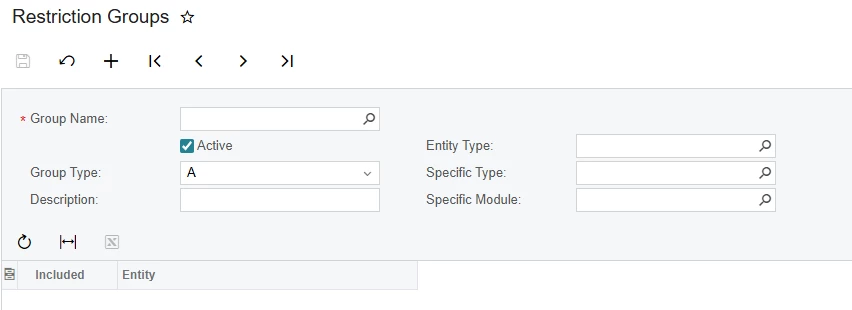
I actually created one A type restriction Group, selected Asset and Liability type Accounts and selected only one Branch in which this restriction shouldn’t apply (their Corp Branch where they can see all accounts), no users selected, this worked fine, until they have requested if one user will be allowed to access all accounts from all branches.

I tried the above, but didn’t seem to help.


nhatnghetinh
Captain II
Forum|alt.badge.img+13

Hi ​@swethar81 

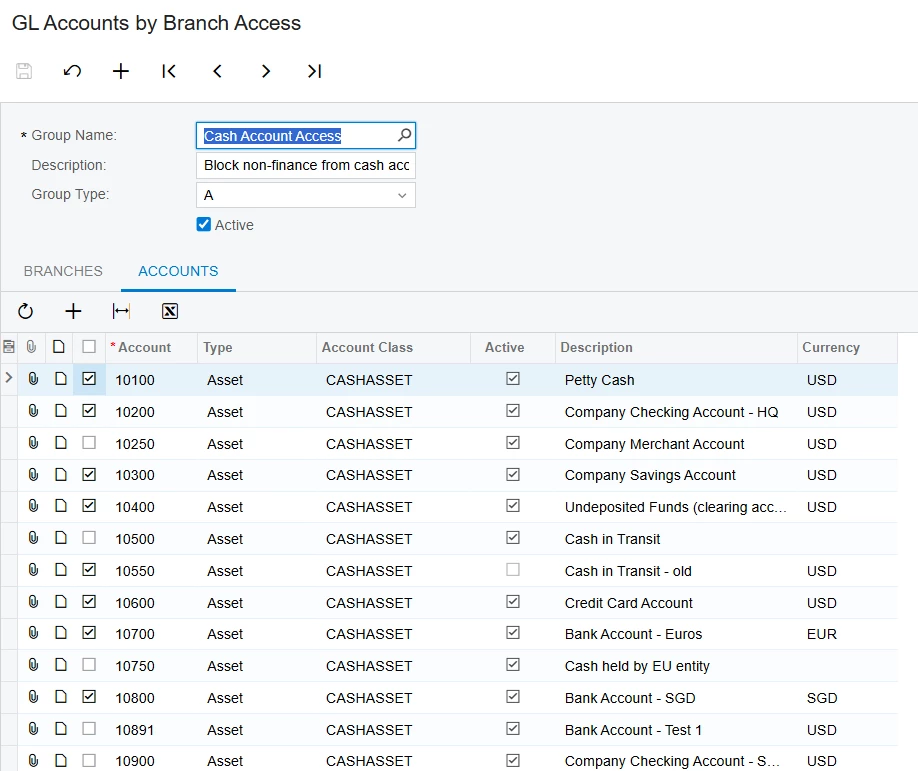
Did you create a restriction Group in this "GL Accounts by Branch Access" screen? In this screen, there is no Users Tab to select each User.


Best Regards,

NNT


  • Author
  • Freshman I
  • June 4, 2026

Hi ​@nhatnghetinh , No I created in the Restriction Groups screen


nhatnghetinh
Captain II
Forum|alt.badge.img+13

Hi ​@swethar81 

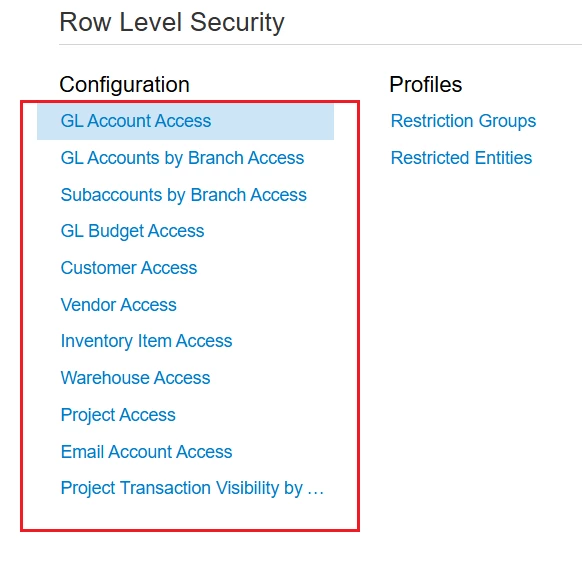
Restriction Groups are general screens that retrieve data from other screens such as GL Account Access, GL Accounts by Branch Access, etc. You should learn more about how to use these screens to create detailed Restriction Groups.


Best Regards,

NNT


  • Author
  • Freshman I
  • June 4, 2026

Sure, I will.

Thank you