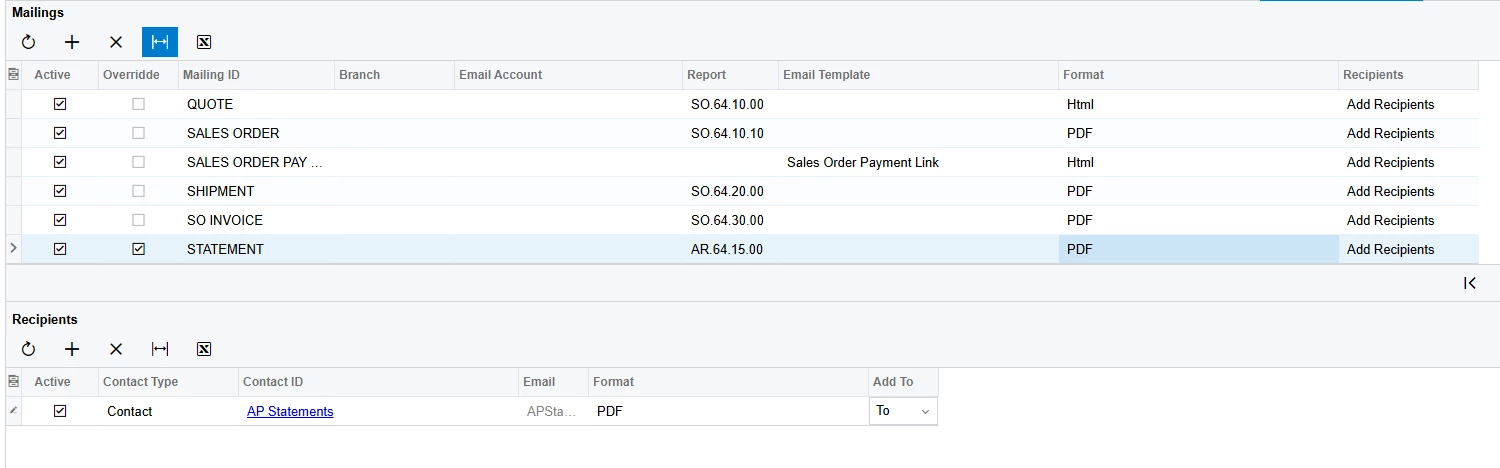
trying to use a contact for invoices and a different contact for statements. I thought that using the mailing & printing feature within the customer profile would solve this. However, after updating and saving, it does not seem to work. I did generate the statement on demand to test out; not sure if this is the issue. It is the same screen ID of AR641500 that the generated statement is on. It still uses the account email in the general tab, however. That is the one I want for invoices only.