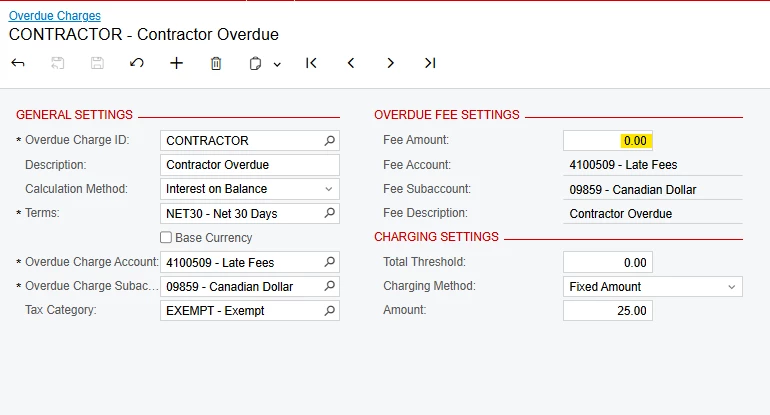
I am trying to set up overdue charges in Acumatica. We want the charge to be per invoice.
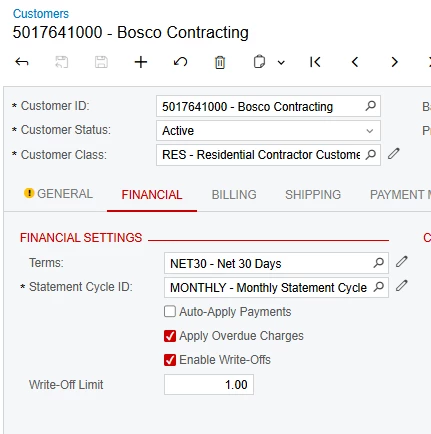
I have our test account set up to apply overdue charges:
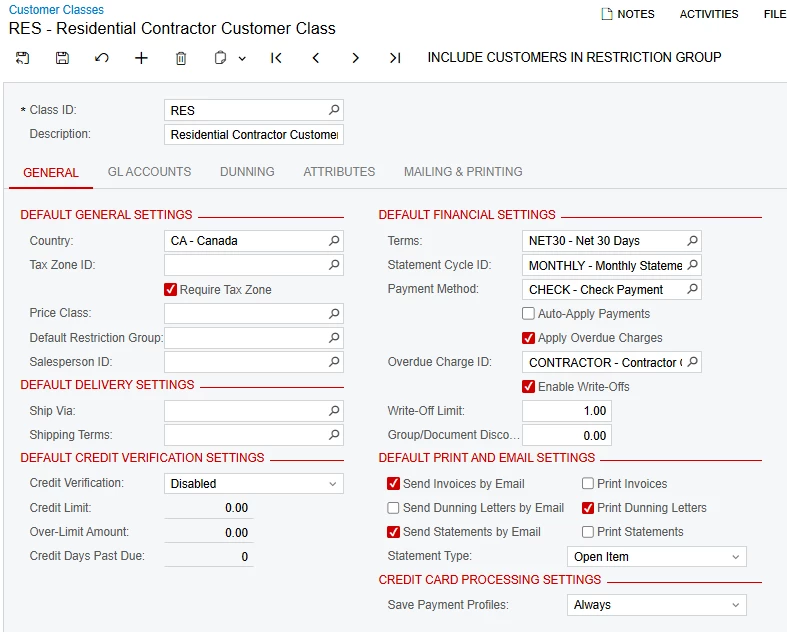
Their customer class also has overdue charges applied:
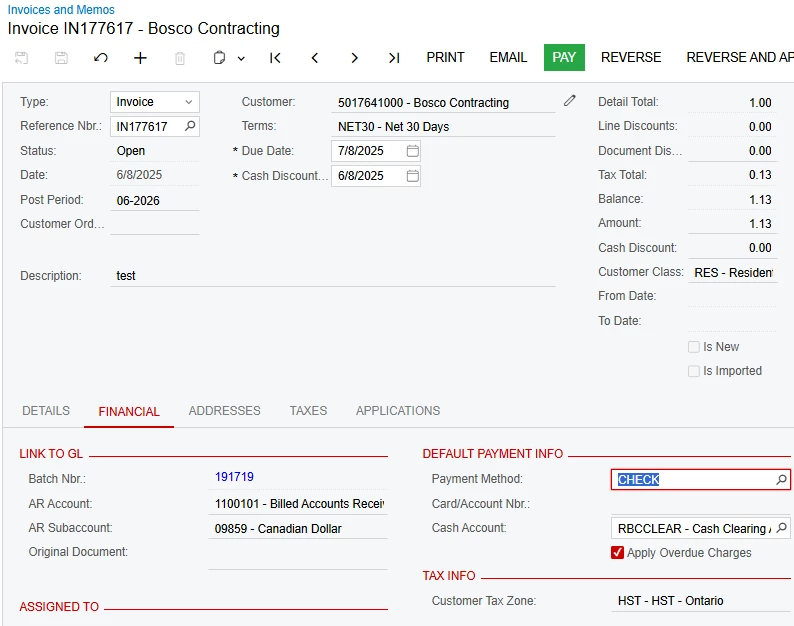
And the test invoices have overdue charges applied as well:
When I calculate and generate the invoice for the overdue fee, it has a fee for each overdue invoice, as well as the “Contractor Overdue” fee:
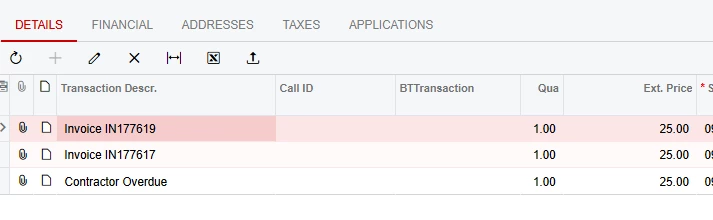
How can I set this up so that only the invoice fees appear on the Overdue fee invoice?
The logical fix is to uncheck “apply overdue” on the Customer Class page and the individual Customer page, but when I do that, nothing populates during the “Calculate” function on the AR507000 page.