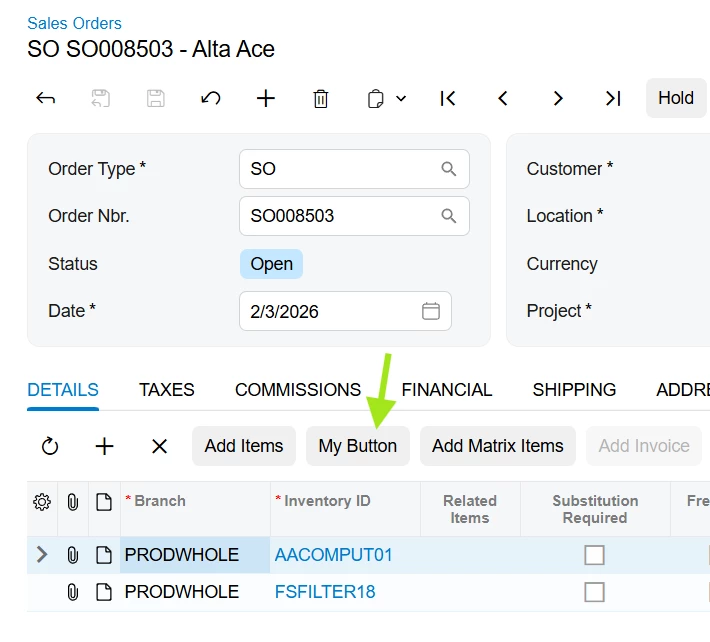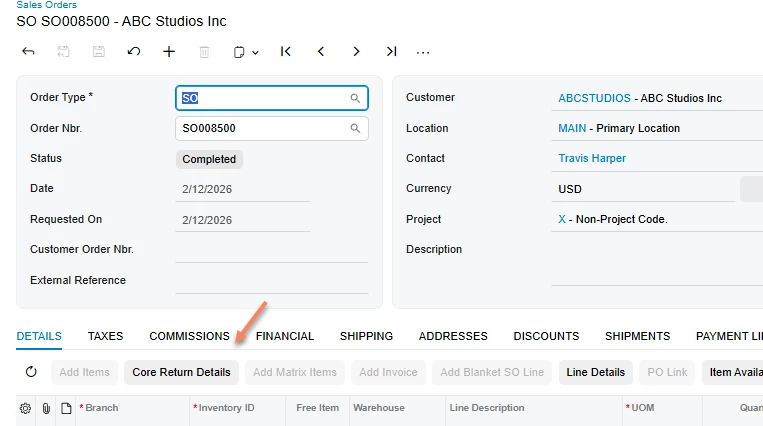

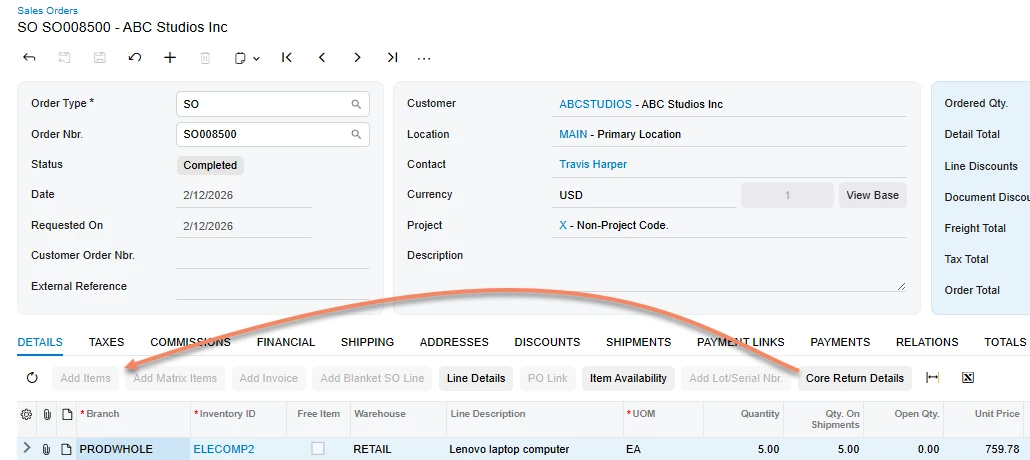
I have a custom button on the SO301000 screen above the grid. I need to move it over so that it sits next to the Add Items button in the Modern UI. How do I place my button after a specific button? See screenshot below for placement.
This is the typescript I have to get the button to show up on the screen above the grid. Now I just need to move it to the left.
export class SO301000_PBCoreProcessing_converted {
PBCPOpenCoreReturnDetails: PXActionState;
}
export interface SO301000_SOLine_PBCoreProcessing_converted extends SOLine {}
export class SO301000_SOLine_PBCoreProcessing_converted {
PBCPOpenCoreReturnDetails: PXActionState;
}
Thank you,
Laura