Answer

Workflow issues

  • October 3, 2023
  • 7 replies
  • 85 views

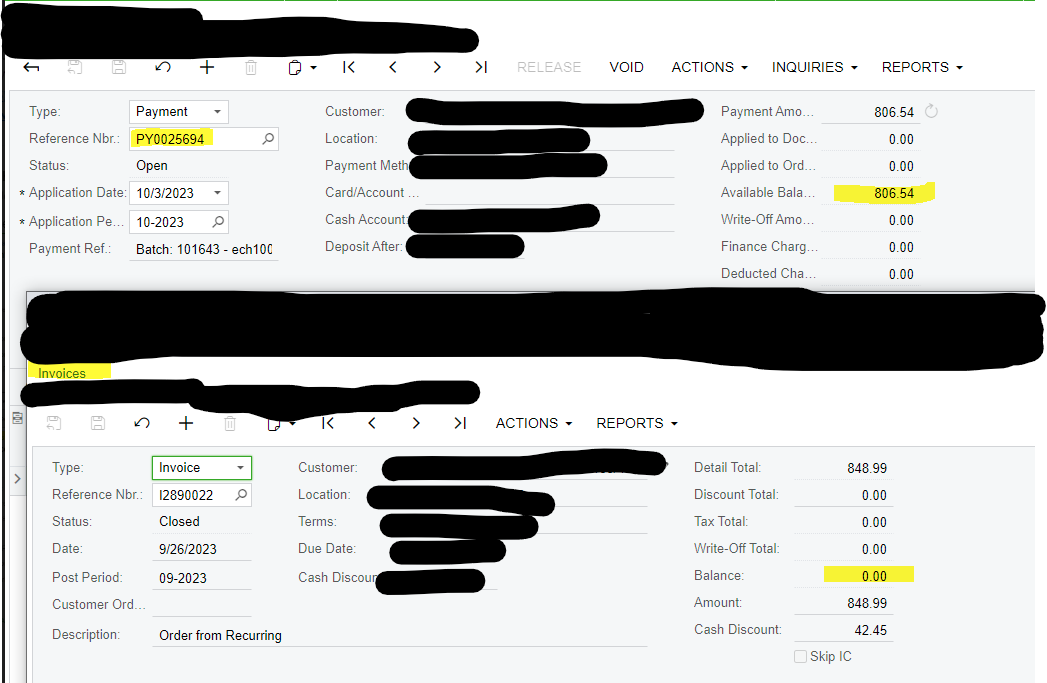
We have an Issue with a workflow, when the payment gets posted is supposed to change the status to closed, but it stays as open. Has anyone had this issue before? Or those anyone knows where to check to get this corrected?


Thanks!
 

Best answer by Laura03

Hello,

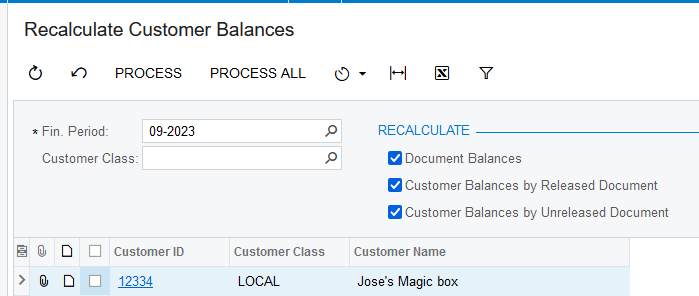
Please try recalculating the customer balance for periods 09-10 of 2023 using Recalculate Customer Balances screen. If Recalculate doesn’t solve the problem, please open a ticket with Acumatica support.
 

Thank you.

Laura

7 replies

Naveen Boga
Captain II
Forum|alt.badge.img+19
  • Captain II
  • October 3, 2023

@williamq178  Have you checked the INVOICE status related to those payments?


Laura03
Captain II
Forum|alt.badge.img+19
  • Captain II
  • October 3, 2023

hello @williamq178 ,

In addition to what Naveen said,  Balance on the Payment determines whether the Payment is Open or Closed. Balance on the Invoice determines whether the Invoice is Open or Closed.


Laura


  • Author
  • Freshman II
  • October 3, 2023

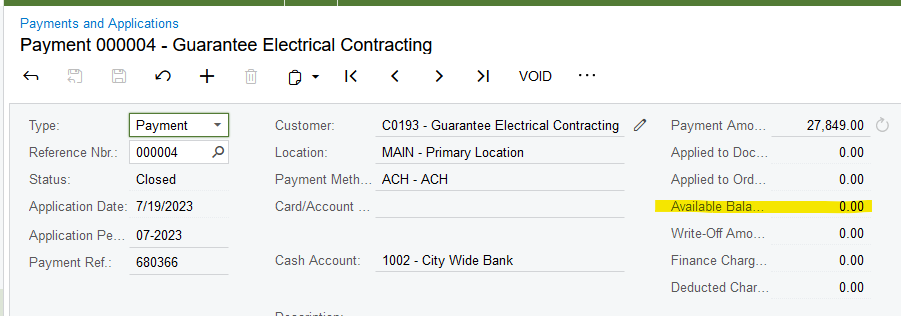
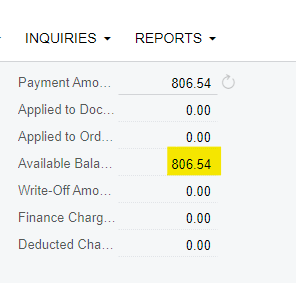
Thank you for the quick responses. The payment shows Available Balance other than 0.00. Should that be 0.00 for it to mark is as close?


Laura03
Captain II
Forum|alt.badge.img+19
  • Captain II
  • October 3, 2023

Hi,

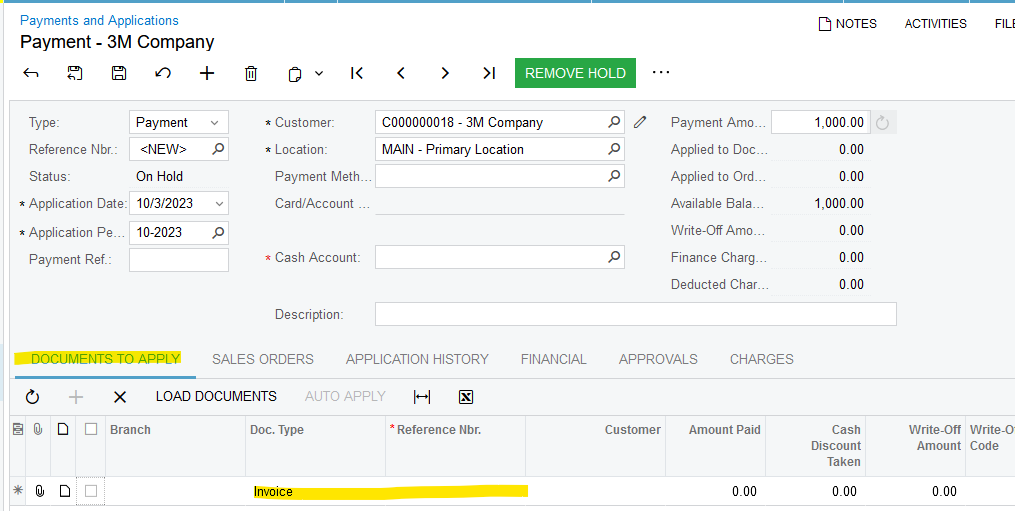
It looks like the above payment was not applied, not matched to its related invoice. Please try applying the Payment to an invoice in Payments and Applications screen of Receivables module:

Laura


  • Author
  • Freshman II
  • October 3, 2023

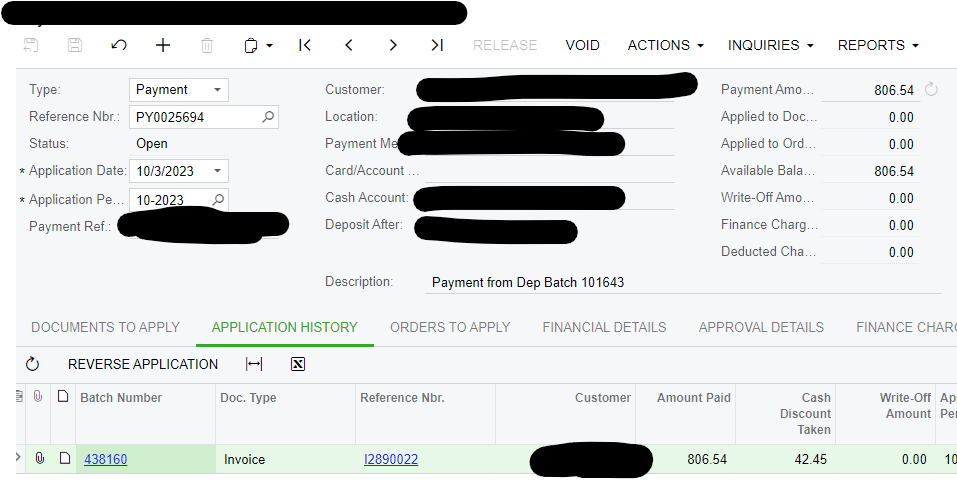
It is applied to an invoice. The invoice shows balance of 0.00 and the payment shows balance 806.54. 


Laura03
Captain II
Forum|alt.badge.img+19
  • Captain II
  • Answer
  • October 3, 2023

Hello,

Please try recalculating the customer balance for periods 09-10 of 2023 using Recalculate Customer Balances screen. If Recalculate doesn’t solve the problem, please open a ticket with Acumatica support.


Thank you.

Laura


Forum|alt.badge.img
  • Freshman II
  • October 5, 2023

Hello All,

The problem was fixed using the Recalculate Customer Balances. Thank you!!!