


Answer

Community Access

  • August 29, 2024
  • 2 replies
  • 110 views

bencrooks
Freshman I
Forum|alt.badge.img

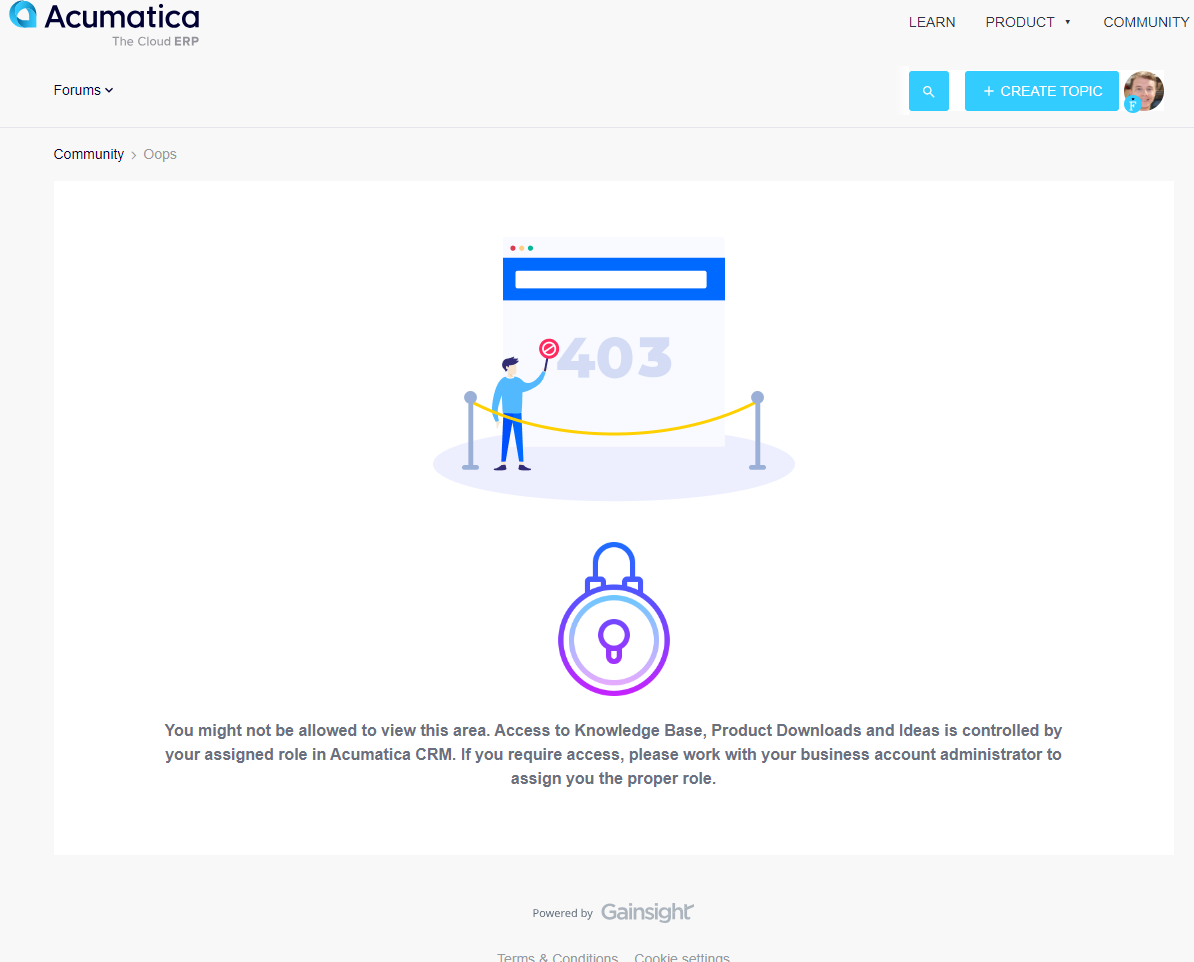
You might not be allowed to view this area. Access to Knowledge Base, Product Downloads and Ideas is controlled by your assigned role in Acumatica CRM. If you require access, please work with your business account administrator to assign you the proper role.


Im not sure I understand who I need to work with to get this update. We are integrating with SWK. Can they deal with this issue or would this be Community Support?


Best answer by iqraharrison

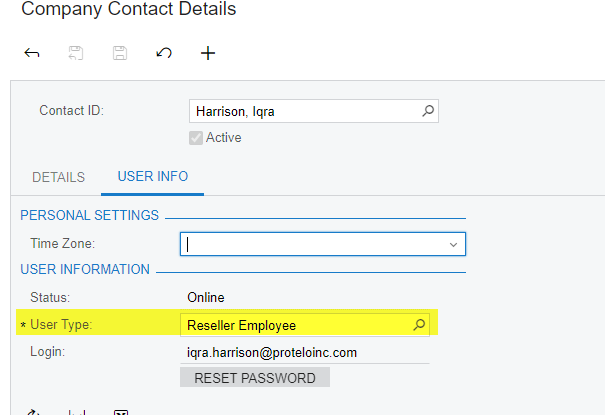
@bencrooks hi there!  i believe this has something to do with the user type that you can find under your company contact details.  

I am on the partner side but I believe yours should be customer employee.


you could contact your partner as well to see if they can help but adding @Chris Hackett as well!

2 replies

iqraharrison
Captain II
Forum|alt.badge.img+8
  • Captain II
  • Answer
  • August 29, 2024

@bencrooks hi there!  i believe this has something to do with the user type that you can find under your company contact details.  

I am on the partner side but I believe yours should be customer employee.


you could contact your partner as well to see if they can help but adding @Chris Hackett as well!


Chris Hackett
Community Manager
Forum|alt.badge.img
  • Acumatica Community Manager
  • August 29, 2024

Hi @bencrooks - @iqraharrison is correct. This isn't handled in the community. Access is through portal login so whoever handles your Acumatica account there needs to setup.


