Answer

I want to filter contact by customer in report design parameter

  • June 13, 2024
  • 5 replies
  • 145 views

Forum|alt.badge.img

but I cannot filter it. I use this : =Report.GetFieldSchema('Contact.ContactID,CustomerID')

Best answer by nhatnghetinh

Hi @vannakheng66 

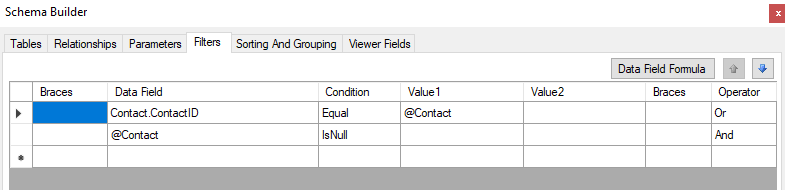
Currently, I see that the View names in the "Parameters" Tab cannot condition each other. Conditions (such as: filter contact by customerID) you can create in Tabs “Relationships” & "Filters"


Best Regards,

NNT

5 replies

nhatnghetinh
Captain II
Forum|alt.badge.img+11

Hi @vannakheng66 

Which Acumatica report do you want to filter contact by customer ?


Best Regards,

NNT


Forum|alt.badge.img
  • Author
  • Freshman II
  • June 13, 2024

Hi @vannakheng66 

Which Acumatica report do you want to filter contact by customer ?


Best Regards,

NNT

my new report in acumatica 2022R2


nhatnghetinh
Captain II
Forum|alt.badge.img+11

Hi @vannakheng66 

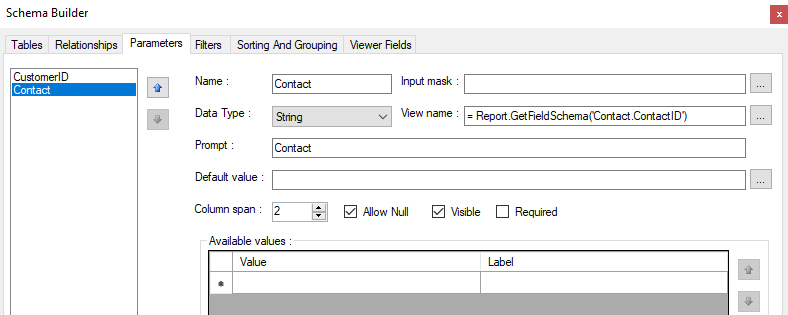
Please use: = Report.GetFieldSchema('Contact.ContactID')


Best Regards,

NNT


Forum|alt.badge.img
  • Author
  • Freshman II
  • June 17, 2024

Hi @vannakheng66 

Please use: = Report.GetFieldSchema('Contact.ContactID')


Best Regards,

NNT

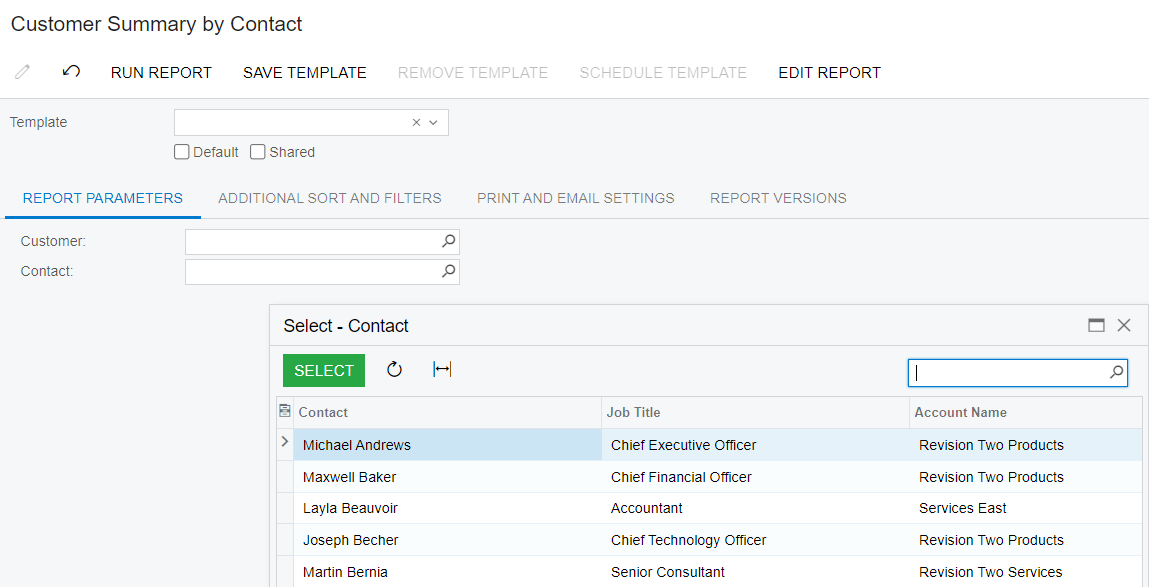
I want to filter contact by customerID parameter. If we use like this Report.GetFieldSchema('Contact.ContactID'), It will load all contacts not contact of customer.


nhatnghetinh
Captain II
Forum|alt.badge.img+11
  • Captain II
  • Answer
  • June 17, 2024

Hi @vannakheng66 

Currently, I see that the View names in the "Parameters" Tab cannot condition each other. Conditions (such as: filter contact by customerID) you can create in Tabs “Relationships” & "Filters"


Best Regards,

NNT