We have a client that wants to import A/R Invoices and Payments into Acumatica using files that have pipe delimited txt, csv, txt, or dat extensions and also export data from Acumatica using the same file extensions. Is this possible? Any help or reference guides would be great.
Thanks,
Frances
Best answer by nhatnghetinh
Hi @fpantelidakis07
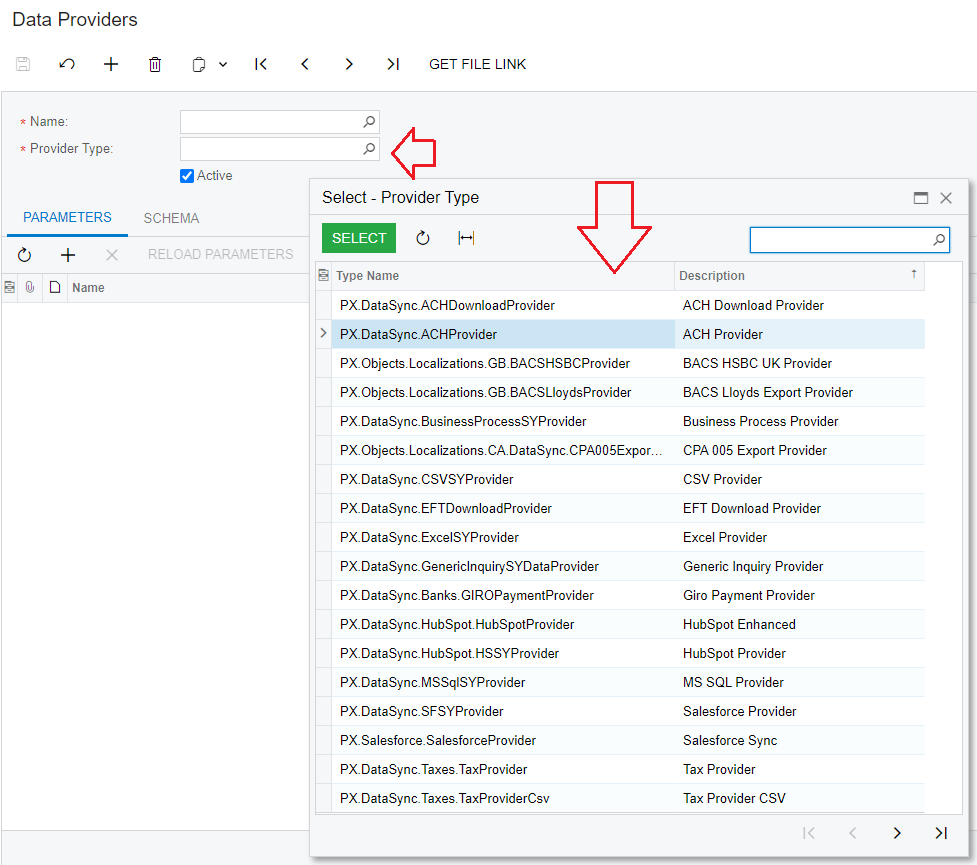
For Import: The types of files you mentioned can be imported. You go to the "Data Providers" screen > Provider Type > You will see which file types are accepted for import in Acumatica.
For Export: You create a Generic Inquiry (GI) in Acumatica according to the template you want > GI allows Export to Excel file > From the Excel file you "Save As" to the file types you want.
For Import: The types of files you mentioned can be imported. You go to the "Data Providers" screen > Provider Type > You will see which file types are accepted for import in Acumatica.
For Export: You create a Generic Inquiry (GI) in Acumatica according to the template you want > GI allows Export to Excel file > From the Excel file you "Save As" to the file types you want.