Answer

Adding attributes to item look up

  • January 24, 2024
  • 3 replies
  • 574 views

Forum|alt.badge.img

Hello all,

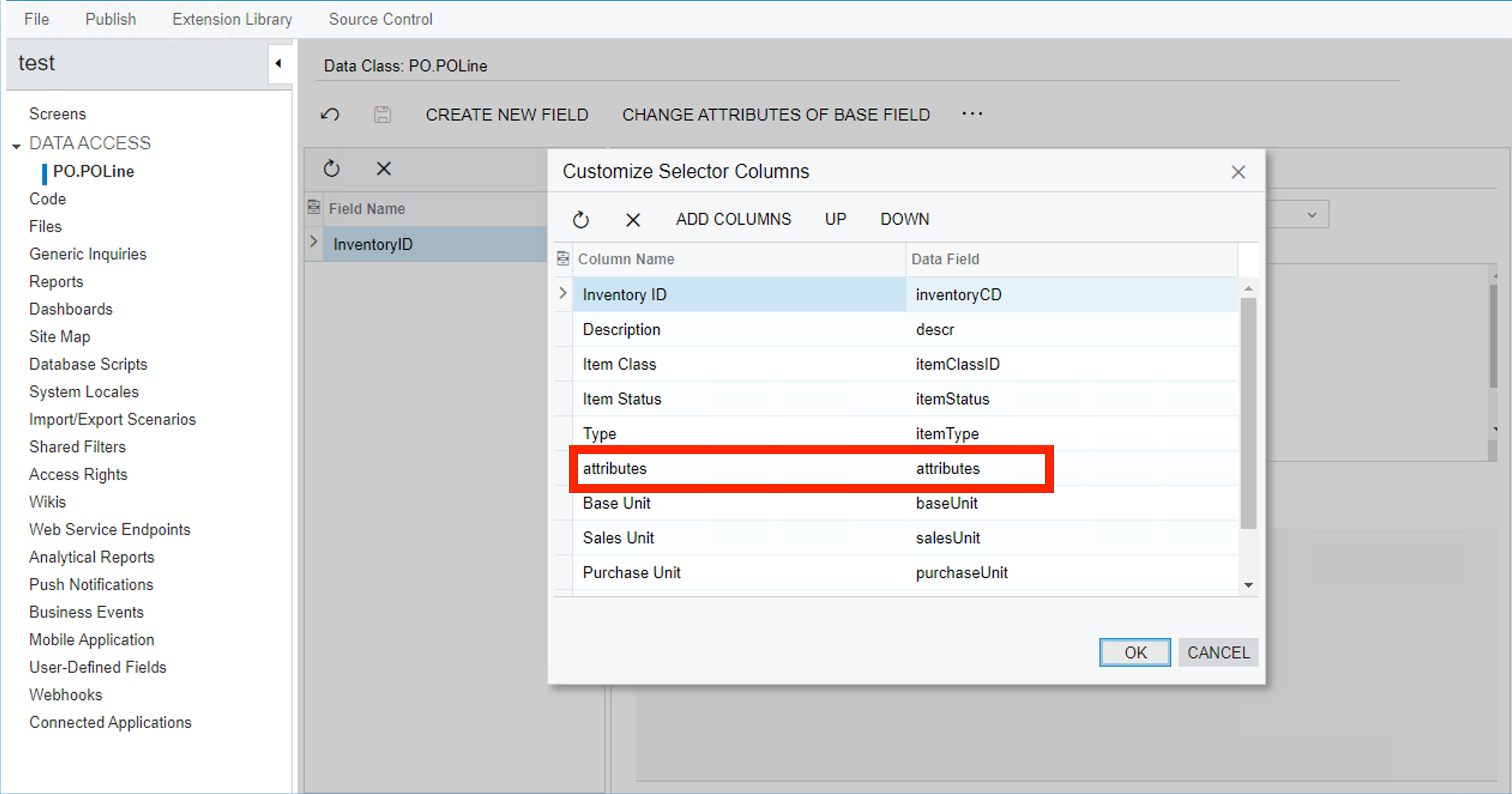
I have been wondering if it is possible to add an attribute column in the Inventory ID lookup dialogue box. So i would like to display the attribute values and be able to search the inventory ID if I search for the value of that attribute.
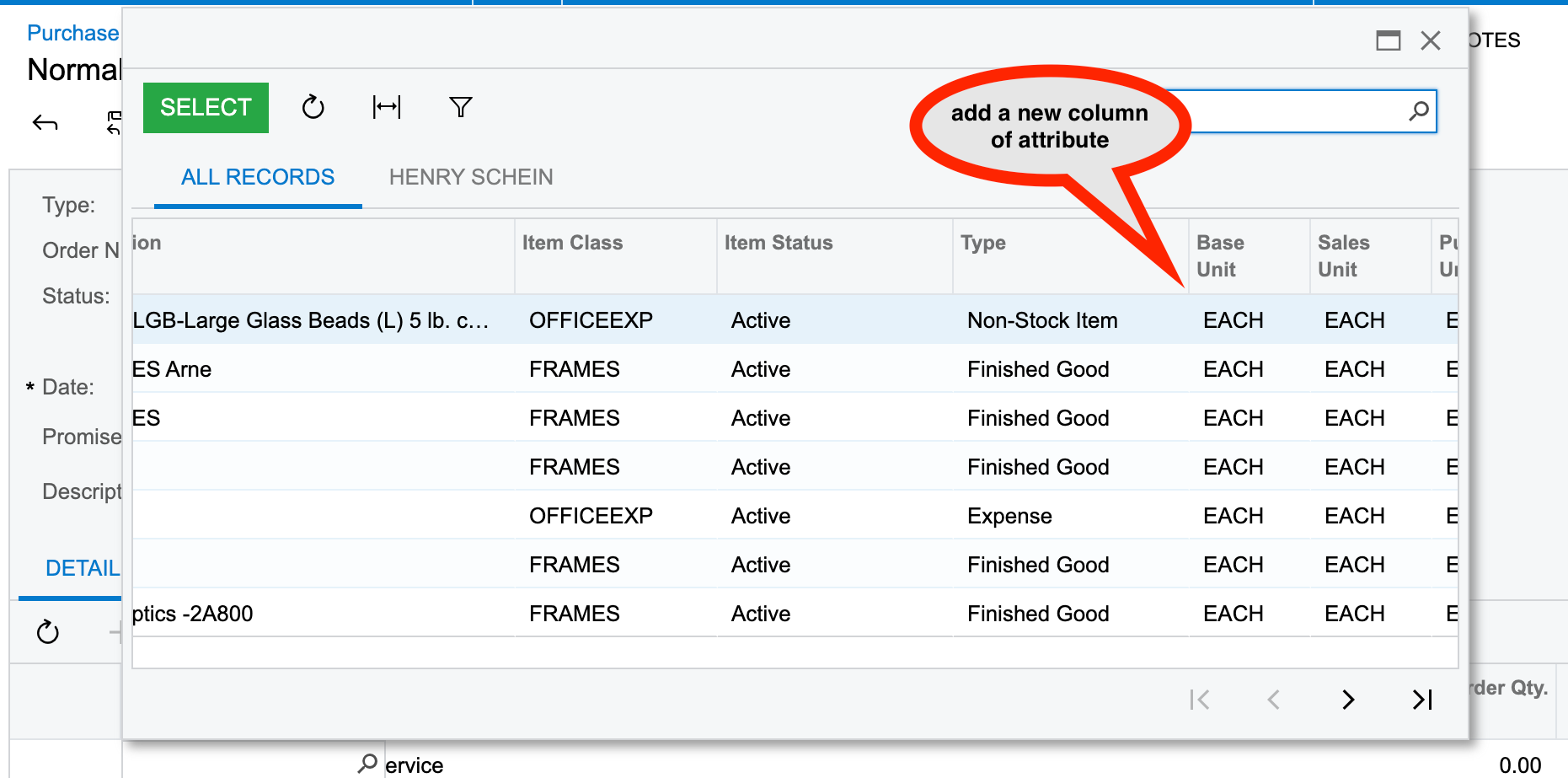
 

So if multiple attribute values are there for the Inventory items, then it should display all the values of the attributes in one line but the user upon search any one of those values the search result should show up that particular inventory item in this lookup box.


Thanks in advance.

Best answer by dcomerford

@Harry Its not possible to add attributes to the search you will need to change them to be Usr fields and then they can be added to the selector as per the post @Laura02 added.

3 replies

Laura03
Captain II
Forum|alt.badge.img+19
  • Captain II
  • January 24, 2024

Hello,

Yes, it is possible to add custom fields to selector screens. Here is a link to a previous question where Dioris and Naveen are helping the Original Poster add custom fields to a Selector. No Best Answer was selected, but the post still confirms the answer to your question: Yes, it’s possible  (with customization).

Laura


Forum|alt.badge.img
  • Author
  • Semi-Pro II
  • January 24, 2024

Hello @Laura02 ,
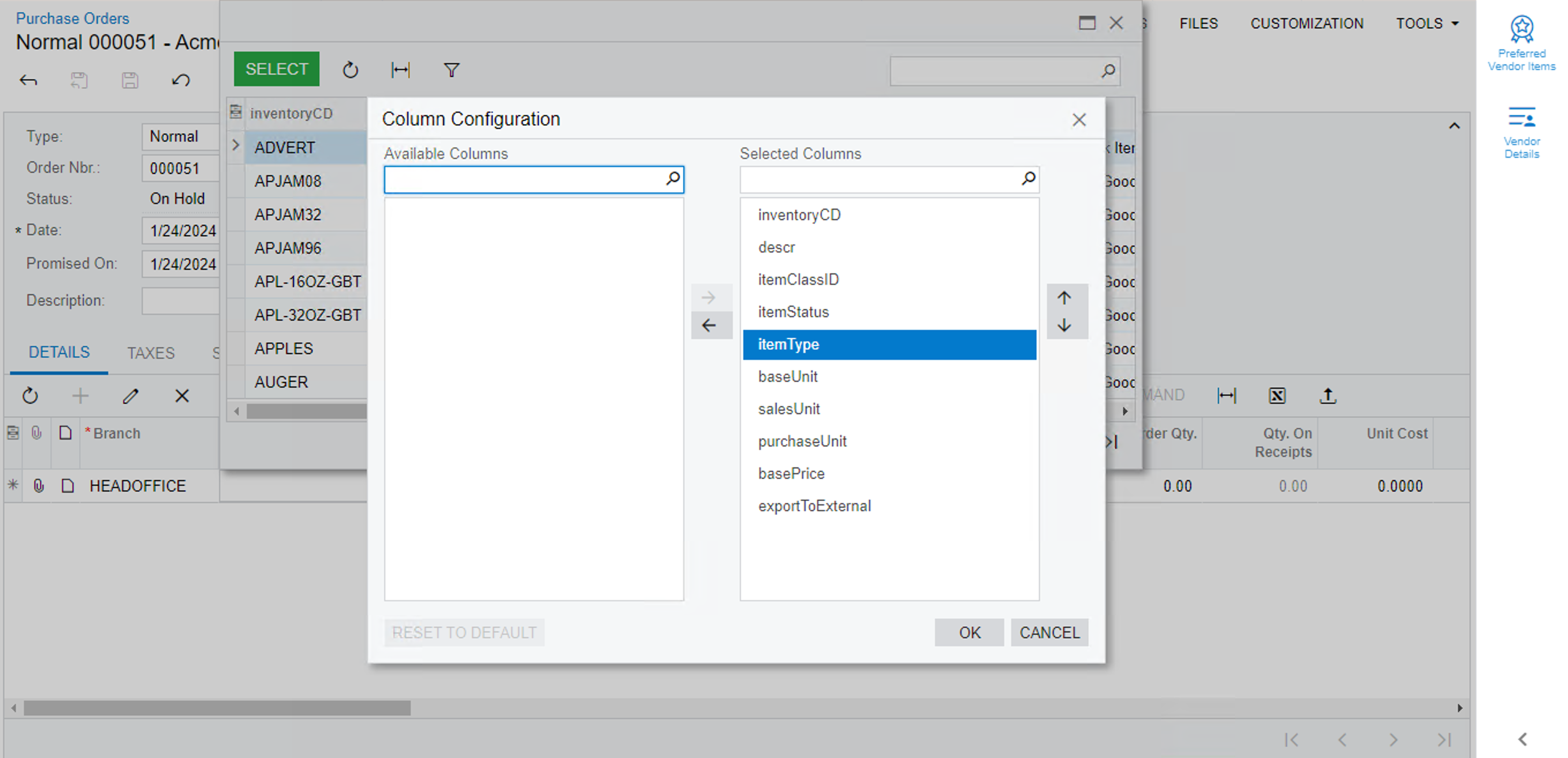
thank you for your prompt response. I tried to follow the steps mentioned, but it didnt work out.


but the column isn’t getting displayed

Hello @Naveen Boga , @Vignesh Ponnusamy can you let me know how can I achieve this.


dcomerford
Captain II
Forum|alt.badge.img+15
  • Captain II
  • Answer
  • January 24, 2024

@Harry Its not possible to add attributes to the search you will need to change them to be Usr fields and then they can be added to the selector as per the post @Laura02 added.