Answer

Issue on Appointment -To Add line item

  • December 3, 2025
  • 8 replies
  • 40 views

Hi Team,


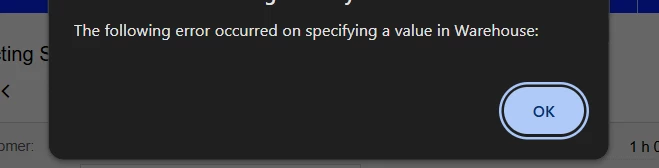
We need to add one line item to the appointment. After adding the item, it can be included in the appointment; however, when we click on save, an error occurs that states, "The following error occurred when specifying a value in Warehouse.


I have replicated it in the sandbox, and it is able to add line items with the same status as the appointment without any errors occurring.


Note: It is causing an issue in the live environment, but it works in the Sandbox tenant at the same time(Instance & build).

Please advise.

Best answer by vdiaz

@AcumaticaHelp55 Hi!

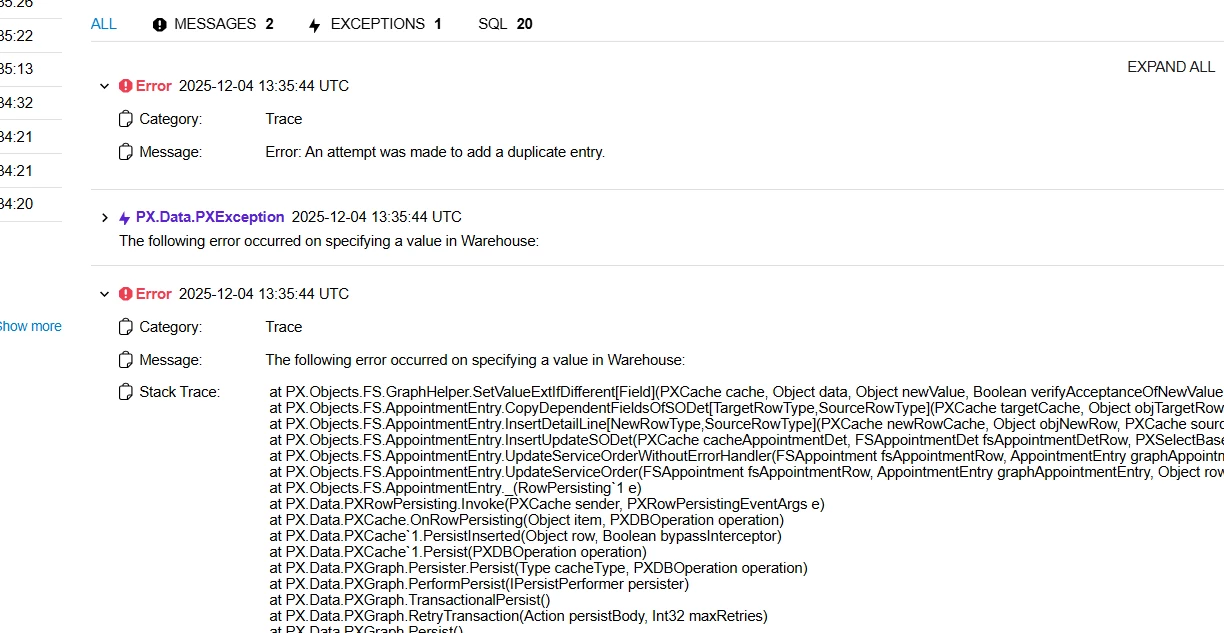
The trace shows the relevant error: “An attempt was made to add a duplicate entry”. Usually happens when the counters of the lines are incorrect and adding a new line adds a duplicated line nbr. 

I suggest you report a case for Acumatica support so they can send a script to correct the issue. 

Hope that helps

8 replies

mohammadnawaz51
Jr Varsity I
Forum|alt.badge.img+4

@AcumaticaHelp55 what is the trace on this, do you see this issue without customization projects?

this seems be a customization error.


Hi ​@mohammadnawaz51 

Thanks for the response.

However, in a similar situation with another tenant of the same instance, I found that it worked when I tried it.


mohammadnawaz51
Jr Varsity I
Forum|alt.badge.img+4

@mohammadnawaz51 ​@AcumaticaHelp55  can you compare with the warehouse details or items?


@mohammadnawaz51 can you compare with the warehouse details or items?

Yes, I have compared that, but there is no difference. I also verified the customer, service order type, and Item warehouse details.


mohammadnawaz51
Jr Varsity I
Forum|alt.badge.img+4

@AcumaticaHelp55 My recommendations to unpublish the customizations and verify the issue once? Also please share trace.


@AcumaticaHelp55 My recommendations to unpublish the customizations and verify the issue once? Also please share trace.

Good Morning,

Please see the Trace details


vdiaz
Acumatica Moderator
Forum|alt.badge.img+2
  • Acumatica Moderator
  • Answer
  • December 5, 2025

@AcumaticaHelp55 Hi!

The trace shows the relevant error: “An attempt was made to add a duplicate entry”. Usually happens when the counters of the lines are incorrect and adding a new line adds a duplicated line nbr. 

I suggest you report a case for Acumatica support so they can send a script to correct the issue. 

Hope that helps


@AcumaticaHelp55 Hi!

The trace shows the relevant error: “An attempt was made to add a duplicate entry”. Usually happens when the counters of the lines are incorrect and adding a new line adds a duplicated line nbr. 

I suggest you report a case for Acumatica support so they can send a script to correct the issue. 

Hope that helps

Hi ​@vdiaz 

Thanks for the response

But my Question is in the same instance of another Tenant(Sandbox its working)